



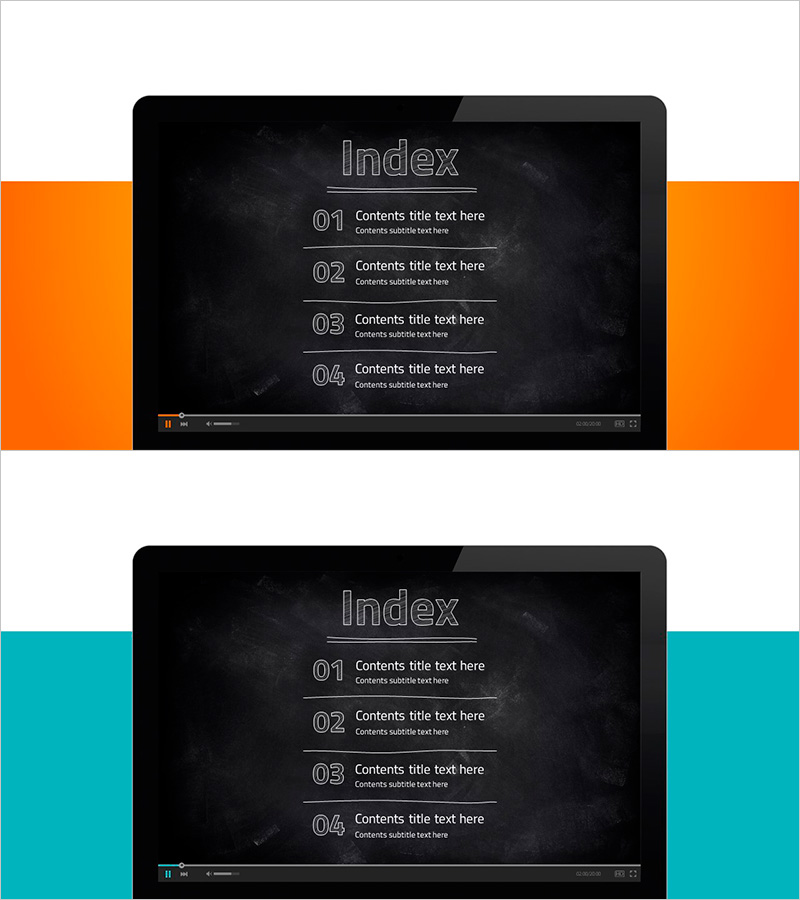
Laptop Internet Lecture Template Table of Contents – Start Learning with Ambition
RJ0500016_2
- Last Update 06/11/2025
- File Size 2.8MB
- # of Slides 2
- File Format PPTX
- Slide Ratio 16:9
- Color
Keywords
About the Product
A table of contents PowerPoint slide designed for online lectures and educational presentations. The slide features a dark black background with gray outline typography for the title, and a 4-step content list structure with 01–04 numbering format. Each item includes separate input areas for title and subtitle text, making it immediately applicable for lecture outlines, learning modules, seminar agendas, and course overviews. This 2-slide set in 16:9 widescreen format offers both orange and teal sidebar design options, allowing customization to match your brand colors and institutional identity.
Usage Points
-
Main Usage
This slide serves as the table of contents page for online lectures, educational seminars, and learning programs. It presents the complete course structure at a glance and sets learner expectations. The dark tone background and clear numbering convey professionalism and credibility.
-
How to Use
Enter your lecture module names, learning topics, or seminar session titles in the title and subtitle text areas for each numbered item. Select either the orange or teal sidebar to match your institution's brand colors. Place this slide at the beginning of your lecture or at section transition points to clearly guide the learning flow.
-
Recommended For
Ideal for online learning platforms, educational institutions, corporate training teams, instructors, seminar facilitators, and learning content creators. Particularly effective for modular courses, step-by-step learning programs, and multi-session seminars requiring a clear table of contents.
-
Slide Structure
The slide consists of an 'Index' title area at the top and a 4-item list at the bottom. Each item includes three input areas: 01–04 numbering, title text, and subtitle text, separated by horizontal dividing lines. The overall layout uses center alignment to provide balanced information hierarchy.
Related Products
-
Concrete Theme Company Profile Contents
#Slide Type #Table of Contents
-
Global Investment Attraction Template Contents – Professionalism and Innovation
#Slide Type #Table of Contents
-
Stylish Company Profile Template Contents
#Slide Type #Table of Contents
-
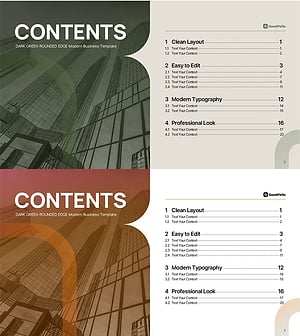
Table of Contents Slide – Rounded Edge Business PowerPoint
#Slide Type #Table of Contents
