



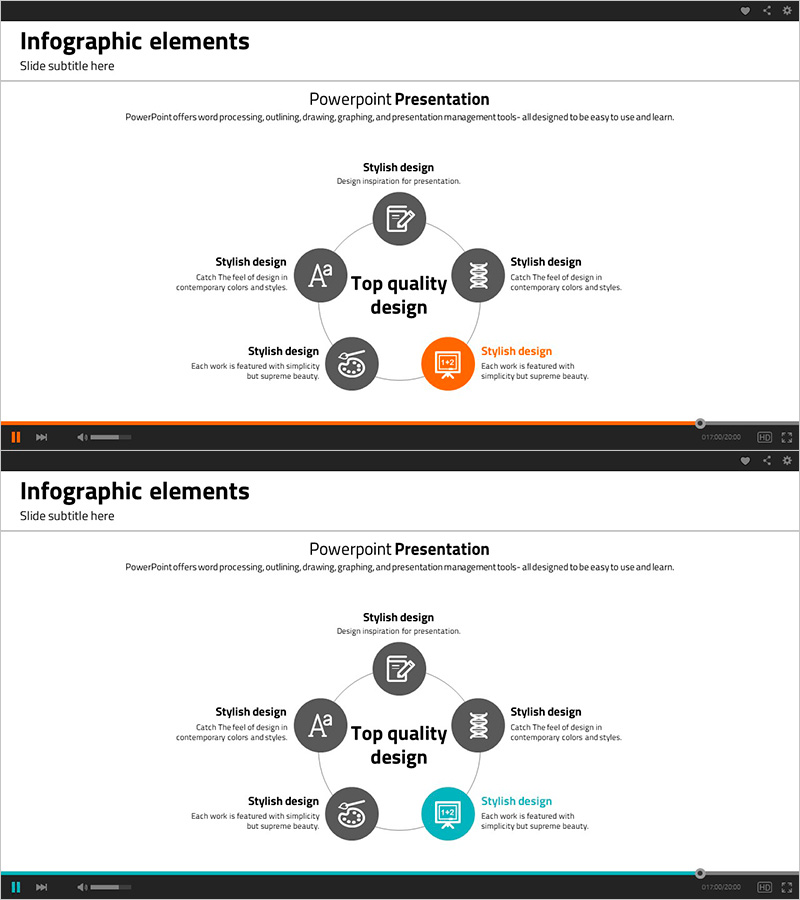
Lecture Icon and Diffusion Diagram – Business Overview and Benefits
RJ0500016_17
- Last Update 06/11/2025
- File Size 0.2MB
- # of Slides 2
- File Format PPTX
- Slide Ratio 16:9
- Color
Keywords
- #Content-Based Slides
- #Design-Based Slides
- #Product/Service Introduction
- #Business Introduction
- #Diagram
- #Benefits and Advantages
- #Business Overview
- #Spread
- #Centralized Diagram
- #16:9
- #radial diagram PowerPoint
- #diffusion diagram slide template
- #central icon presentation
- #business overview PowerPoint slide
- #spoke diagram template download
About the Product
A radial diffusion diagram PowerPoint slide with a central core message and six surrounding nodes arranged in a spoke pattern. Each node features an icon and text field for presenting business overview, key values, and benefits. The design uses a dark gray background with color-coded icons (orange accent highlight) that stand out visually, making it ideal for lectures, seminars, and company presentations. This 2-slide set is ready to edit in 16:9 widescreen PPTX format.
Usage Points
-
Main Usage
Visualizes hierarchical information structure by placing a core message at the center and radiating related topics outward in six directions. Effectively communicates business overview, service features, core values, and key benefits.
-
How to Use
Enter your main topic in the central text box and edit the six surrounding nodes with icons and descriptions for each related item. Customize node colors and icons to differentiate categories and emphasize priorities.
-
Recommended For
Corporate introductions, new business briefings, product or service launch presentations, educational seminars, consulting proposals, and strategy workshops. Suitable for marketing teams, sales departments, planning teams, and training professionals.
-
Slide Structure
Central topic text box with six icon nodes positioned at top, bottom, left, right, upper-right, and lower-right. Dark gray background with one orange accent icon and five gray-tone icons. Connecting lines link the center to each surrounding node, creating a clear spoke-and-hub visual hierarchy.
Related Products
-
Criminal Trial Diagram – Business Strategy and Overview
#Business Introduction #Business Vision and Strategy #Diagram
-
Business Overview Spread Diagram – Visually Attractive Business Introduction
#Company Introduction #Business Introduction #Diagram
-
Light Bulb Square Diffusion Diagram – Expressing Benefits and Advantages
#Product/Service Introduction #Operational Plan #Diagram
-
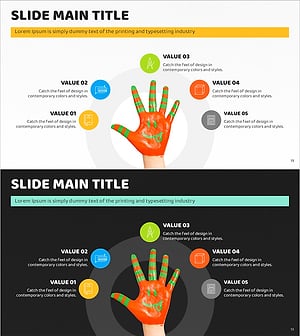
Paint Art and Diffusion Diagrams – Business and Creative Strategies
#Product/Service Introduction #Business Vision and Strategy #Diagram
