



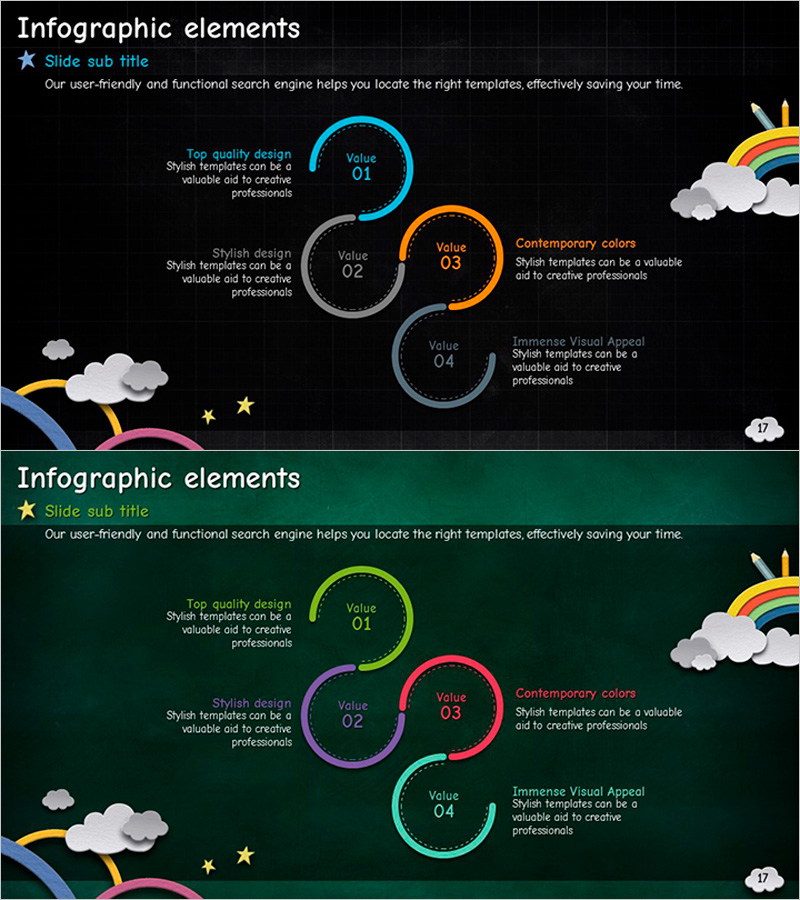
Connected Infographic Elements – Strengthen Business Strategy
RJ0500013_17
- Last Update 06/10/2025
- File Size 6.9MB
- # of Slides 2
- File Format PPTX
- Slide Ratio 16:9
- Color
Keywords
About the Product
A 4-node connected infographic PowerPoint slide designed to visually represent business progression and strategic initiatives. Features circular nodes in cyan, orange, gray, and teal colors linked sequentially on dark and green backgrounds. Each node includes editable text fields for core values and descriptions, complemented by cloud and rainbow illustrations for creative appeal. Two color scheme options (dark and green backgrounds) are provided. Effectively communicates business phases, strategic element relationships, and process flows in executive presentations, business planning sessions, and strategy meetings.
Usage Points
-
Main Usage
Visually represents business progression phases and strategic element relationships through four sequentially linked circular nodes. Clearly communicates process flows, value chains, and key strategic points. Ideal for executive reports, business planning presentations, and strategic planning meetings.
-
How to Use
Replace 'Value 01-04' text with business phase names, strategic elements, or core values, then add detailed descriptions in the text boxes below each node. Maintain existing background colors (dark/green) or customize with corporate brand colors. Nodes can be reduced or added for customization.
-
Recommended For
Executives, strategy managers, project managers, and marketing planners presenting business progression strategies, product launch roadmaps, organizational change initiatives, and marketing campaign phases. Suitable for board presentations, executive briefings, team meetings, and client proposals.
-
Slide Structure
Two-slide set: Slide 1 features dark background with 4-node connected diagram (cyan, orange, gray, teal nodes); Slide 2 uses green background with identical structure. Each node contains circular border, editable text field, and description text box. Left-side cloud and right-side rainbow illustrations provide visual emphasis.
Related Products
-
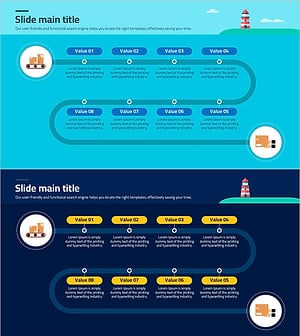
Logistics Process Flow Chart Visualization Slide
#Business Strategy #Diagram #Business Direction
-
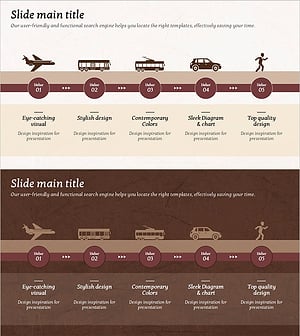
Transport Icons and Flowcharts – Business Strategy
#Business Strategy #Operational Plan #Diagram
-
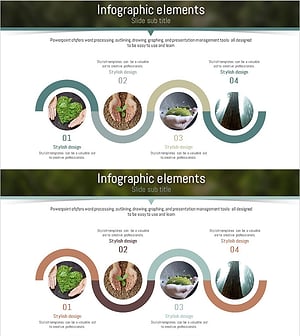
Eco-friendly Process Connected Diagram – Marketing Strategy
#Business Strategy #Marketing Plan and Strategy #Diagram
-
Travel Agency Service Structure and Operation Plan – Effective Business Strategy
#Business Strategy #Diagram #Cluster
