



Illustrated Education Template First Section Slides – Creative Inspiration and Learning
RJ0500012_3
- Last Update 06/10/2025
- File Size 0.5MB
- # of Slides 2
- File Format PPTX
- Slide Ratio 16:9
- Color
Keywords
About the Product
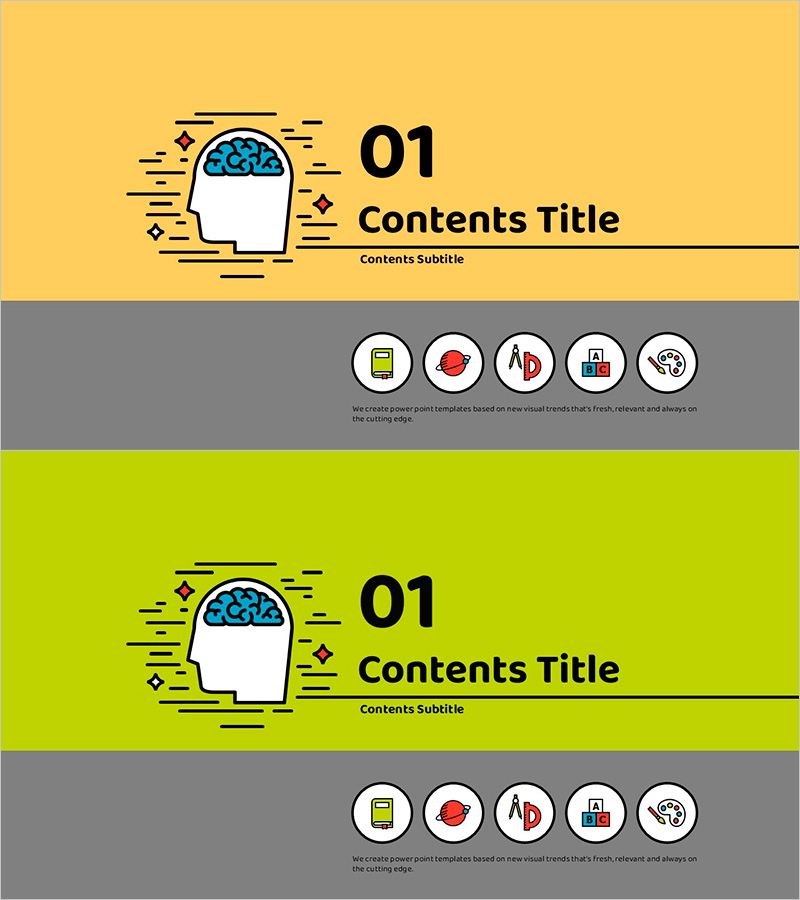
A 2-slide section divider set designed for educational and learning presentations. Features a yellow and lime green background with brain illustration and icons, providing text areas for section titles and subtitles. The gray icon section offers 5 circular icon spaces to visually represent key content. Delivered in PowerPoint PPTX format optimized for 16:9 widescreen ratio, ensuring clean display on all screens. Instantly applicable to educational seminars, learning program presentations, creativity workshops, and various educational content delivery.
Usage Points
-
Main Usage
Section divider slides used to introduce new sections in educational and learning presentations. The brain illustration and creativity-themed icons capture audience attention while clearly communicating the upcoming section's topic. Suitable for educational seminars, learning programs, workshops, online courses, and various educational content formats.
-
How to Use
Slide 1 features a yellow background while Slide 2 has a lime green background, allowing you to distinguish between multiple sections. Replace the '01 Contents Title' text with your section heading and modify 'Contents Subtitle' with your section subtitle. Insert relevant icons or images into the 5 circular icon spaces in the gray section area to enhance visual information and represent key content points.
-
Recommended For
Ideal for educators, learning program designers, online education content creators, corporate training managers, seminar facilitators, and workshop instructors. Particularly effective for presentations focused on creativity, innovation, and learning capability enhancement to engage and maintain audience interest.
-
Slide Structure
Each slide comprises a section number (01) with title and subtitle input areas at the top, brain illustration with decorative elements on the left, and 5 circular icon spaces on a gray background at the bottom. Text input areas total 3 (title, subtitle, description) with 5 icon spaces, creating a clearly defined information hierarchy.
Related Products
-

Fashion Business Plan Template Section Slide – Emphasizing Operation Plans
#Slide Type #Section Cover
-

City Line Theme Proposal Section Slide
#Slide Type #Section Cover
-
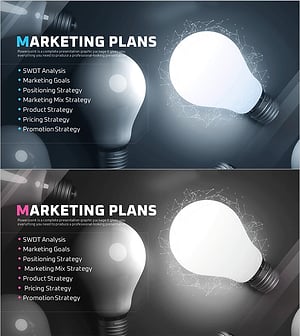
Startup Business Plan Template Section – Marketing Plans
#Slide Type #Section Cover
-
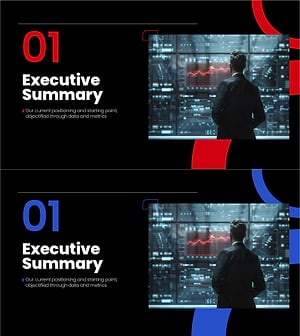
Section Divider PowerPoint Slide – Dark Numbered Intro
#Slide Type #Section Cover
