



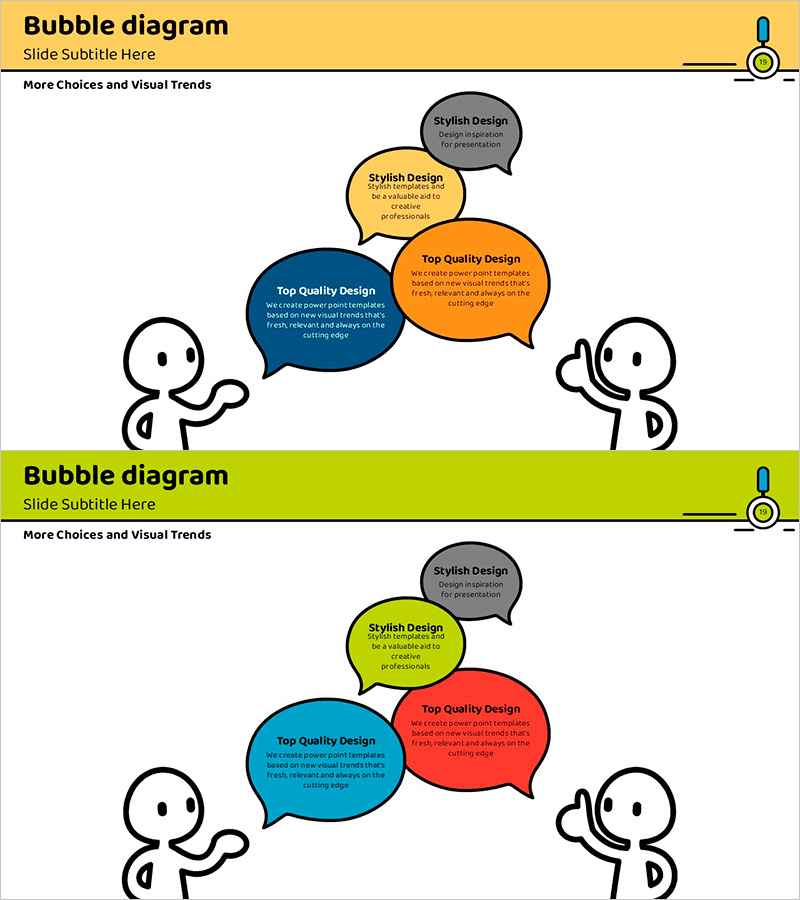
Interactive Speech Bubble Page – Visualizing Customer Success Stories
RJ0500012_18
- Last Update 10/04/2025
- File Size 0.4MB
- # of Slides 2
- File Format PPTX
- Slide Ratio 16:9
- Color
Keywords
- #Content-Based Slides
- #Design-Based Slides
- #Customer Success Stories
- #Text Box
- #Customer Testimonials and Feedback
- #Speech Bubble
- #16:9
- #interactive speech bubble PPT slide
- #customer feedback PowerPoint
- #bubble diagram slide
- #customer success story presentation
- #how to create feedback slides in PowerPoint
About the Product
An interactive speech bubble PowerPoint slide designed to visualize customer success stories and feedback effectively. This 2-slide set features three colorful bubbles in yellow, blue, and orange arranged between two stick figures on the left and right, creating a conversational layout. Each bubble includes editable title and description text areas, making it perfect for presenting customer testimonials, success cases, team feedback, and user insights. The slides are ready to use in presentations and can be customized by adjusting colors to match your brand identity.
Usage Points
-
Main Usage
Visualize customer testimonials, team feedback, and user opinions through interactive bubbles to increase audience engagement and comprehension. Effectively communicate qualitative data in customer-centric presentations and performance-sharing sessions.
-
How to Use
Enter customer names, feedback content, and success metrics in the title and description text areas of each bubble. Progress from left to right figure following your presentation flow, and add animation effects by clicking each bubble for enhanced visual impact.
-
Recommended For
Customer success case presentations, team feedback sharing meetings, customer satisfaction reports, user review visualization, marketing presentations, sales meeting materials, and any presentation requiring interactive information delivery.
-
Slide Structure
2-slide set with 3 color-coded bubbles (yellow, blue, orange) per slide positioned between left and right stick figures. Each bubble contains editable title and description text areas, allowing you to present up to 6 feedback items across both slides with clear visual hierarchy.
Related Products
-
Coffee Template Feedback Speech Bubble – Customer Success Case
#Business Strategy #Customer Success Stories #Text Box
-
Text Slides that Inspire a Child's Creative Imagination
#Customer Success Stories #Text Box #Other
-
Satisfaction with Elderly Welfare Programs – Customer Success Story
#Customer Success Stories #Text Box #Other
-
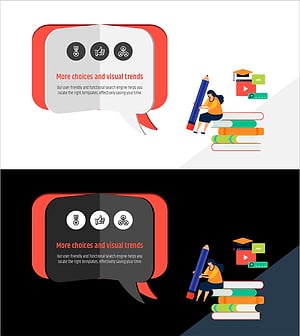
3D Book-shaped Speech Bubble PowerPoint Template – Customer Success Stories
#Customer Success Stories #Text Box #Customer Testimonials and Feedback
