



Characteristic Diagram of Learning Content – Individual Components Explained
RJ0500007_8
- Last Update 06/09/2025
- File Size 1.2MB
- # of Slides 2
- File Format PPTX
- Slide Ratio 16:9
- Color
Keywords
- #Content-Based Slides
- #Design-Based Slides
- #Product/Service Introduction
- #Diagram
- #Features
- #Composition
- #Cluster
- #Combination Diagram
- #16:9
- #overlapping circle diagram PowerPoint
- #3-circle cluster slide template
- #learning content analysis diagram
- #educational presentation slides
- #diagram slide design
About the Product
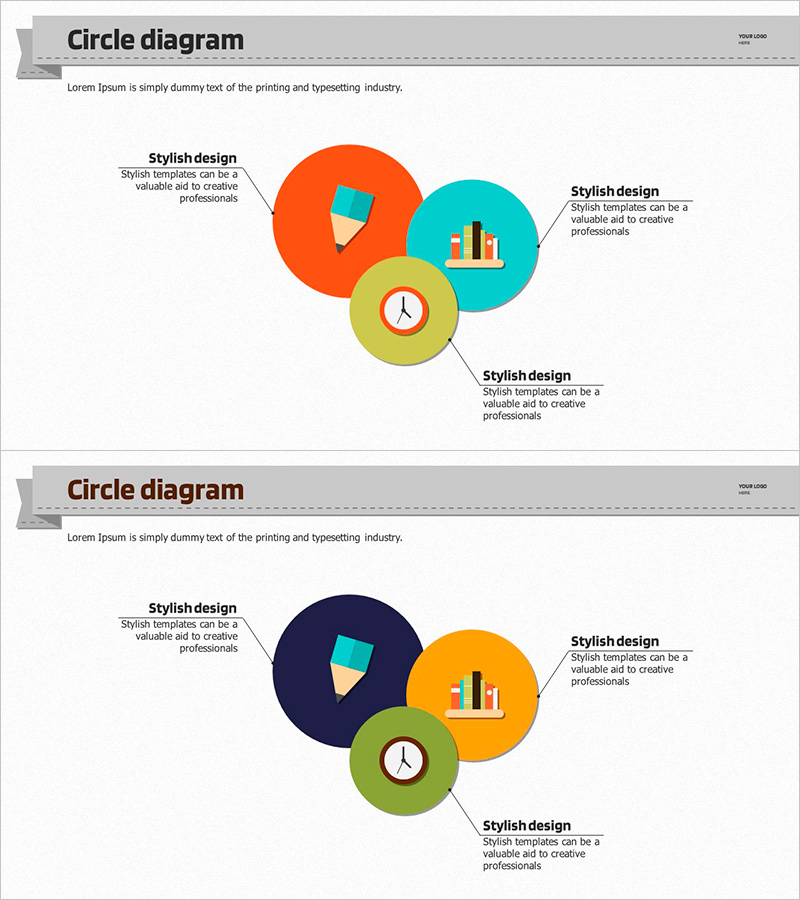
A PowerPoint slide that visualizes the core characteristics of learning content through three overlapping circular nodes. The design uses contrasting colors—orange, cyan, and yellow-green—to clearly distinguish each component, with a clock icon and chart icon in the center representing time and data concepts. Speech bubble text boxes allow intuitive descriptions for each area, making this diagram slide immediately applicable to educational program presentations, learning module discussions, and content analysis reports. The 2-slide set provides color variations (bright and dark tones) so you can select the version that best matches your presentation background.
Usage Points
-
Main Usage
Decomposes and visualizes the multi-layered characteristics of learning content into three components. Effectively communicates the role and interrelationship of each element in educational program planning, learning module design, and content analysis presentations.
-
How to Use
Enter learning characteristics (e.g., interactivity, time-based elements, data-driven approach) into each circular node, then add detailed explanations in the speech bubble text boxes. Choose between the two color variations based on your presentation background—bright or dark—for optimal visual impact.
-
Recommended For
Ideal for education managers, learning designers, educational institution marketing professionals, online education platform planners, and corporate training coordinators presenting learning program structures, effectiveness analyses, and educational strategies.
-
Slide Structure
Three overlapping circular nodes (orange, cyan, yellow-green) are centered on the slide, each containing icons (clock, chart, etc.). Three speech bubble text boxes are positioned at the upper left and right for component descriptions. Both slides maintain the same structure with color variations only.
Related Products
-
Components of the Green Business Program – Sustainable Growth
#Product/Service Introduction #Diagram #Features
-
Denim PPT Embedded Diagram
#Product/Service Introduction #Diagram #Features
-
Network Firewall Service Features and Configuration
#Product/Service Introduction #Diagram #Features
-
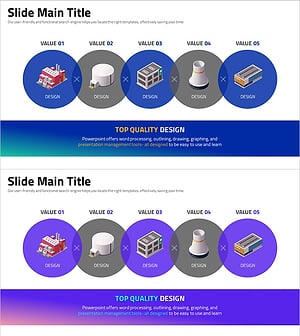
Iconic Business Value Presentation Slide Template
#Product/Service Introduction #Diagram #Features
