



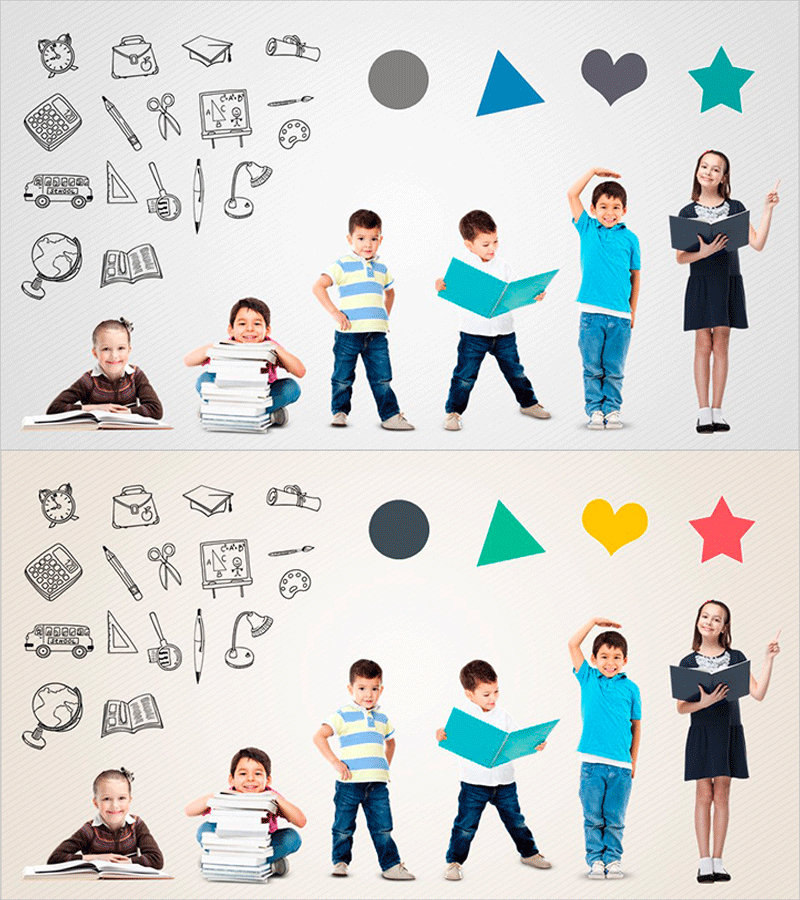
Presentation Slide for Kids – Learning and Exploration
RJ0500001_21
- Last Update 06/07/2025
- File Size 2.5MB
- # of Slides 2
- File Format PPTX
- Slide Ratio 16:9
Keywords
About the Product
A 2-slide PowerPoint set designed for children's educational presentations. The first slide features education-related icons (school supplies, transportation, globe) and geometric shapes (circle, triangle, heart, star) in blue, gray, and black tones. The second slide uses the same layout with color variations (blue to green, gray to yellow) for diverse learning contexts. Hand-drawn style icons combined with colorful geometric shapes on a light gray background create visual interest and boost learning engagement. Optimized for 16:9 widescreen format and fully editable in PowerPoint for immediate use.
Usage Points
-
Main Usage
Serves as an opening or topic introduction slide for children's educational presentations. Education-related icons (school supplies, transportation, globe) intuitively convey learning themes, while geometric shape color variations create visual engagement. Ready for immediate use in kindergarten, elementary school, and educational institution presentations.
-
How to Use
Use slide 1 with blue, gray, and black tones for introducing learning topics. Use slide 2 with green and yellow tones to represent different learning areas or follow-up activities. Ample text input areas allow you to add titles, subtitles, and descriptions freely. Icons and shapes can be moved or deleted to customize for specific learning topics.
-
Recommended For
Recommended for kindergarten and elementary school teachers, educational institution instructors, parents conducting educational briefings, content creators for children's online learning, and facilitators of educational seminars and workshops. Applicable to all children's educational settings requiring learning motivation.
-
Slide Structure
Both slides share identical layout structure. Left side features 12 hand-drawn education icons (cat, bag, box, camera, dice, pen, scissors, globe, bus, book, palette, microscope). Right side displays 4 geometric shapes (circle, triangle, heart, star). Center and bottom areas provide spacious text input zones for adding titles, descriptions, and activity content.
Related Products
-
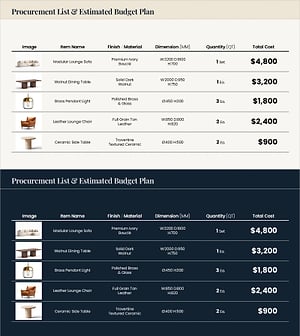
Procurement Table PowerPoint Slide – Item Photo Budget Dark
#Product/Service Introduction #Financial Plans and Performance #Features
-

Brand vs. Competitor Messaging Slide – 3-Point, Blue & Green
#Product/Service Introduction #Market and Competitor Analysis #Benefits and Advantages
-
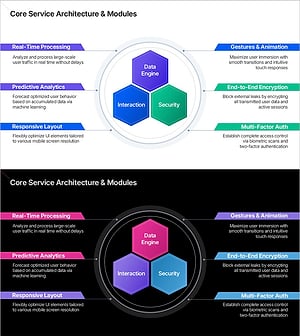
Service Architecture PowerPoint – Hexagon Hub 6 Modules
#Product/Service Introduction #Technical Approach #Product/Service Introduction
-
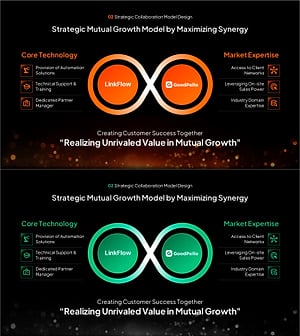
Strategic Mutual Growth PowerPoint Slide – Infinity Synergy
#Business Vision and Strategy #Diagram #Business Strategy
