



Arrows and Detailed Explanation Page – Program Introduction Share
RJ0500001_19
- Last Update 06/07/2025
- File Size 1.4MB
- # of Slides 2
- File Format PPTX
- Slide Ratio 16:9
- Color
Keywords
About the Product
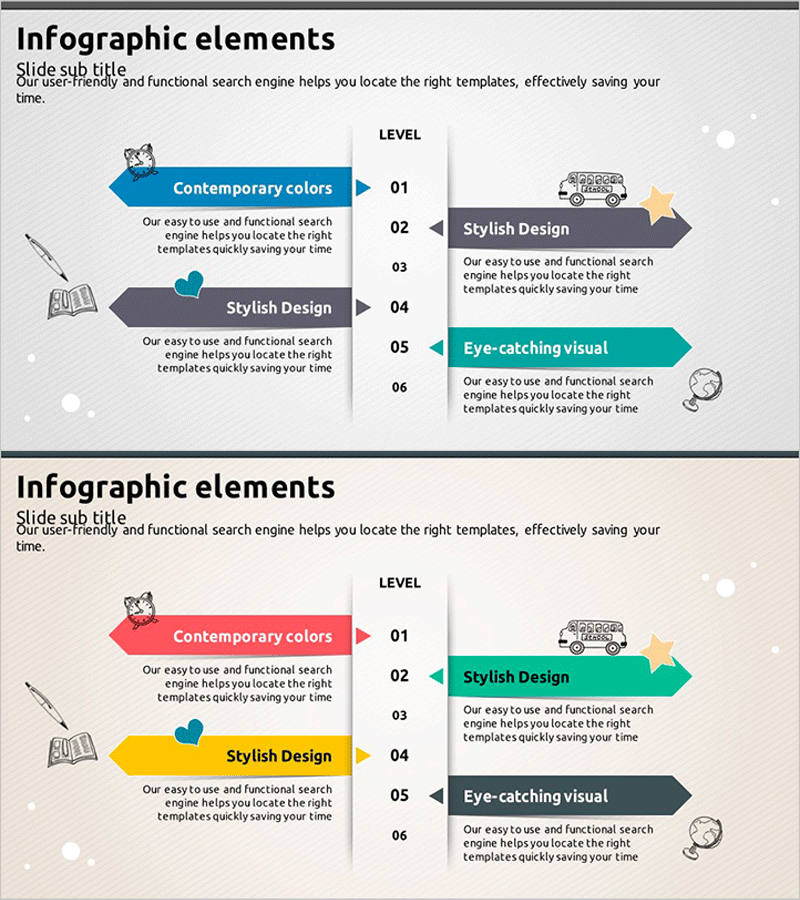
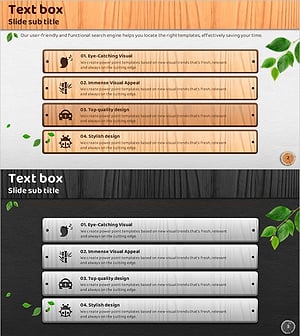
A 2-slide infographic PowerPoint template designed for service composition and program introduction presentations. Features a left-side arrow layout with right-side level numbering system that accommodates 6 sequential steps, each with dedicated space for descriptive text and icons. Provided in multiple color combinations including blue, gray, turquoise, red, and yellow, with clearly defined text input areas for immediate use. Optimized for presentations requiring step-by-step explanations of program features, service tiers, or functional comparisons.
Usage Points
-
Main Usage
Presents service or program features, functions, and tiers in sequential steps. The left-arrow and right-level-number structure conveys 6 information items hierarchically, with dedicated spaces for icons, text, and descriptions at each stage to enhance audience comprehension.
-
How to Use
Enter slide titles in the left arrow area and step-by-step descriptions next to the right-side level numbers. Insert service-related images or icons in designated spaces and adjust background colors to match your corporate brand. Use the 2-slide set with different color schemes to address multiple program introduction scenarios.
-
Recommended For
Ideal for IT and software companies presenting service overviews, educational institutions explaining program levels, consulting firms describing solution stages, and financial institutions comparing product tiers. Effectively communicates complex information to investors, partners, and clients in professional presentations.
-
Slide Structure
Each slide features a left arrow area (title and 2–3 lines of descriptive text) and a right level-number area (6 items, each with 1 icon and 2–3 lines of text). Slide 1 uses blue and gray tones; Slide 2 uses turquoise, red, and yellow tones to accommodate diverse presentation contexts.
Related Products
-
Korean Traditional Culture Experience Program – Harmony of Various Skills and Arts
#Product/Service Introduction #Technical Approach #Diagram
-
Introduction to Game Types – Diverse Choices and Visual Trends
#Product/Service Introduction #Technical Approach #Program Introduction
-
Feature Breakdown of a Social Media Platform – Innovation and Accessibility
#Product/Service Introduction #Technical Approach #Diagram
-
4 Eco-Friendly Business Support Measures
#Product/Service Introduction #Technical Approach #Diagram
