



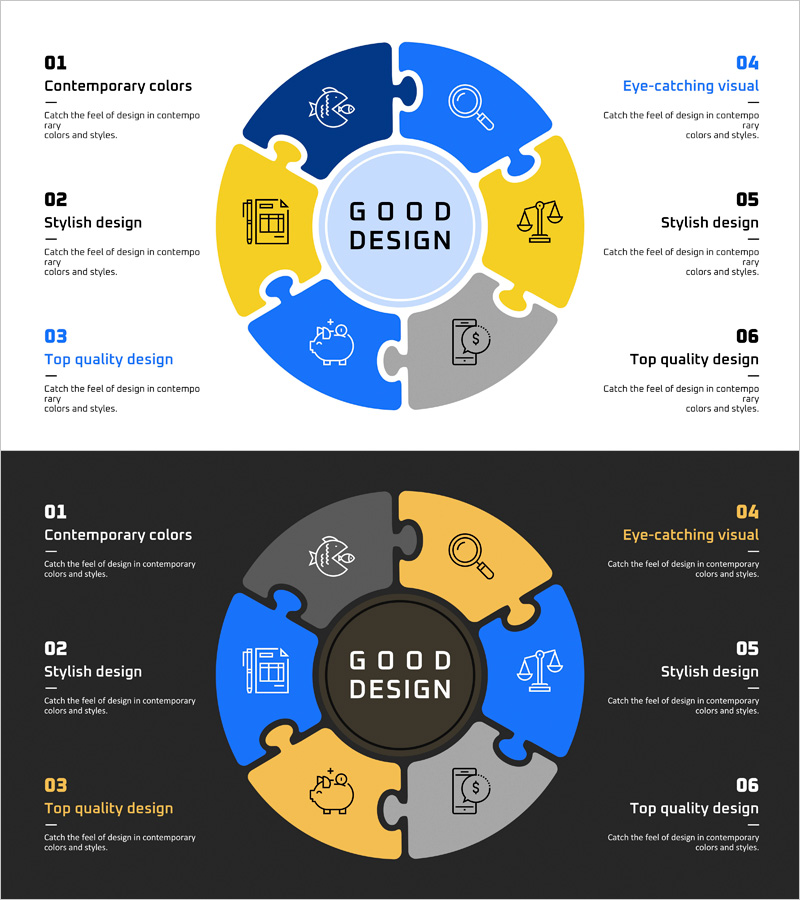
Circular Puzzle Diagram – Business Area Introduction
RJ0400067_14
- Last Update 06/05/2025
- File Size 0.2MB
- # of Slides 2
- File Format PPTX
- Slide Ratio 16:9
- Color
Keywords
- #Content-Based Slides
- #Design-Based Slides
- #Company Introduction
- #Business Introduction
- #Diagram
- #Business Areas
- #Business Areas
- #Spread
- #Centralized Diagram
- #16:9
- #circular puzzle diagram PowerPoint
- #6-segment radial diagram
- #business area introduction slide
- #organizational structure diagram PowerPoint
- #radial diagram template
- #how to create business area diagram in PowerPoint
About the Product
A radial diagram PowerPoint slide featuring six puzzle-piece segments arranged around a central circle. The design uses navy blue, bright blue, yellow, and gray color blocks to distinguish each segment, with icon placeholders for visual reinforcement. This slide effectively presents six business areas, product categories, or organizational departments in a hierarchical structure. Clear text and icon input zones enable immediate customization. Provided as a 2-slide set in 16:9 widescreen format, ideal for company introduction presentations, business model sections, and organizational structure overviews.
Usage Points
-
Main Usage
Presents six key business areas, organizational divisions, product lines, or service categories arranged radially around a central concept. The puzzle-piece node design emphasizes both individual segments and their integrated relationship to the core business, creating visual hierarchy and organizational clarity.
-
How to Use
Insert into company introduction presentations within business model, portfolio overview, or organizational structure sections. Enter department names, business unit titles, or product names into the text zones of each puzzle segment, and add corresponding icons to the icon placeholders. Color scheme can remain as provided or be customized to match corporate brand colors.
-
Recommended For
Executives, business planning teams, marketing professionals, and HR trainers presenting organizational structure, business portfolios, or product lineups. Particularly effective for large corporations, conglomerates, and multi-brand enterprises in company introduction and investor pitch presentations.
-
Slide Structure
2-slide set in 16:9 format. Slide 1: Light background with six puzzle segments (2 navy blue, 1 bright blue, 2 yellow, 1 gray) arranged radially around central circle. Slide 2: Dark background variant with identical structure for color contrast options. Each segment includes clearly marked text input zones and icon placeholder areas for easy customization.
Related Products
-
Mobile Security Service Diagram
#Company Introduction #Business Introduction #Diagram
-
Business Area Circular Diagram – Enhancing Corporate Presence
#Company Introduction #Business Introduction #Diagram
-
Financial Management Services Area Diagram – Visualizing Business Areas
#Company Introduction #Business Introduction #Diagram
-
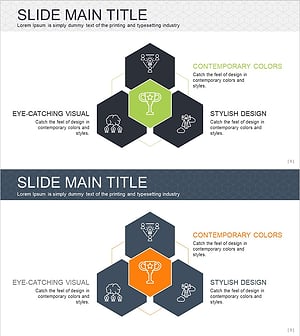
Hexagonal Diffusion Diagram for Business Area Visualization
#Company Introduction #Business Introduction #Diagram
