



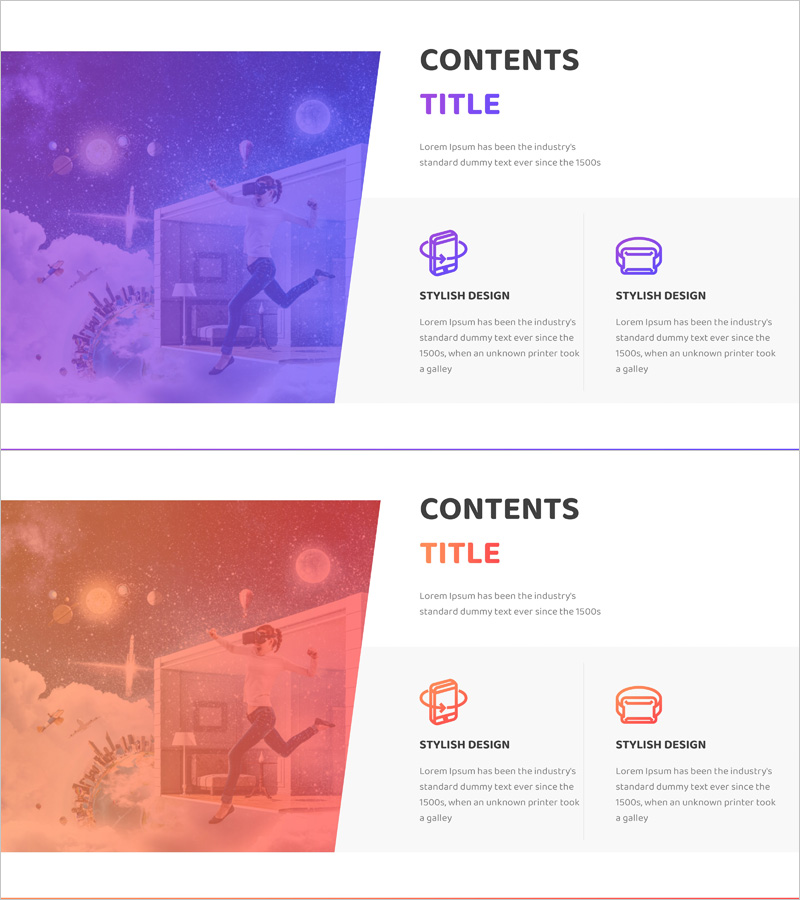
VR Function System Overview Presentation Slide – Innovation and Evolution
RJ0400065_25
- Last Update 06/05/2025
- File Size 0.9MB
- # of Slides 2
- File Format PPTX
- Slide Ratio 16:9
- Color
Keywords
About the Product
A 2-slide PowerPoint presentation template for explaining VR functionality and system architecture. Features a purple-to-blue gradient background with a large image area on the left (40%) and structured text-icon layout on the right (60%). Each slide includes a 'CONTENTS' title section, descriptive text, and 2 icon-based feature blocks with titles and explanations. Ideal for technology presentations, business overviews, and innovation pitches. Fully editable PPTX format with 16:9 aspect ratio, ready for immediate customization with your VR system visuals, diagrams, or product screenshots.
Usage Points
-
Main Usage
Communicate VR technology and system architecture clearly to investors, partners, and stakeholders. The left image area showcases VR technology visuals, diagrams, or product screenshots, while the right side structures key features and capabilities using icons and concise text to convey both innovation and technical credibility.
-
How to Use
Insert into company presentations, business plans, or technology pitch decks as the 'Business Overview' or 'Core Technology' section. Slide 1 introduces 2–3 primary VR features with icons; Slide 2 expands with additional capabilities, tech stack, or development status. Replace the left image area with your VR system diagrams, UI screenshots, or product visuals. Customize icon colors and text to match your brand guidelines.
-
Recommended For
VR, AR, and metaverse technology companies presenting to investors, at tech conferences, or during product launches. Especially suited for B2B pitches, investor relations materials, and innovation showcases where technical credibility and forward-thinking vision are critical. Also effective for internal team training and partner briefings.
-
Slide Structure
2-slide template with consistent layout: left side (40%) dedicated to large imagery or diagrams, right side (60%) containing 'CONTENTS' title, introductory text, and 2 icon-labeled feature blocks. Each feature block includes icon, title, and description text. Clear information hierarchy and balanced white space ensure professional appearance and easy readability.
Related Products
-
Online Network Company Overview – Modern Data Cluster
#Company Introduction #Business Introduction #Diagram
-
Business Overview Diffusion Diagram – A Visual Tool for Understanding Business
#Company Introduction #Business Introduction #Diagram
-
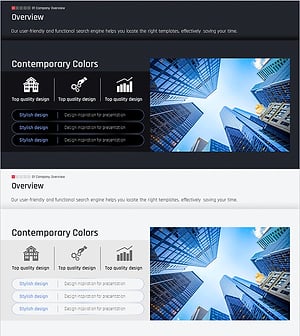
Modern City Theme Business Overview – Sleek and Sophisticated Design
#Company Introduction #Business Introduction #Company Overview
-
Business Overview Slides at a Glance
#Company Introduction #Business Introduction #Diagram
