



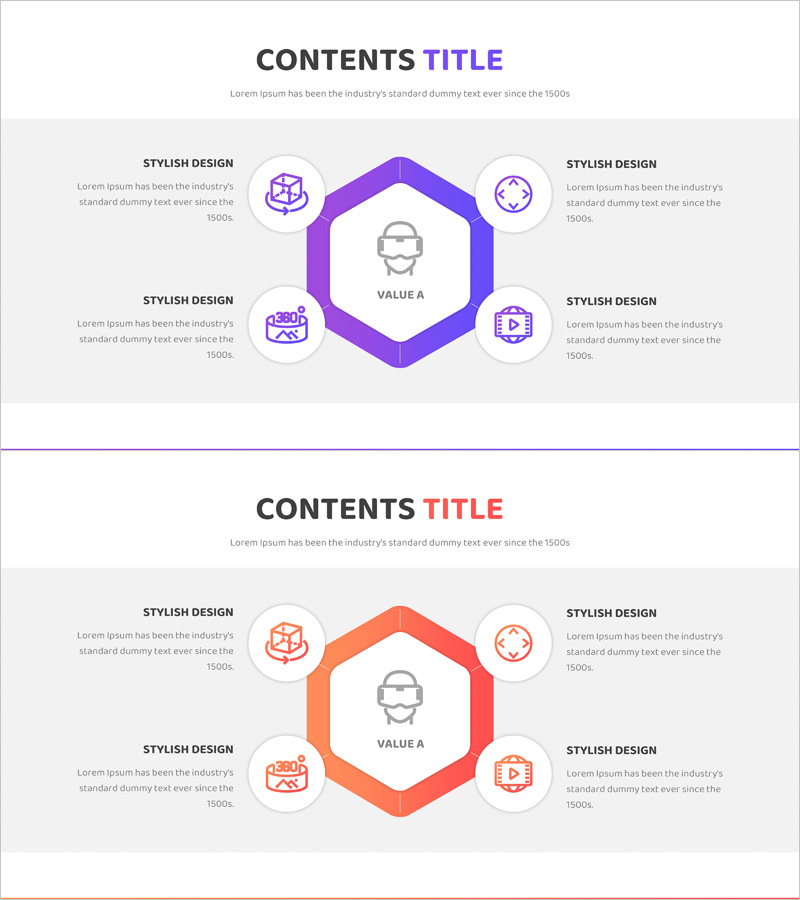
VR System Area Diagram – Business Area Visualization
RJ0400065_13
- Last Update 06/05/2025
- File Size 0.2MB
- # of Slides 2
- File Format PPTX
- Slide Ratio 16:9
- Color
Keywords
- #Content-Based Slides
- #Design-Based Slides
- #Company Introduction
- #Business Introduction
- #Diagram
- #Business Areas
- #Business Areas
- #Spread
- #Centralized Diagram
- #16:9
- #radial diagram PowerPoint slide
- #6-direction diagram template
- #central value visualization
- #business area diagram
- #sunburst structure PowerPoint
- #how to create radial diagram in PowerPoint
About the Product
A PowerPoint slide featuring a central hexagonal frame with six directional nodes radiating outward, ideal for visualizing business areas, system components, and core functions. The purple gradient hexagon design with circular icons creates a clear hierarchical structure for presenting organizational values, service portfolios, and strategic elements. This 2-slide PPTX template in 16:9 widescreen format is fully editable and perfect for company introductions and business presentations requiring multi-layered concept visualization.
Usage Points
-
Main Usage
Presents core organizational values or business areas radiating from a central concept in six directions. Effectively visualizes multi-layered elements such as VR systems, business models, service portfolios, and strategic components in a hierarchical structure.
-
How to Use
Place the central concept (company name, core value, or main service) in the hexagonal center, then populate the six surrounding circular nodes with detailed items and corresponding icons. Use as an opening slide in company introduction presentations, business overview talks, and organizational structure explanations to emphasize key messages.
-
Recommended For
Ideal for executives, business development teams, and marketing professionals presenting company vision, business scope, and core competencies. Suitable for startup investor pitches, new business launch presentations, organizational restructuring announcements, and strategic planning reports requiring clear structural communication.
-
Slide Structure
Central hexagonal frame (VALUE A text area) with six directional circular nodes, each containing icon and text input space. Purple gradient hexagon border and gray icons establish clear hierarchical relationships. Two-slide format allows flexible data set configurations for various presentation contexts.
Related Products
-
Card Payment Service Area Diagram – Business Sector Introduction
#Company Introduction #Business Introduction #Diagram
-
Vaccine Diffusion Diagram – Business Introduction and Diffusion Strategy
#Company Introduction #Business Introduction #Diagram
-
Business Value Diagram – Visualizing Business Sectors
#Company Introduction #Business Introduction #Diagram
-
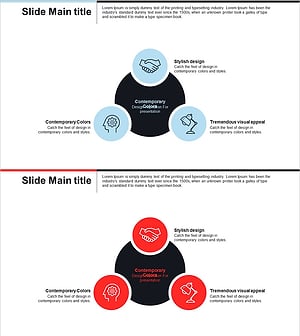
Business Area Circular Diagram – Enhancing Corporate Presence
#Company Introduction #Business Introduction #Diagram
