



Mobile Business Area Diagram – Designed with Modern Colors
RJ0400062_5
- Last Update 06/04/2025
- File Size 1.4MB
- # of Slides 2
- File Format PPTX
- Slide Ratio 16:9
- Color
Keywords
- #Content-Based Slides
- #Design-Based Slides
- #Company Introduction
- #Business Introduction
- #Diagram
- #Business Areas
- #Business Areas
- #Spread
- #Centralized Diagram
- #16:9
- #radial diagram PowerPoint
- #central icon slide template
- #8-item business area presentation
- #circular cluster diagram
- #data visualization slide
- #how to create radial diagram in PowerPoint
About the Product
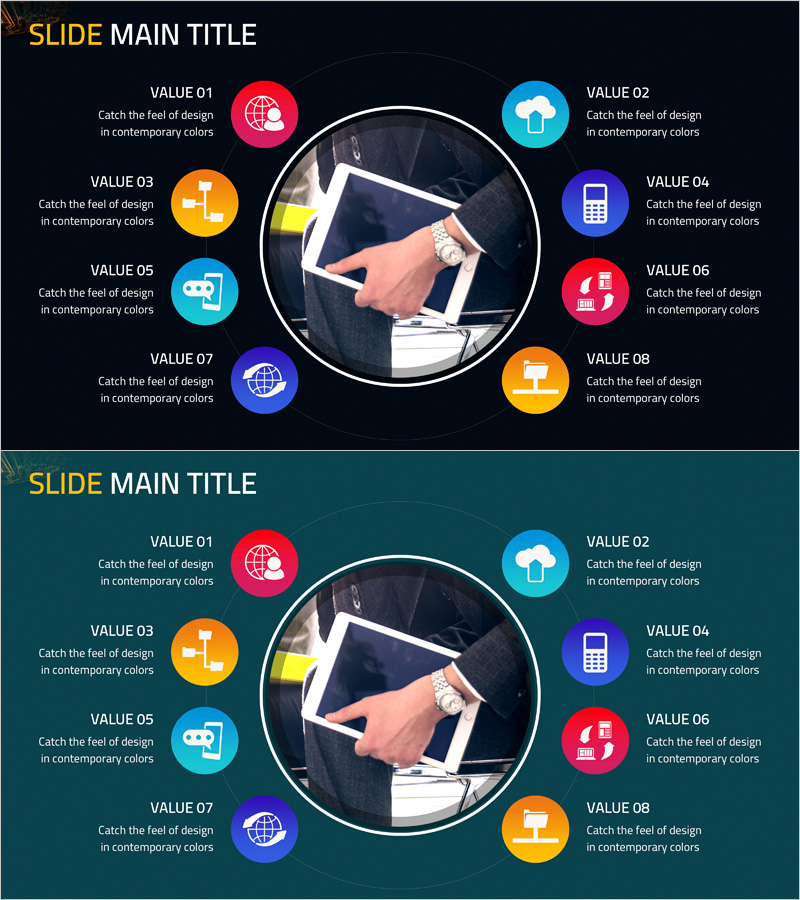
A PowerPoint slide featuring a central circular image surrounded by eight colorful icon buttons arranged in a radial pattern. The design combines dark backgrounds (black and navy) with vibrant accent colors (red, blue, orange, purple, cyan) to create strong visual contrast. Each item includes descriptive text space, making it ideal for visualizing business areas, organizational structures, service portfolios, core values, and market segments. The 16:9 widescreen format includes two fully editable slides ready for immediate use in presentations.
Usage Points
-
Main Usage
Visualizes organizational core values, business areas, service portfolios, departmental functions, and market segmentation through a hierarchical central-and-radial structure. All elements maintain equal visual weight while the center remains the focal point, making it effective for multi-item comparisons.
-
How to Use
Insert your logo, photo, or key icon in the central circular area. Add item names to the eight colored icon buttons and fill in descriptive text boxes. Use as a standalone presentation slide or integrate into company profiles, proposals, and business plans to highlight key content sections.
-
Recommended For
Marketing, strategy, and planning professionals presenting portfolios, service lineups, and organizational structures. Ideal for startups, IT, finance, and consulting firms preparing investor pitches, proposals, and company overviews. Also suitable for educational seminars and training materials.
-
Slide Structure
Two-slide set with identical layouts on different backgrounds. First slide features black background with eight radial icons in multiple colors (red, blue, orange, purple, cyan). Second slide uses navy background with the same structure. Each icon is paired with item label and descriptive text area positioned around the central image.
Related Products
-
Hexagonal Diffusion Diagram for Business Area Visualization
#Company Introduction #Business Introduction #Diagram
-
Business Area Circular Diagram – Enhancing Corporate Presence
#Company Introduction #Business Introduction #Diagram
-
Card Payment Service Area Diagram – Business Sector Introduction
#Company Introduction #Business Introduction #Diagram
-
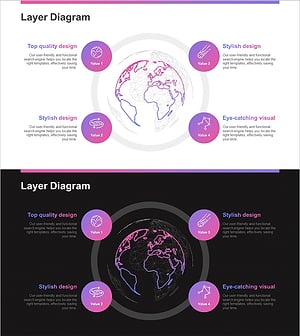
Astronomy Earth Diagram PowerPoint – Visual Exploration
#Company Introduction #Business Introduction #Diagram
