



Develop Template Section Slide 01 – Creative Section Cover Slide
RJ0400060_3
- Last Update 06/03/2025
- File Size 1.4MB
- # of Slides 2
- File Format PPTX
- Slide Ratio 16:9
- Color
Keywords
About the Product
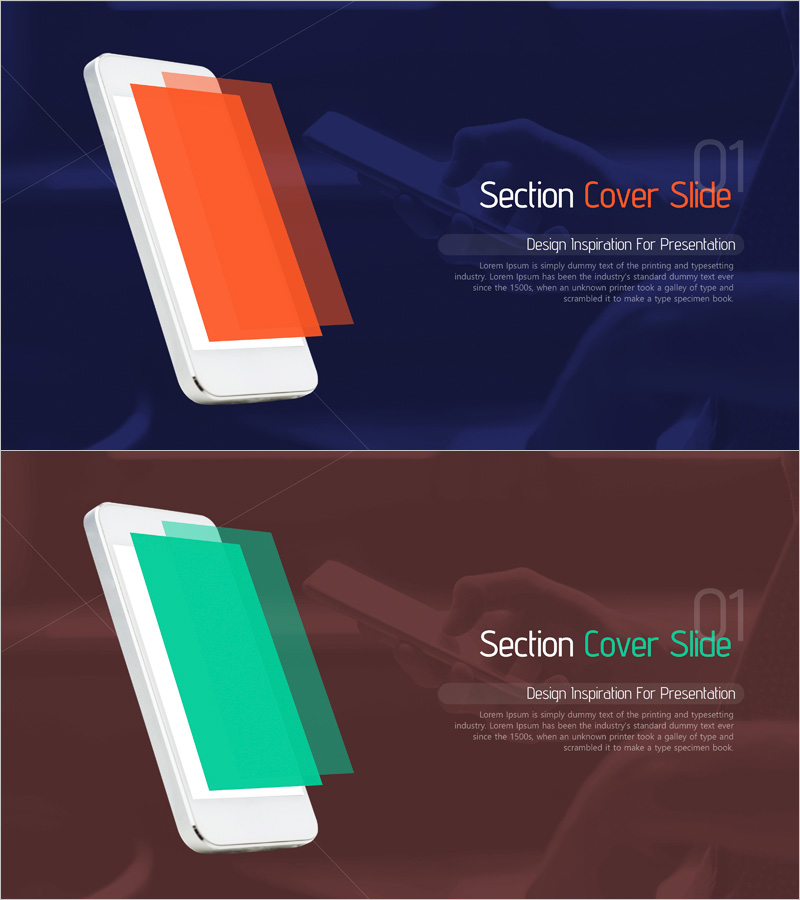
A professional section divider slide for presentations featuring a dark navy background with striking 3D mobile layer graphics in orange and green. This 2-slide set provides visual variety through color variations while maintaining consistent design language throughout your deck. Clear text areas for title, subtitle, and description enable quick customization for any business presentation. The PowerPoint slides are optimized for 16:9 widescreen format, ensuring compatibility with modern projectors and displays. Perfect for separating major sections in business proposals, reports, and pitch decks.
Usage Points
-
Main Usage
Visually separate major sections in your presentation while maintaining professional design consistency. The 3D mobile layer element and dark background create visual impact that refocuses audience attention when transitioning between topics. Color variations (orange and green) allow you to differentiate sections by theme or content type.
-
How to Use
Insert this slide whenever you transition to a new section in your presentation. Replace the title text with your section name (e.g., Market Analysis, Business Strategy, Financial Plan) and customize the subtitle with a brief description. Alternate between the two color variations to create visual rhythm and maintain audience engagement throughout your deck.
-
Recommended For
Ideal for business plans, proposals, investment pitch decks, marketing presentations, and comprehensive reports. Particularly effective in consulting, finance, technology, and manufacturing industries where multi-section presentations require clear visual breaks and professional appearance.
-
Slide Structure
2-slide set with identical layout structure. Left side features 3D mobile layer graphic element; right side contains three text input areas: main title, subtitle, and descriptive paragraph. Simple yet effective information hierarchy with ample white space for readability and professional appearance.
Related Products
-
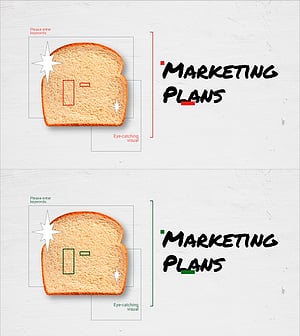
Cafe Business Marketing Strategy Section Cover
#Slide Type #Section Cover
-
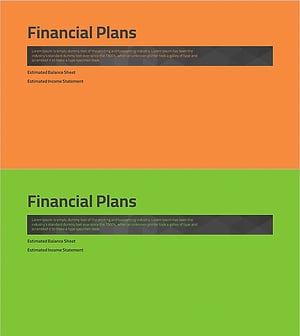
Simple Theme Business Plan Template Section - Financial Plans
#Slide Type #Section Cover
-

Multipurpose Business Plan Template - Market Analysis
#Slide Type #Section Cover
-
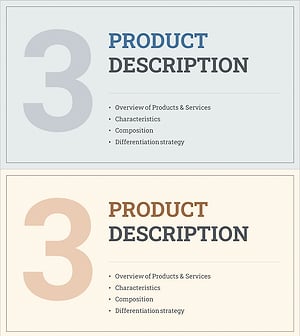
Interior Business Plan Template Section Slide – Professional and Simple
#Slide Type #Section Cover
