



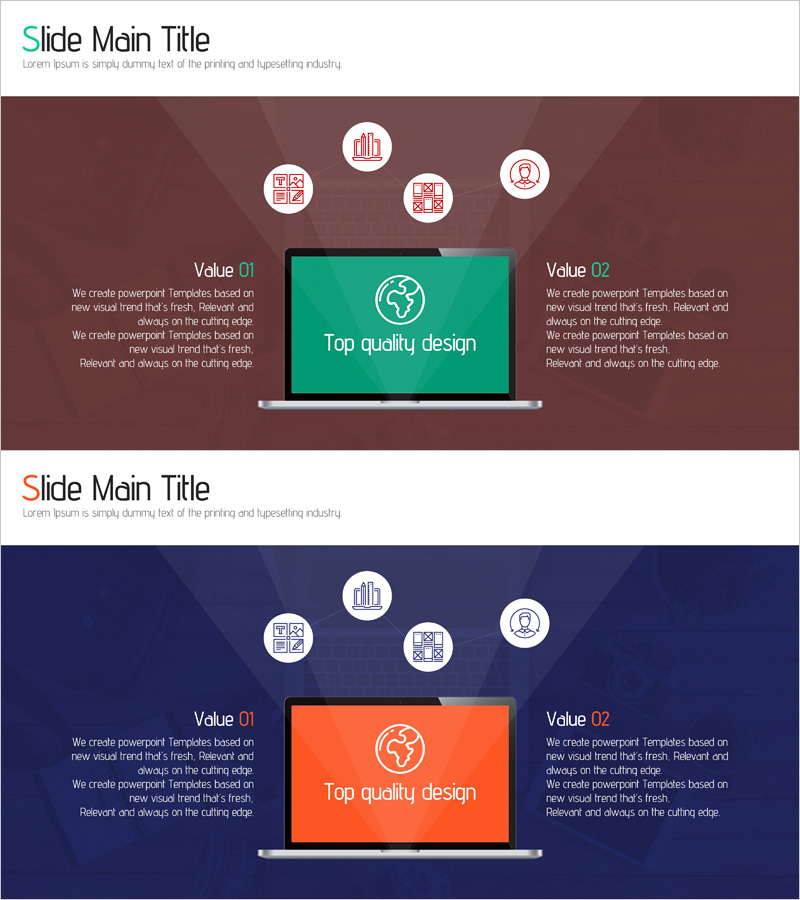
Computer System Services Overview – Value of Top Quality Design
RJ0400060_28
- Last Update 06/03/2025
- File Size 2.1MB
- # of Slides 2
- File Format PPTX
- Slide Ratio 16:9
- Color
Keywords
- #Content-Based Slides
- #Design-Based Slides
- #Product/Service Introduction
- #Other
- #Product/Service Introduction
- #Product and Service Overview
- #16:9
- #service overview PowerPoint slide
- #two-column comparison slide
- #service introduction PPT design
- #how to present service overview in PowerPoint
- #business service slide template
About the Product
A professional PowerPoint slide designed to present computer system service overviews with visual impact. The two-column comparison layout features a navy and burgundy color scheme with a central monitor image flanked by left and right text sections. Five circular icons at the top represent key service features, while Value 01 and Value 02 labels create clear information hierarchy. This presentation slide is ready to use immediately and allows full customization of text, colors, and visual elements to match your brand identity.
Usage Points
-
Main Usage
Present IT services, software solutions, system platforms, and cloud services with a clear two-column value comparison structure. Ideal for investor pitches, partner presentations, and client proposals where communicating service differentiation and reliability is critical.
-
How to Use
Place your five key service features in the circular icon areas at the top. Enter your primary value proposition in the left text section (Value 01) and secondary benefits in the right section (Value 02). Replace the center monitor image with your actual service interface screenshot or product visualization for maximum impact.
-
Recommended For
Software companies, SaaS providers, system integrators (SI), cloud service vendors, digital transformation consultants, and IT solution providers. Perfect for investor relations, customer proposals, partnership presentations, and corporate service introductions.
-
Slide Structure
Two-slide set with consistent layout: title area at top (Slide Main Title + subtitle), five circular icon zones for feature representation, central monitor image area, and dual-column text input zones (Value 01 and Value 02). Optimized for 16:9 widescreen format with flexible editing capabilities.
Related Products
-
Mobile Network Service Introduction Slide – Emphasizing Functionality and Efficiency
#Product/Service Introduction #Other #Product/Service Introduction
-
Introducing VR Virtual Reality Game Service – Tremendous Visual Appeal
#Product/Service Introduction #Other #Product/Service Introduction
-
Overview of Mobile App Service Features
#Product/Service Introduction #Diagram #Other
-
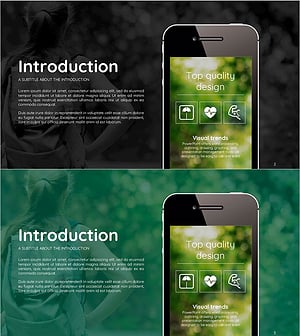
Smart Health Overview – Innovative Product Introduction
#Product/Service Introduction #Other #Product/Service Introduction
