



Introducing the Mobile Service Program
RJ0400060_24
- Last Update 06/03/2025
- File Size 1.4MB
- # of Slides 2
- File Format PPTX
- Slide Ratio 16:9
- Color
Keywords
About the Product
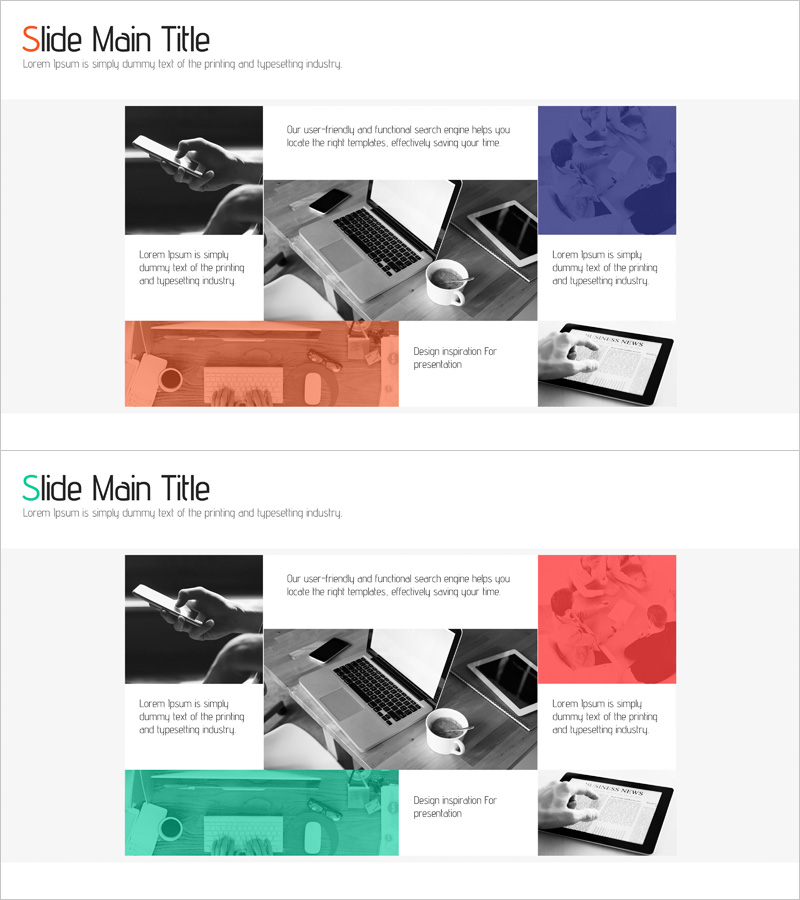
A 2-slide PowerPoint presentation for introducing mobile service programs. This slide deck features an asymmetrical grid layout with a central product image flanked by colored accent boxes on both sides. The top section contains title and descriptive text, the left side displays a black product image, the right side features a blue background information box, and the bottom includes orange and gray highlight areas. The structure effectively communicates service features and is ready for immediate use in corporate presentations and marketing materials. Provided in 16:9 widescreen PPTX format.
Usage Points
-
Main Usage
Designed to visually introduce mobile services or app-based programs, highlighting key features and benefits. The central product image combined with colored side boxes emphasizes service value and user convenience.
-
How to Use
Enter the service name in the title area and place product screenshots or device photos in the left image section. Add feature descriptions in the blue right box and core messaging in the orange bottom area. All text boxes are fully editable.
-
Recommended For
Ideal for mobile app and service company investor presentations, new service launch events, technology company product introductions, and startup pitch decks. Marketing, sales, and product teams can use this for customer-facing materials.
-
Slide Structure
The slide comprises four main zones: top title and description text area, left black product image section, right blue information box, and bottom orange-gray highlight area. This layout creates clear information hierarchy and visual balance.
Related Products
-
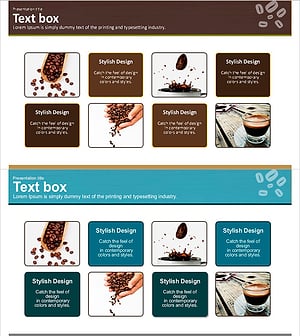
Coffee Bean Text Box – Highlighting Product Features and Introduction
#Product/Service Introduction #Diagram #Text Box
-
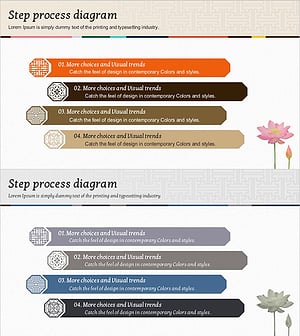
Traditional Symbols and Process Diagram – Connecting Technology and Service Operations
#Product/Service Introduction #Technical Approach #Diagram
-
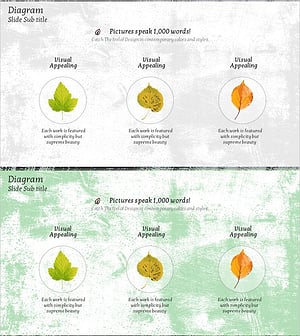
Maple Leaf Service Configuration Diagram
#Product/Service Introduction #Business Strategy #Diagram
-
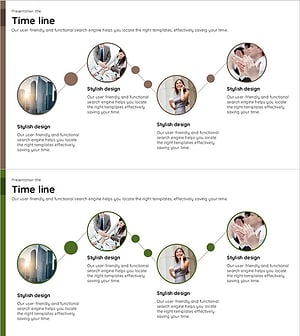
Connected Business Timeline – Effective Business Implementation Strategy
#Product/Service Introduction #Business Strategy #Diagram
