



Develop Template Contents – Emphasizing Professionalism in Slides
RJ0400060_2
- Last Update 06/03/2025
- File Size 1.9MB
- # of Slides 2
- File Format PPTX
- Slide Ratio 16:9
- Color
Keywords
About the Product
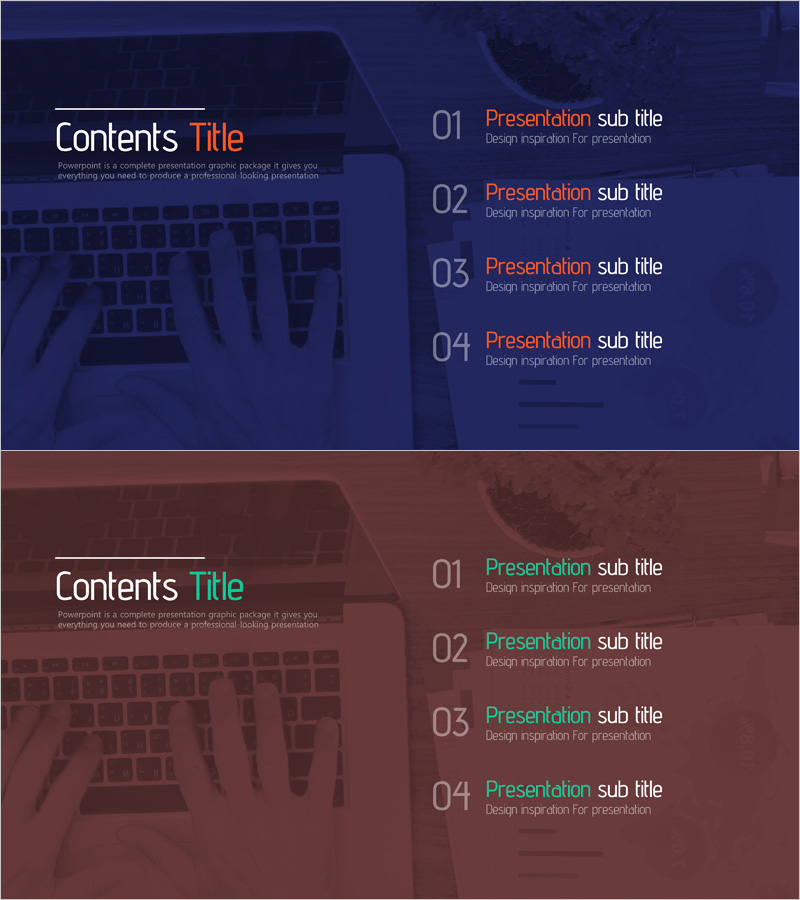
A 2-slide PowerPoint template set designed for table of contents pages in business presentations. Features a professional dark navy background with orange accent text, structured to display 4 main sections in numbered format. The layout uses a left-right split design with title area on the left and 4-item contents list on the right, ensuring clear information hierarchy. Ideal for immediate use in presentation decks, business plans, proposals, and reports. All text and colors are fully editable to match your brand guidelines. Provided in 16:9 widescreen PPTX format.
Usage Points
-
Main Usage
Effectively structure your presentation's table of contents page to guide audiences through your key topics. The 4-section numbered format clearly outlines your presentation flow, while the navy-and-orange color scheme maintains visual impact and professional credibility throughout your deck.
-
How to Use
Insert the contents slide at the beginning of your presentation or between major sections to preview your agenda. Customize each numbered item with your own section titles and descriptions. Adjust colors and fonts to align with your corporate branding. The 2-slide set allows you to create multiple contents variations as needed.
-
Recommended For
Perfect for business plans, proposals, investment pitch decks, marketing presentations, product introductions, training materials, and executive reports. Suitable for client meetings, board presentations, internal briefings, and any structured business communication requiring a clear agenda overview.
-
Slide Structure
Each slide features a left-side title area (Contents Title) with descriptive text space, and a right-side 4-item contents section. Items are numbered 01-04 with dedicated fields for section titles and subtitles. Both slides maintain identical layout for consistent visual continuity across your presentation.
Related Products
-
AI Technology IR Template Contents – Innovation and Vision
#Slide Type #Table of Contents
-
Painting Theme Company Profile Template Contents
#Slide Type #Table of Contents
-
Stylish Company Profile Template Contents
#Slide Type #Table of Contents
-
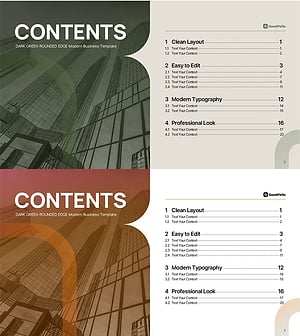
Table of Contents Slide – Rounded Edge Business PowerPoint
#Slide Type #Table of Contents
