



Circular Illustration Template Section Slide 01 – Professional Start
RJ0400055_3
- Last Update 06/01/2025
- File Size 15.2MB
- # of Slides 2
- File Format PPTX
- Slide Ratio 16:9
- Color
Keywords
About the Product
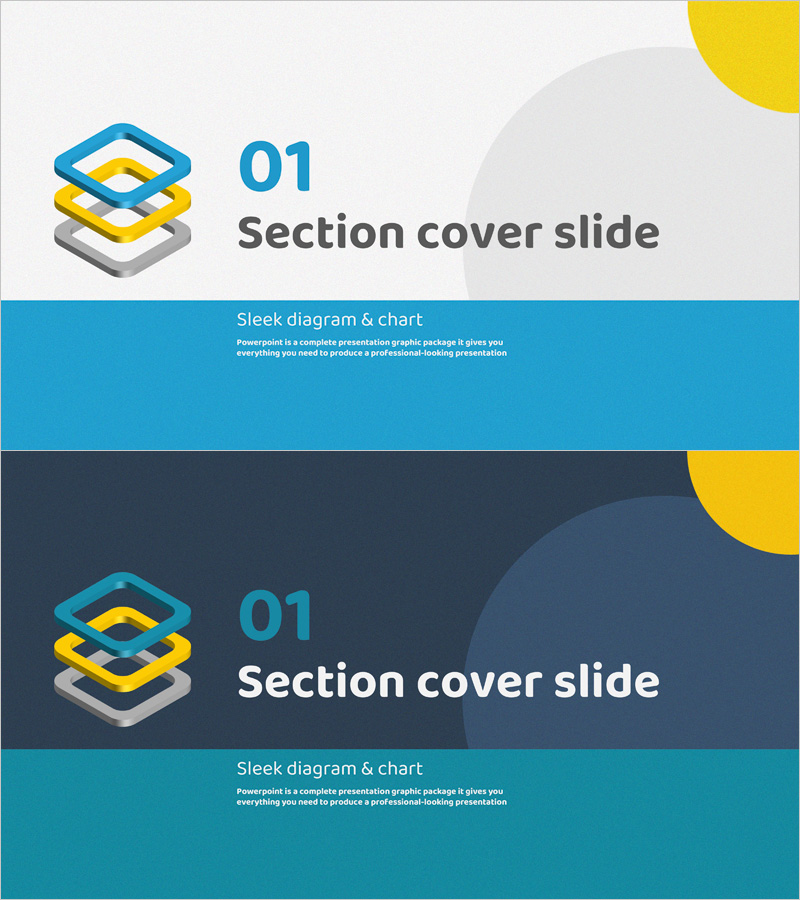
A 2-slide section divider set for PowerPoint presentations. This ready-to-use design features a light gray background with blue, yellow, and gray layered circular illustrations positioned at the top left. The slide includes a section number and title input area in the center, with a teal-colored bar in the middle for subtitle and descriptive text. Perfect for business plans, proposals, company profiles, and marketing presentations to maintain visual consistency during section transitions. Optimized for 16:9 widescreen format compatible with modern projectors and displays. All text and colors are fully editable through PowerPoint's slide master and formatting tools.
Usage Points
-
Main Usage
This section divider slide visually separates major sections in presentations and refocuses audience attention. With clearly defined areas for section numbers and titles, it works across business plans, proposals, company profiles, marketing presentations, and investor pitch decks to enhance structural clarity.
-
How to Use
Open the slide in PowerPoint and double-click the section number and title text boxes at the top to enter your content. Add subtitle or section description in the teal bar in the middle, and adjust the circular illustration colors to match your brand palette if needed. Duplicate the 2 slides as many times as required for your presentation sections.
-
Recommended For
Ideal for business plans, proposals, company introductions, marketing presentations, investor pitch decks, and educational seminars with multiple sections. Recommended for corporate presentations, consulting proposals, product introductions, and any professional presentation requiring clear section organization and visual consistency.
-
Slide Structure
Each slide features a circular illustration icon in the upper left, section number and title input area in the center, a teal background bar for subtitle and descriptive text in the middle, and a yellow circular decorative element in the upper right. The 2 slides use different background colors (light gray vs. dark gray) to provide visual variation between sections.
Related Products
-
Mountain Wide PPT Section Cover | Sleek Slide Design
#Slide Type #Section Cover
-
Meat Template Section Slide01 - Slice Showcase
#Slide Type #Section Cover
-
Voyage Travel Project Slide – Stylish Design
#Slide Type #Section Cover
-
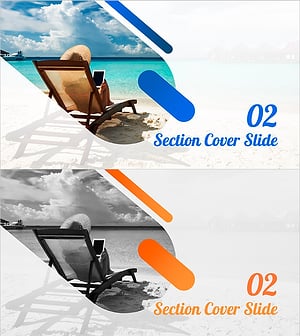
Blue Diagonal Travel Plan Template Section Cover02
#Slide Type #Section Cover
