



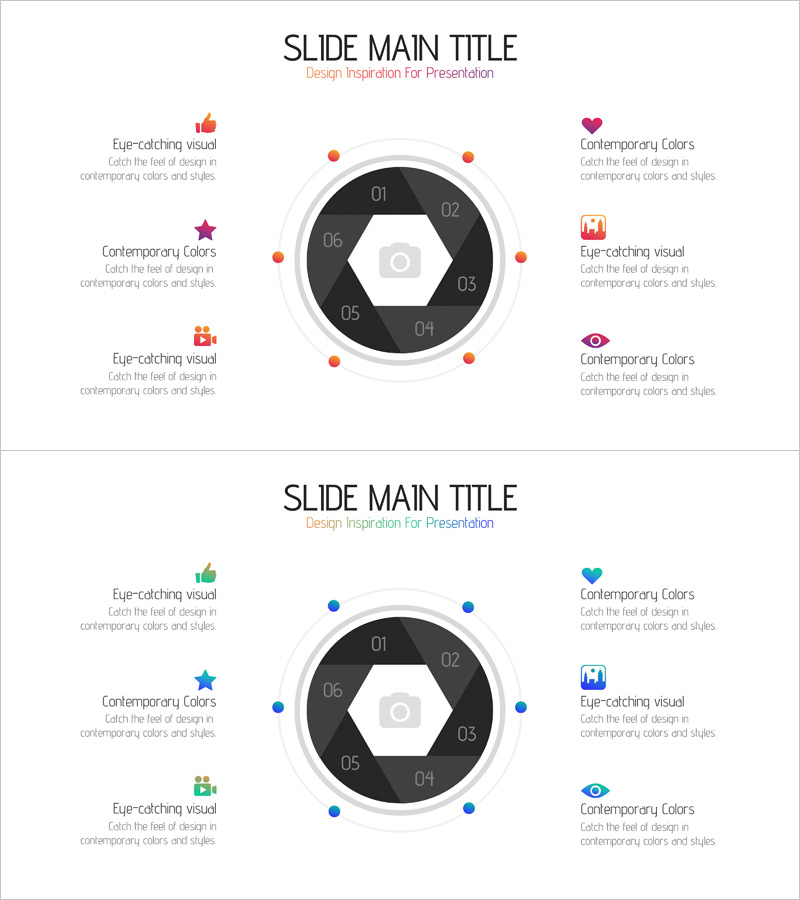
Camera App System Area Diagram – Center of Business and Creativity
RJ0400054_20
- Last Update 06/01/2025
- File Size 0.1MB
- # of Slides 2
- File Format PPTX
- Slide Ratio 16:9
- Color
Keywords
- #Content-Based Slides
- #Design-Based Slides
- #Company Introduction
- #Business Introduction
- #Diagram
- #Business Areas
- #Business Areas
- #Spread
- #Centralized Diagram
- #16:9
- #radial diagram PowerPoint
- #center diagram slide template
- #6-item system diagram
- #camera app system PowerPoint
- #business area diagram
- #radial chart PowerPoint slide
About the Product
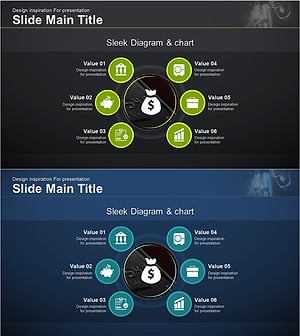
A PowerPoint slide featuring a radial center diagram with a camera icon at the core and six surrounding nodes representing business areas and system functions. The design uses a black hexagonal center with orange and blue accent points to highlight key elements. Each node includes an icon and text description area, making it ideal for product introductions, technology architecture explanations, and organizational structure presentations. The 2-slide set provides multiple color variations (orange and blue versions) optimized for 16:9 widescreen format.
Usage Points
-
Main Usage
Visualizes core product features or business areas radiating from a central concept. Like the camera app system, it shows how peripheral elements connect to a central hub, helping audiences intuitively understand the overall structure and relationships between components.
-
How to Use
Use in product introduction slides to explain feature categories, system architecture, organizational structure, or business domains. Edit the text and icons in each node with your own content and insert into technology presentations, marketing decks, or business plans.
-
Recommended For
Recommended for IT and software companies explaining product technology, startups introducing business domains, marketing teams presenting customer segmentation strategies, organizational restructuring announcements, and technical leaders and product managers needing system architecture visualization.
-
Slide Structure
Features a black hexagonal center with a camera icon, surrounded by six radial nodes (01-06) arranged in a circular pattern. Each node contains a color accent point (orange or blue), an icon, and a text description area. The 2-slide set provides color variation options.
Related Products
-
Travel Business Services Area – Effective Diagram Design
#Company Introduction #Business Introduction #Diagram
-
Mobile Security Service Diagram
#Company Introduction #Business Introduction #Diagram
-
Equipment and Marketing Strategy Diagram – Visualizing Business Structure
#Company Introduction #Business Introduction #Diagram
-
Financial Management Services Area Diagram – Visualizing Business Areas
#Company Introduction #Business Introduction #Diagram
