



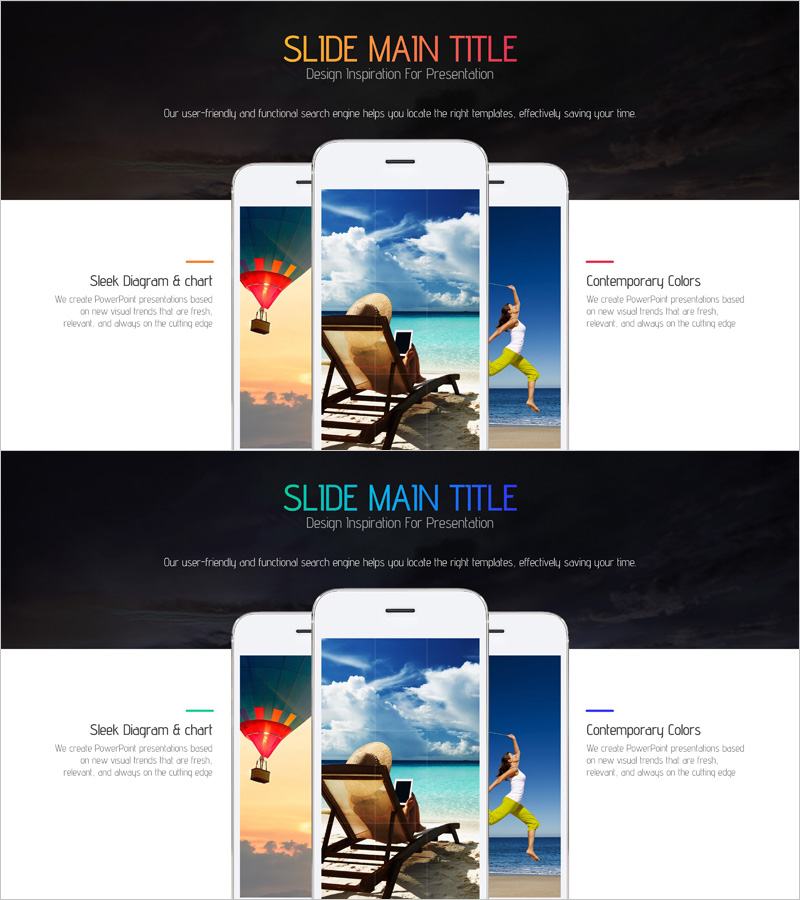
Introducing the Camera Shooting App – Visual Impact and Practicality
RJ0400054_19
- Last Update 06/01/2025
- File Size 3.3MB
- # of Slides 2
- File Format PPTX
- Slide Ratio 16:9
- Color
Keywords
- #Content-Based Slides
- #Design-Based Slides
- #Product/Service Introduction
- #Other
- #Product/Service Introduction
- #Product and Service Overview
- #16:9
- #product overview PowerPoint slide
- #app introduction presentation
- #three-column comparison layout
- #service introduction slide
- #product presentation template
About the Product
A 2-slide PowerPoint presentation template designed to introduce mobile apps, services, and products. Features a dark background with orange, cyan, and blue accent lines dividing three distinct sections: left diagram area, center image space, and right text column. Each section accommodates title, description, and visual elements for effectively communicating app features, service benefits, and product advantages. Delivered in 16:9 widescreen PPTX format, fully editable and ready for investor pitches, customer presentations, and product launch events.
Usage Points
-
Main Usage
Present mobile apps, SaaS platforms, or new products to investors, customers, and partners by clearly communicating core features and competitive advantages through a three-column comparison structure. The dark background with color-coded sections directs audience attention and creates visual hierarchy across key information points.
-
How to Use
Place diagrams, icons, or logos in the left section; insert product images or screenshots in the center; add key features, technical specifications, or use cases in the right text area. The three color lines (orange, cyan, blue) can be used to categorize information or highlight priority points, and are fully customizable to match your brand colors.
-
Recommended For
Startup pitch decks, product launch presentations, customer demonstrations, investor relations (IR) meetings, technology seminars, and marketing presentations where rapid communication of app, service, or product value is essential. Suitable for development teams, marketing departments, and sales professionals.
-
Slide Structure
Two-slide deck with dark background, title and subtitle area at top, and three-column comparison layout below (left diagram space, center image area, right text column). Orange, cyan, and blue accent lines clearly separate each section. Contains three text input fields and three image insertion areas per slide for flexible content customization.
Related Products
-
Mobile Application Service Overview – Emphasizing User Experience
#Product/Service Introduction #Other #Product/Service Introduction
-
Mobile Network Business Overview – Visualized Data Visualization
#Product/Service Introduction #Diagram #Other
-
Shoe Product Introduction Mockup – Captivating Design for Customers
#Product/Service Introduction #Other #Product/Service Introduction
-
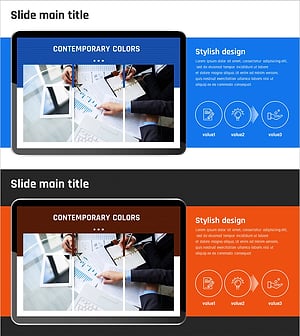
Introducing Startup Business Services – Stand Out with Contemporary Colors
#Product/Service Introduction #Other #Product/Service Introduction
