



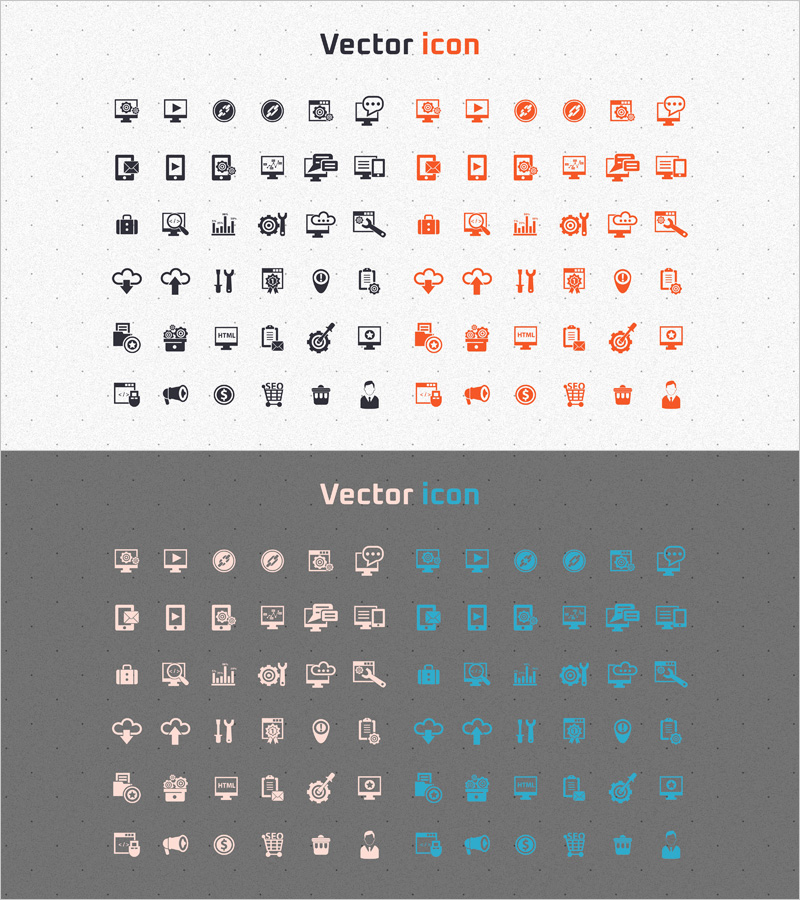
Icon Design Template – Modern Approach to Information Delivery
RJ0400051_31
- Last Update 05/31/2025
- File Size 1.5MB
- # of Slides 2
- File Format PPTX
- Slide Ratio 16:9
- Color
Keywords
About the Product
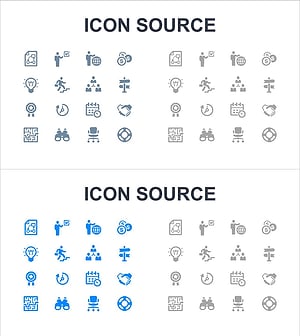
A comprehensive PowerPoint slide featuring 72 versatile business icons designed for professional presentations. The icon set combines black and orange color schemes, covering essential visual elements such as camera, play button, settings, shopping cart, people, maps, and charts. Each icon maintains consistent line weight and design language, ensuring visual coherence throughout your presentation. With 2 slides of organized icons, you can easily select and insert them into any slide layout. The icons are fully editable—resize, recolor, and customize to match your presentation style. Perfect for marketing decks, product introductions, business plans, technical documentation, and operational reports where visual information hierarchy is critical.
Usage Points
-
Main Usage
Transform text-heavy information into visual icons that enhance audience comprehension and engagement. Use across company overview, product features, marketing strategies, technical architecture, and operational sections to communicate key concepts quickly and clearly.
-
How to Use
Select the icon you need from the slide, copy it, and paste it into your target slide. Resize by dragging the corner handles, and change colors using PowerPoint's shape formatting tools. Combine with background shapes or accent colors to create clear information hierarchy and visual emphasis.
-
Recommended For
Ideal for marketing presentations, product introductions, business plans, technical documentation, operational reports, and any business presentation requiring visual information delivery. Especially effective for explaining complex processes, multiple features, or comparative data.
-
Slide Structure
Two-slide layout with 36 black icons on the first slide and 36 orange icons on the second slide. Icons are evenly spaced in a grid format for easy browsing and selection. Each icon is individually grouped and can be moved or modified independently.
Related Products
-
Icon Design Template – Modern and Functional
#Other #Icon
-
Construction and Engineering Icons Collection – Professionalism and Innovation
#Other #Icon
-
Innovative Visualization Through Technology Equipment Icons – Reflecting the Digital Age
#Other #Icon
-
Infographic Icon Slide – Business Management and Growth
#Other #Icon
