



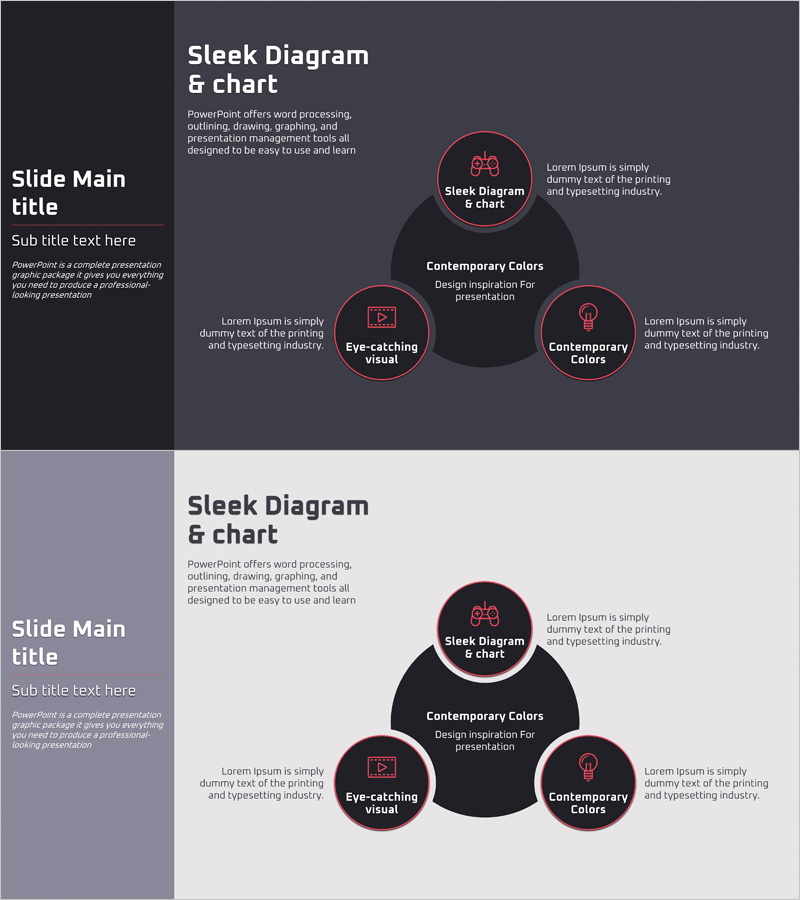
VR Use Area Diagram – Optimized for Business Introduction
RJ0400050_20
- Last Update 05/31/2025
- File Size 0.1MB
- # of Slides 2
- File Format PPTX
- Slide Ratio 16:9
- Color
Keywords
- #Content-Based Slides
- #Design-Based Slides
- #Company Introduction
- #Business Introduction
- #Diagram
- #Business Areas
- #Business Areas
- #Spread
- #Centralized Diagram
- #16:9
- #radial diagram PowerPoint
- #center hub node slide template
- #VR use case diagram
- #diverging diagram PowerPoint
- #business domain presentation slide
- #how to create radial diagram in PowerPoint
About the Product
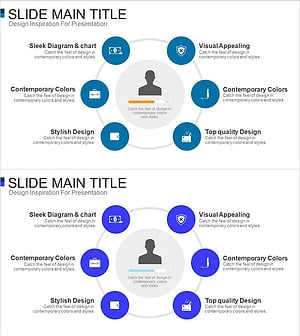
A radial diagram PowerPoint slide that expands VR technology applications from a central hub node to three surrounding nodes. The design features a dark gray background with red-pink bordered circular nodes, creating strong visual emphasis. Each node accommodates icons and text, allowing flexible representation of business domains, technology areas, customer segments, and application scenarios. The 2-slide set provides both dark and light background options to match your presentation tone. Available in 16:9 widescreen PPTX format for immediate editing and deployment.
Usage Points
-
Main Usage
Visualizes how a core concept (VR, emerging technology, service offering) expands into multiple application areas, business domains, or customer segments. The center-to-periphery structure clearly communicates hierarchical relationships and divergence patterns, making complex technology ecosystems easy to understand.
-
How to Use
Enter your core topic (VR, technology name, service) in the central node. Fill the three surrounding nodes with specific use cases, application areas, or target customer segments. Replace node icons to maintain visual consistency while customizing content to match your presentation narrative.
-
Recommended For
Emerging technology business pitches, product application scope presentations, customer segmentation frameworks, business expansion strategies, venture capital fundraising decks, technology company introductions, startup pitch decks, and consulting proposals. Ideal for executives, business development professionals, marketing strategists, and technology leaders explaining technology divergence and market applications.
-
Slide Structure
Two-slide template with identical radial layout: one central node (red-pink bordered) connected to three peripheral nodes arranged left, right, and bottom. Dark gray background on slide 1; light background on slide 2. All nodes use consistent circular styling with icon and text areas. 16:9 aspect ratio, fully editable PPTX format.
Related Products
-
Travel Business Services Area – Effective Diagram Design
#Company Introduction #Business Introduction #Diagram
-
Astronomy Earth Diagram PowerPoint – Visual Exploration
#Company Introduction #Business Introduction #Diagram
-
Vaccine Diffusion Diagram – Business Introduction and Diffusion Strategy
#Company Introduction #Business Introduction #Diagram
-
Card Payment Service Area Diagram – Business Sector Introduction
#Company Introduction #Business Introduction #Diagram
