Smartwatch Usage and Features Presentation
RJ0400043_20
- Last Update 05/28/2025
- File Size 0.9MB
- # of Slides 2
- File Format PPTX
- Slide Ratio 16:9
- Color
Keywords
About the Product
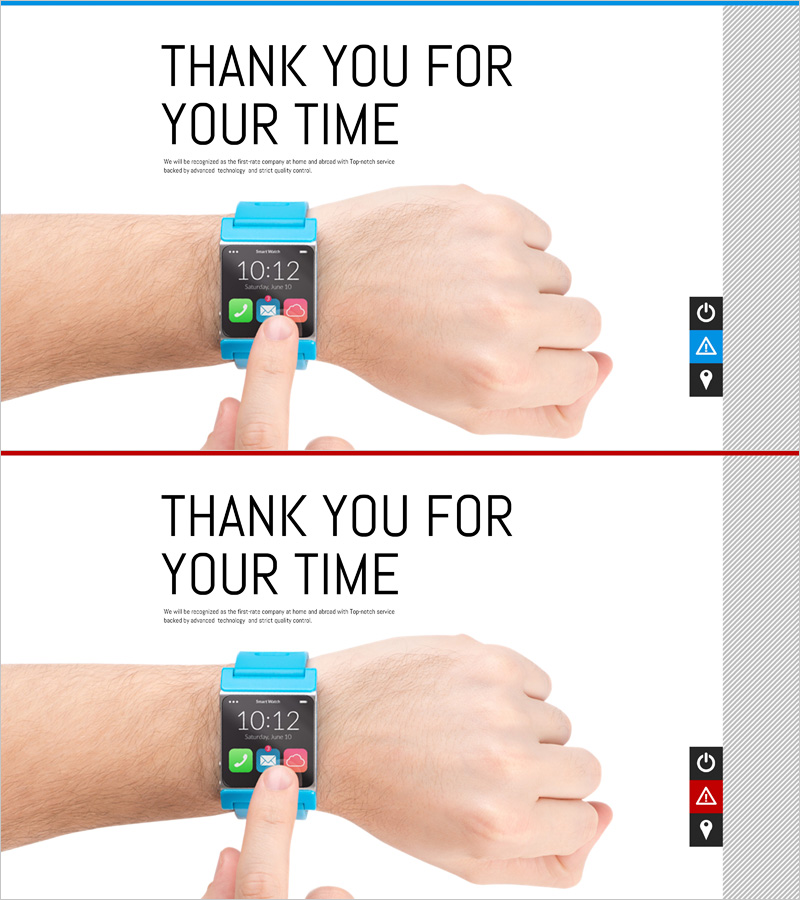
A professional thank you closing slide PowerPoint template optimized for ending technology product presentations. Featuring a bright blue background with a smartwatch image and 'Thank You for Your Time' headline, this 2-slide deck is ideal for wrapping up device feature demonstrations, tech product launches, and innovation presentations. The right-side icon panel displays product functions (power, notifications, location), reinforcing device capabilities visually. Includes customizable text input areas and subtitle space for personalized closing messages. Ready-to-edit PPTX format in 16:9 widescreen ratio for immediate use.
Usage Points
-
Main Usage
Delivers a polished closing message to your audience at the end of a technology or product presentation. Designed specifically for smartwatch, wearable, and tech device presentations, allowing you to add personalized thank you messages and contact information.
-
How to Use
Place this slide at the end of your presentation to refocus audience attention and leave a lasting impression. Edit the main text area with your thank you message, company name, and contact details. Use the subtitle space for additional information. The smartwatch image and function icons reinforce your product narrative. Display for adequate time before concluding to ensure audience retention.
-
Recommended For
Technology product launches, smartwatch feature presentations, IT company pitches, innovation seminars, tech conference talks, and device demonstration events. Ideal for product managers, marketing teams, technology specialists, and corporate presenters seeking a professional closing.
-
Slide Structure
Two-slide layout with consistent design elements: headline area (THANK YOU FOR YOUR TIME), centered smartwatch product image, customizable subtitle text space, and right-side icon panel showing device features (power, alerts, location). Blue top border and gray right panel create visual balance and professional appearance.