



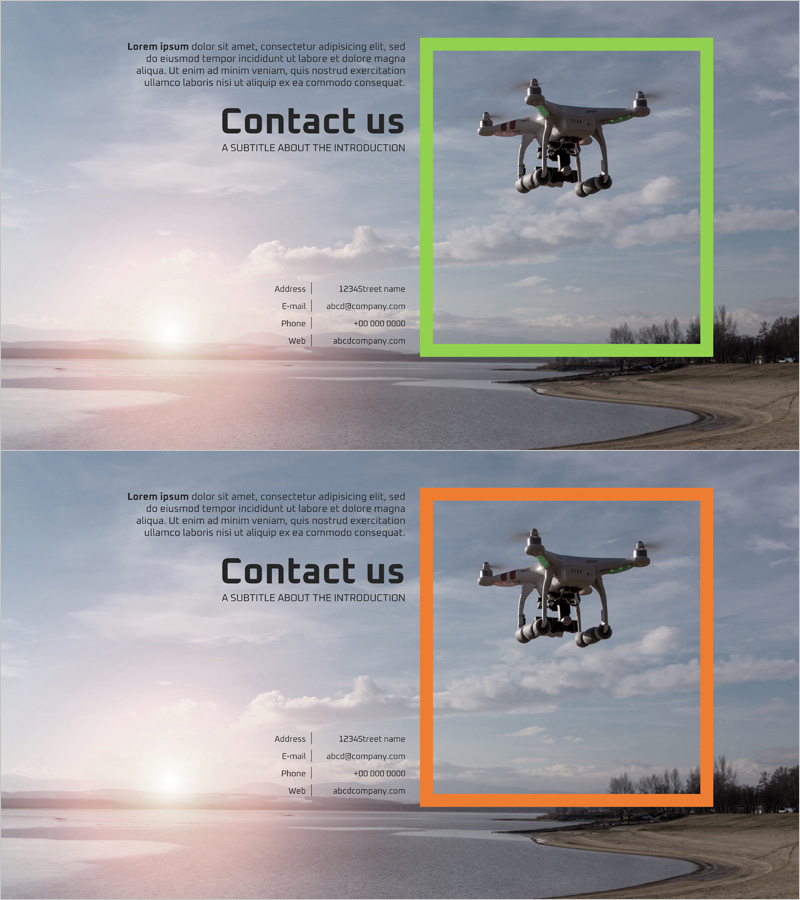
Dynamic Drone Company Overview – Clean and Stylish Design
RJ0400040_19
- Last Update 05/28/2025
- File Size 1.4MB
- # of Slides 2
- File Format PPTX
- Slide Ratio 16:9
- Color
Keywords
About the Product
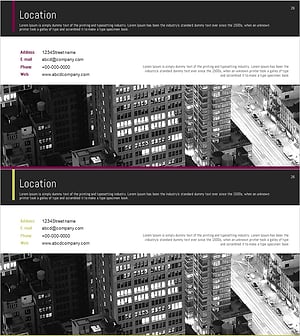
A professional 2-slide PowerPoint template designed to present contact information effectively in company overview presentations. The contrasting green and orange frames provide visual emphasis, while address, email, phone, and website details are arranged in a clean, structured layout. The dynamic drone imagery reinforces corporate professionalism and innovation. This presentation slide is ready to use as the closing slide in business proposals, company introductions, and pitch decks, making it ideal for tech-focused organizations.
Usage Points
-
Main Usage
The primary goal is to clearly communicate company contact details at the conclusion of a business presentation. By organizing address, email, phone, and website in a structured format, the slide ensures audiences can easily remember and record contact information while reinforcing corporate trustworthiness and accessibility.
-
How to Use
Insert this slide at the end of company introductions, proposals, business plans, or investor pitch decks. Simply replace the placeholder text with your actual contact details. The green and orange frame colors can be customized to match your corporate brand identity. The drone image can be swapped to reflect your industry or company focus.
-
Recommended For
Ideal for technology, IT, drone, aviation, logistics, and telecommunications companies presenting to investors, partners, and clients. Perfect for startups and SMEs seeking to project a dynamic, innovative corporate image. Suitable for any organization wanting to emphasize forward-thinking capabilities and professional accessibility.
-
Slide Structure
Two-slide layout with asymmetrical design: left side contains text area (title, description, and four contact information fields), right side features the drone image. Offers two color options—green frame and orange frame—allowing flexibility in presentation flow and visual emphasis based on your narrative needs.
Related Products
-
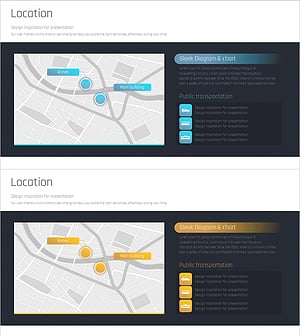
Sleek Location Map Slide - Practical and Visually Appealing
#Company Introduction #Other #Company Overview
-
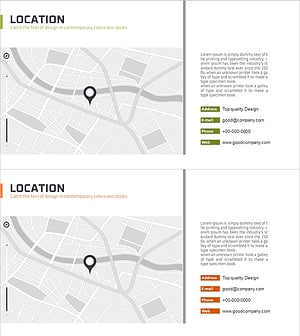
Company Location Summary Profile – Intuitive Cluster Diagram
#Company Introduction #Diagram #Other
-
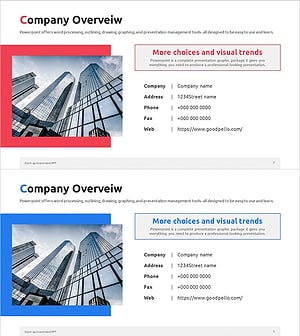
Investment Attraction Company Overview Slide – A Blend of Professionalism and Trust
#Company Introduction #Company Overview #Contact Information
-
Simple Company Profile Page – Effective Contact Information
#Company Introduction #Company Overview #Contact Information
