



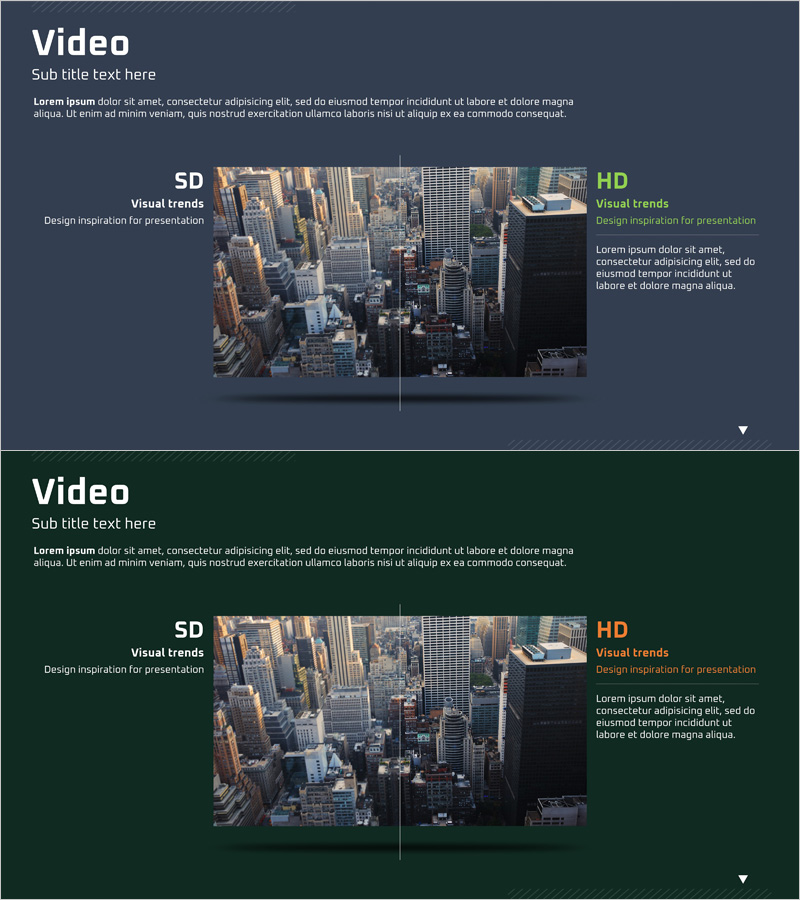
SD vs HD Comparison Slides – Business Vision and Necessity
RJ0400040_12
- Last Update 05/28/2025
- File Size 3.3MB
- # of Slides 2
- File Format PPTX
- Slide Ratio 16:9
- Color
Keywords
About the Product
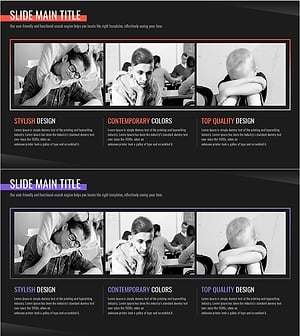
A 2-slide comparison presentation deck for business vision and necessity. This PowerPoint features a dark gray background with a left-right two-panel layout that visually contrasts SD and HD content. Each slide includes a title section at the top and descriptive text area at the bottom, with cityscape imagery illustrating visual trends and the evolution from current state to improved direction. Ready-to-use for business proposals, pitch decks, and strategic presentations where you need to emphasize technology advancement or service upgrade requirements.
Usage Points
-
Main Usage
Juxtapose current state (SD) and target state (HD) in a side-by-side two-panel format to communicate business vision and improvement necessity at a glance. Effectively emphasizes the rationale for technology evolution, service upgrades, and quality enhancement.
-
How to Use
Deploy in the 'Business Background and Necessity' section of business plans, proposals, or investor presentations. Place current situation on the left, target situation on the right, and use text and visuals to highlight differences and benefits.
-
Recommended For
Ideal for executive, investor, and partner presentations where business necessity must be demonstrated. Suitable for tech companies, IT services, manufacturing, retail, and any industry emphasizing innovation and continuous improvement.
-
Slide Structure
Two-slide deck with each slide containing a title area (SD/HD labels), central visual image zone (split into two panels), and right-aligned descriptive text section. Optimized for 16:9 widescreen format in modern presentation environments.
Related Products
-
Renewable Energy Business Background and Necessity Green Mint – Solutions for a Sustainable Future
#Business Vision and Strategy #Operational Plan #Business Background and Necessity
-
Diagram of Competition and Cooperation – Business Vision and Strategy
#Business Vision and Strategy #Business Strategy #Diagram
-
Aurora Camping Business Background and Necessity
#Business Vision and Strategy #Technical Approach #Diagram
-
The Suffering of the Victims of School Violence – Emotion and Necessity in Strategy
#Business Vision and Strategy #Emotional Messages #Business Background and Necessity
