



Navigation App Service Overview Slide – Innovation and Convenience
RJ0400039_10
- Last Update 05/27/2025
- File Size 3.6MB
- # of Slides 2
- File Format PPTX
- Slide Ratio 16:9
- Color
Keywords
About the Product
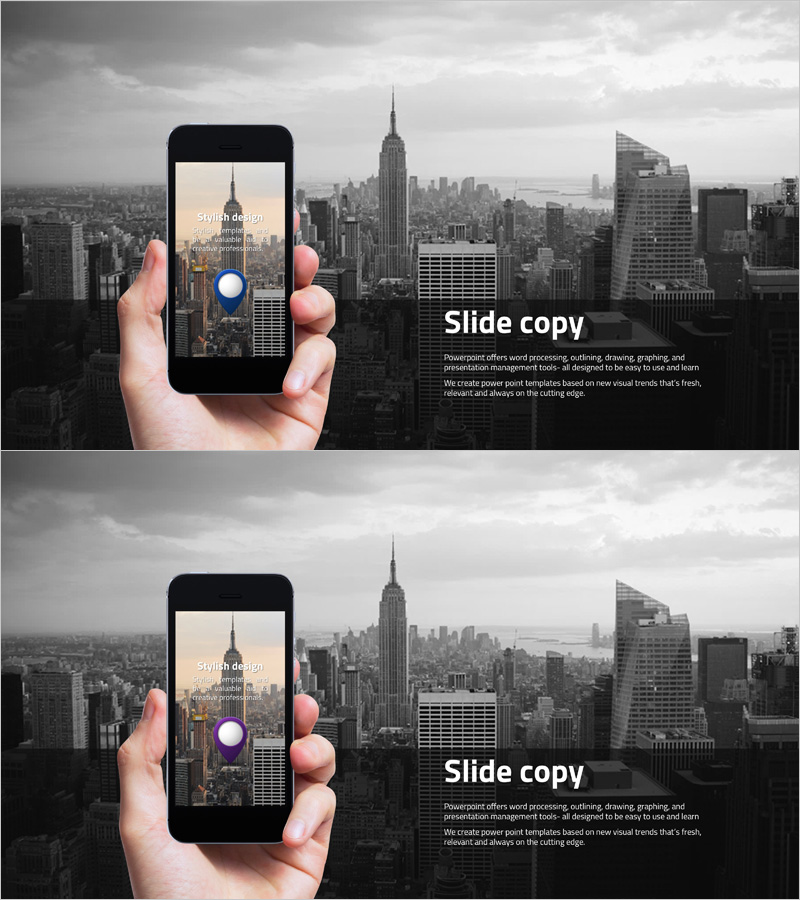
A smartphone mockup-based navigation app service overview PowerPoint slide that visually demonstrates mobile app features and benefits. The design showcases an actual app interface held in hand against a grayscale cityscape background, creating an authentic product presentation. Colorful accent elements including blue and pink circular icons add visual interest while maintaining professional appeal for tech-focused audiences. The 2-slide set allows for step-by-step service introduction and feature explanation, optimized for 16:9 widescreen format. Text input areas and image spaces are strategically balanced for immediate customization and deployment.
Usage Points
-
Main Usage
Present mobile app services and features through visual mockup representation. The smartphone mockup format allows you to display actual app interfaces while communicating user experience and service value intuitively. Ideal for app development companies, tech startups, service planning teams presenting to investors, clients, or internal stakeholders.
-
How to Use
Use the first slide to introduce the app's core functionality through the mockup display, and the second slide to highlight key features and competitive advantages. Input app name, core messaging, and feature descriptions in the text areas, then insert actual app screenshots into the mockup image zones. Add colored icons to emphasize specific functions and benefits.
-
Recommended For
Mobile app developers, tech startups, product managers, marketing professionals, and investor relations teams. Suitable for all app categories including navigation, delivery, fintech, and social platforms. Particularly effective for presentations emphasizing user interface design and user experience benefits.
-
Slide Structure
Two-slide layout with each slide divided into smartphone mockup image area (left) and text/description area (right). The mockup displays app UI elements while the right section contains service name, key messaging, and feature descriptions. Colorful circular icons highlight primary functions and create visual hierarchy across both slides.
Related Products
-
Simple PowerPoint Wide Template – Marketing Plan and Strategy
#Product/Service Introduction #Marketing Plan and Strategy #Other
-
Graph Paper Template – Ideal Mockup for Product and Service Introduction
#Product/Service Introduction #Other #Features
-
Circular Gradient Wide Template Mockup – Product and Service Introduction
#Product/Service Introduction #Other #Product/Service Introduction
-
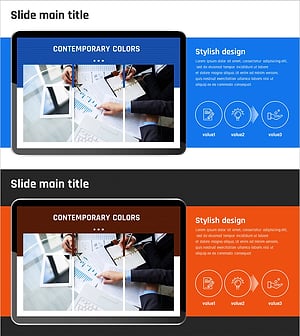
Introducing Startup Business Services – Stand Out with Contemporary Colors
#Product/Service Introduction #Other #Product/Service Introduction
