



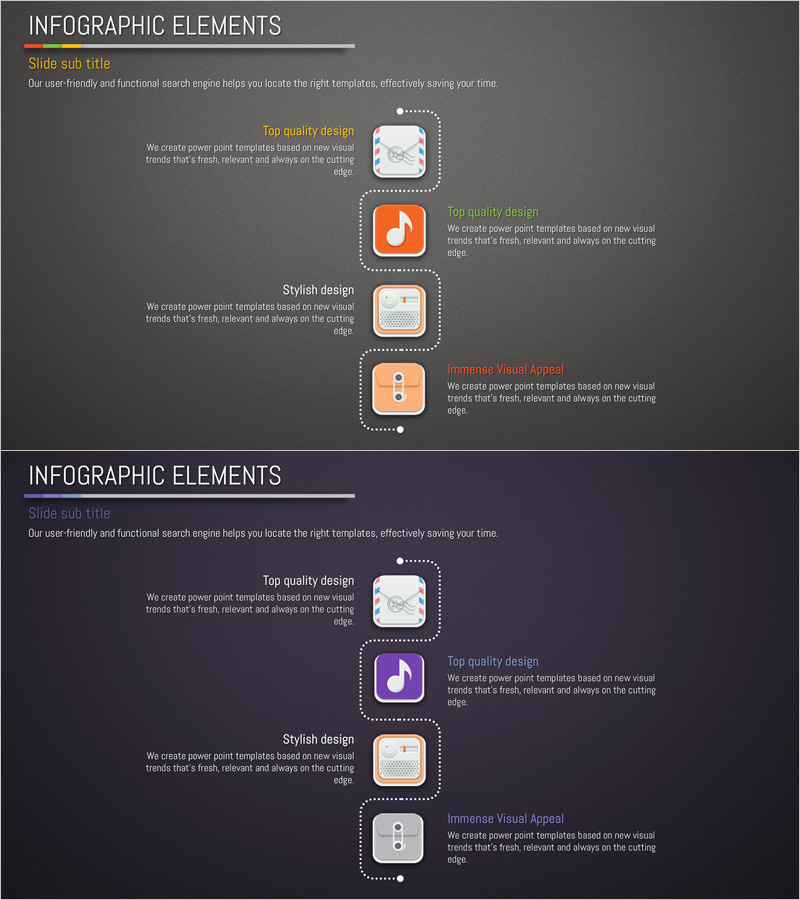
Application Service Characteristics and Contents Presentation Template
RJ0400038_8
- Last Update 05/27/2025
- File Size 4.6MB
- # of Slides 2
- File Format PPTX
- Slide Ratio 16:9
- Color
Keywords
About the Product
A 2-slide PowerPoint presentation template explaining application service characteristics and structural components. Features a dark gray background with orange icons and dotted connector lines forming a vertical 4-stage timeline structure. Each stage includes dedicated areas for icons, titles, and descriptive text, making it ideal for illustrating service development phases, technical architecture, and system composition. Delivered in 16:9 widescreen PPTX format for immediate editing and use in corporate presentations, investor pitches, and technical seminars.
Usage Points
-
Main Usage
Visualizes application service development phases, technical architecture, and system composition through a sequential vertical timeline. The 4-stage structure clearly communicates step-by-step processes and progression, with each stage distinguished by icons and text to convey specific characteristics and roles.
-
How to Use
Use in technical presentations, investor pitch decks, and corporate seminars to explain service architecture and development processes. Customize stage icons to match your service specifications, input relevant titles and descriptions, and adjust colors and fonts to align with corporate branding guidelines.
-
Recommended For
Ideal for IT companies, software development firms, and startups presenting technical information. Effective for investor relations materials, partner briefings, technology seminars, and product launch announcements where service composition and technical roadmaps need clear explanation.
-
Slide Structure
Comprises 2 slides, each with 1 title area and a vertical 4-stage timeline layout. Each stage contains 1 orange icon area, 1 title text field, and 1 description text field, providing 12 total editable input areas across both slides.
Related Products
-
Overview of Major Organs and Their Functions – Visualized Infographic
#Product/Service Introduction #Diagram #Other
-
Four Core Elements of Genetic Research in Biotechnology
#Product/Service Introduction #Diagram #Features
-
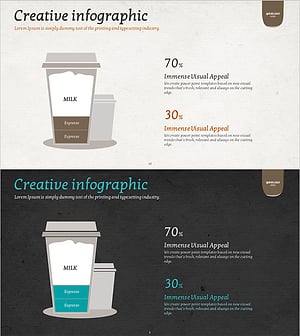
Coffee Composition Ratio Infographic – Visualizing Product Features
#Product/Service Introduction #Diagram #Features
-
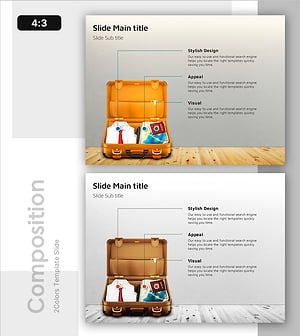
Diagram Slide Introducing Essential Travel Items
#Product/Service Introduction #Diagram #Features
