



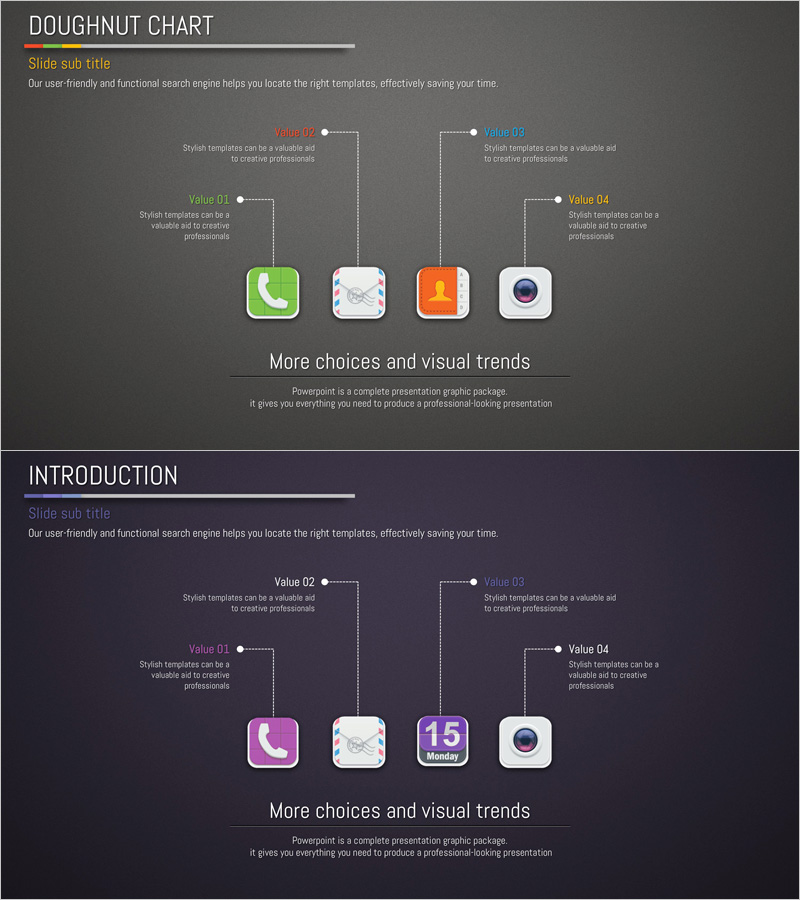
Application Introduction and Features – Visualizing with Intuitive Doughnut Chart
RJ0400038_4
- Last Update 05/27/2025
- File Size 4.4MB
- # of Slides 2
- File Format PPTX
- Slide Ratio 16:9
- Color
Keywords
About the Product
A PowerPoint slide that visualizes key application features and characteristics using an intuitive doughnut chart layout. Designed with a dark gray background, four colorful app icons are positioned around the chart with descriptive text connected by lines. This 2-slide set includes both the doughnut chart layout and an introduction section, ready for immediate use in product presentations. The PPTX file (16:9 aspect ratio) allows easy editing of text and icons, making it ideal for business pitches, investor presentations, and client proposals.
Usage Points
-
Main Usage
Clearly communicate four core application features to investors, clients, and partners using a doughnut chart visualization. Connected icons and descriptive text create an intuitive information flow, serving as the centerpiece slide in product introduction sections.
-
How to Use
Slide 1 presents the four main app features with icons and text labels in the doughnut chart format. Slide 2 provides an introduction section for additional product overview. Customize each icon and text field with your product information and insert into product pitches, investor decks, or client proposals.
-
Recommended For
Ideal for startups and IT companies presenting product features, investor relations presentations, client proposals, partnership pitches, and software/app functionality explanations. Recommended for marketing teams, sales departments, and executives who need to quickly communicate product differentiation.
-
Slide Structure
Slide 1: Four app icons arranged around a central doughnut chart with feature names and descriptions (Value 01-04) positioned above and below each icon. Slide 2: Identical layout in introduction format with title, subtitle, and descriptive text areas. Dark gray background with white and colored text ensures strong contrast and readability.
Related Products
-
Theme Park Hot Air Balloon Guide – Captivating Visuals
#Product/Service Introduction #Diagram #Product/Service Introduction
-
Beach Sunglasses Product Introduction Slide
#Product/Service Introduction #Diagram #Product/Service Introduction
-
Product Introduction Template Featuring Korean Traditional Masks
#Product/Service Introduction #Diagram #Product/Service Introduction
-
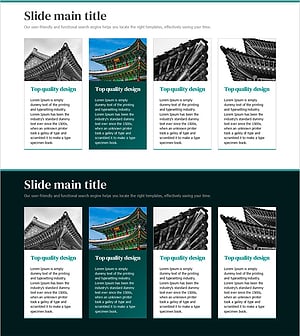
Presentation Template of Traditional House Roof – Capturing Korea's Beauty
#Product/Service Introduction #Diagram #Product/Service Introduction
