



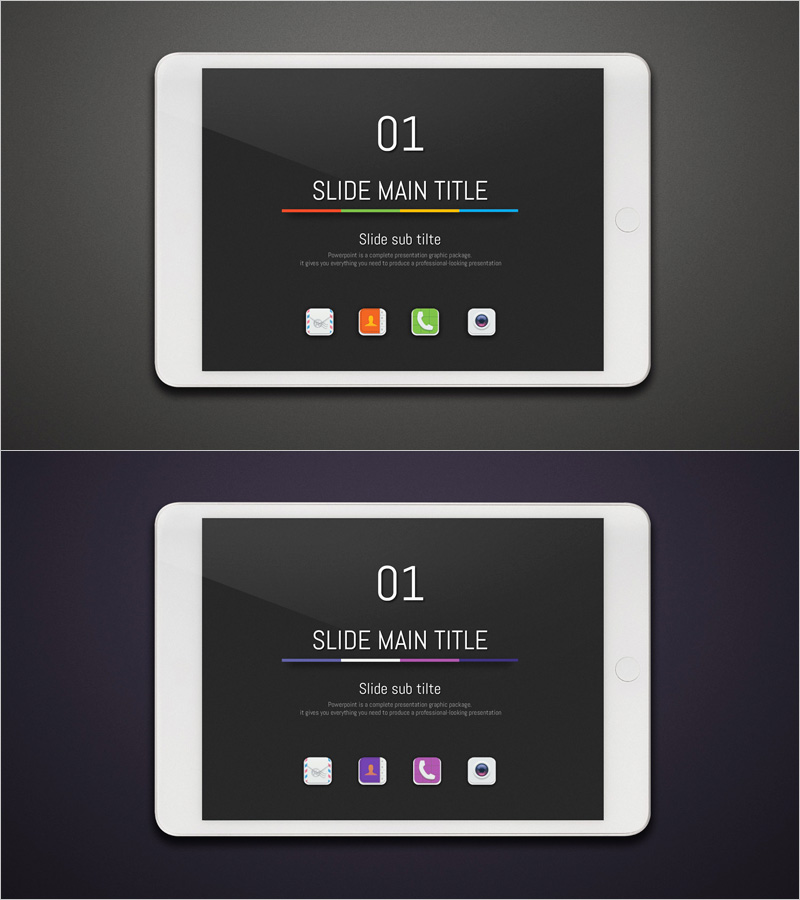
Application Presentation Section Dividing Slide – Content Segmentation
RJ0400038_3
- Last Update 05/27/2025
- File Size 5MB
- # of Slides 2
- File Format PPTX
- Slide Ratio 16:9
- Color
Keywords
About the Product
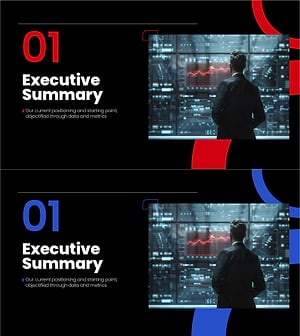
A 2-slide section divider set designed for application presentations and digital product pitches. The dark background features orange, green, and blue accent lines that create clear visual boundaries between content sections. The minimalist layout includes dedicated areas for title, subtitle, and icon placement, making it ideal for proposal decks, brand presentations, and IT product introductions. Available in 16:9 widescreen PPTX format with fully editable elements. The multicolor accent design reinforces professional credibility while maintaining visual clarity across diverse presentation contexts.
Usage Points
-
Main Usage
Provides visual transition points between major sections in presentations, signaling topic shifts and maintaining audience engagement. Particularly effective for application-based product pitches where multiple features, modules, or service areas require clear delineation and sequential explanation.
-
How to Use
Insert this slide before each new section in proposal decks, product presentations, or brand pitches. Replace the title and subtitle text with your section name, and add relevant icons or images to the icon placement areas. The multicolor accent lines automatically differentiate each divider slide.
-
Recommended For
Software companies, IT consultants, digital product teams, SaaS pitch decks, technology proposal presentations, and marketing professionals who need to organize complex information into distinct, visually separated sections. Ideal for presentations with 3+ major content areas.
-
Slide Structure
Two slides with identical layout structure: top section displays slide number (01, 02), center area contains title and subtitle text fields, and bottom section provides four icon placement zones. Each slide features a different multicolor accent line combination (orange-green-blue gradient) to create visual variety while maintaining design consistency.
Related Products
-
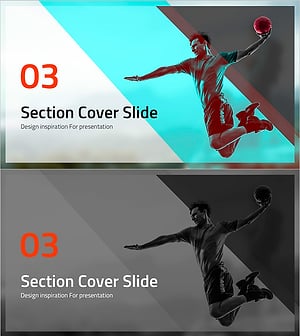
Dunk Section Cover Slide – Innovative Design
#Slide Type #Section Cover
-
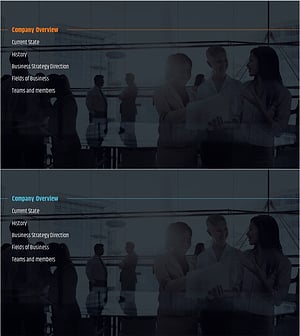
City Modern Theme Business Plan Template Section Slide
#Slide Type #Section Cover
-
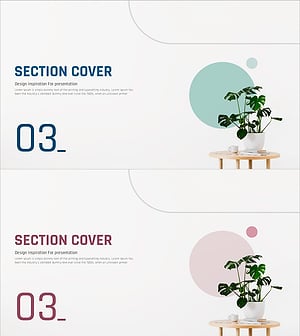
Simple Interior Template Section Cover 03
#Slide Type #Section Cover
-
Section Divider PowerPoint Slide – Dark Numbered Intro
#Slide Type #Section Cover
