



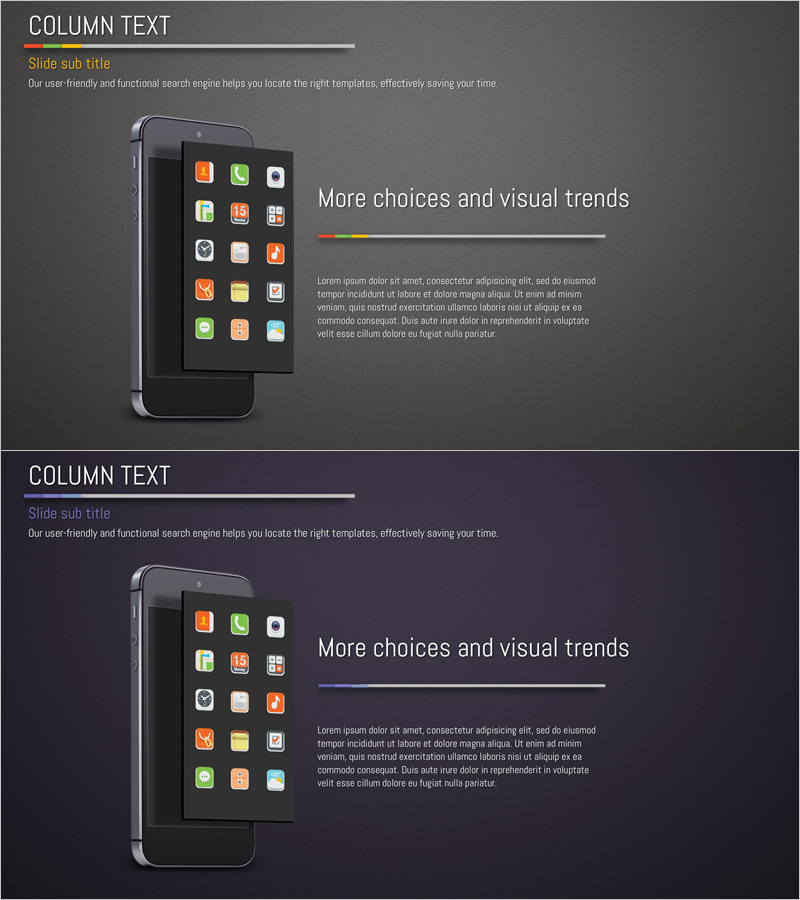
Application Service Introduction and Overview - Effective Visual Communication
RJ0400038_19
- Last Update 05/27/2025
- File Size 4.4MB
- # of Slides 2
- File Format PPTX
- Slide Ratio 16:9
- Color
Keywords
- #Content-Based Slides
- #Design-Based Slides
- #Product/Service Introduction
- #Other
- #Product/Service Introduction
- #Product and Service Overview
- #16:9
- #app service introduction PPT slide
- #application overview PowerPoint
- #mobile app presentation slide
- #how to present app features in PowerPoint
- #service introduction deck
About the Product
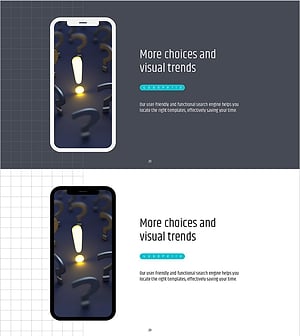
A 2-slide PowerPoint presentation designed to introduce mobile applications and digital services. The layout features a smartphone image and app icons on the left side, with title, subtitle, and body text on the right in a two-column structure. Dark gray background with white typography and colorful app icons creates strong visual contrast, while a colored line at the top emphasizes section breaks. Ideal for company introductions, product launch presentations, and marketing pitches to effectively communicate service overview. Fully editable PPTX format ready for immediate use.
Usage Points
-
Main Usage
This slide effectively introduces mobile applications or digital services by showcasing key features and benefits. The smartphone image and app icons provide an intuitive visual representation of the user interface, while the right-side text area clearly communicates service descriptions, value propositions, and core messages to your audience.
-
How to Use
Place actual app screenshots or icons in the left smartphone image area, then add service name, description, and key features in the right text section. Pre-configured title, subtitle, and body text boxes allow immediate content insertion. Background colors, line colors, and fonts are fully customizable to match your brand identity.
-
Recommended For
Perfect for startup pitches, IT company product launches, SaaS presentations, and investor meetings. Ideal for app developers, digital service providers, and technology companies presenting to customers, investors, and partners. Works well in company introductions, product catalogs, and sales materials.
-
Slide Structure
Two-slide deck with consistent two-column layout: left side for images (smartphone, icons) and right side for text (title, subtitle, body). Colored line at top separates sections. Dark gray background with white text ensures high readability. Three text input areas (title, subtitle, body) maintain simple information hierarchy.
Related Products
-
Introducing Startup Business Services – Stand Out with Contemporary Colors
#Product/Service Introduction #Other #Product/Service Introduction
-
Shoe Product Introduction Mockup – Captivating Design for Customers
#Product/Service Introduction #Other #Product/Service Introduction
-
Mobile Network Service Introduction Slide – Emphasizing Functionality and Efficiency
#Product/Service Introduction #Other #Product/Service Introduction
-
Simple PowerPoint Wide Template – Product and Service Overview
#Product/Service Introduction #Other #Product/Service Introduction
