



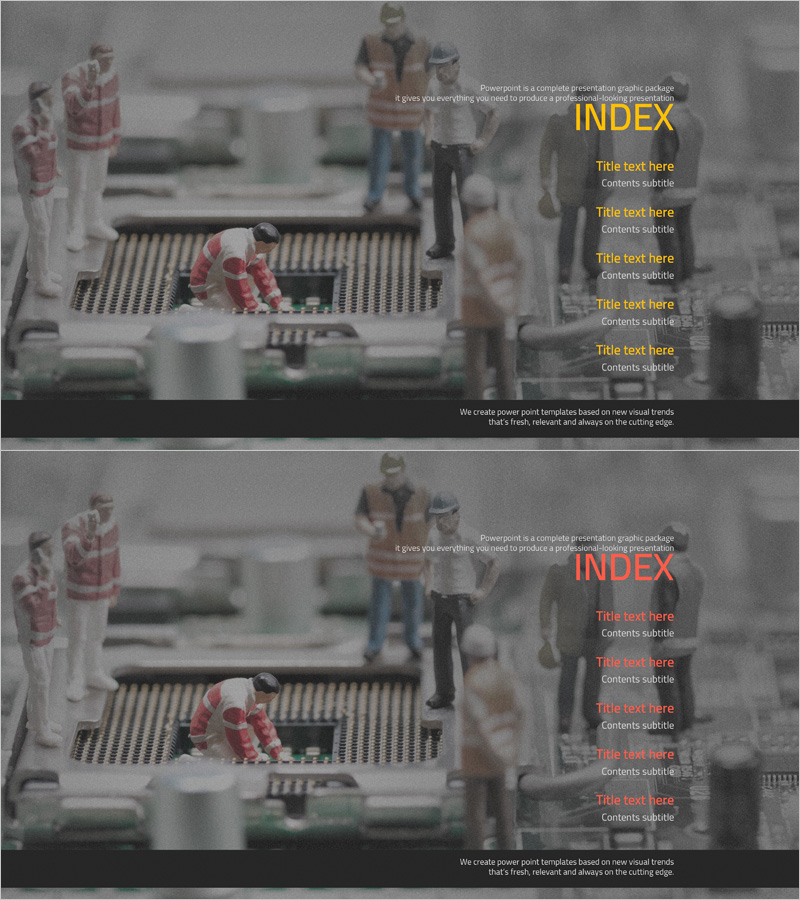
Introduction to Technology Presentation Index – Innovation and Progress
RJ0400027_2
- Last Update 05/25/2025
- File Size 3MB
- # of Slides 2
- File Format PPTX
- Slide Ratio 16:9
- Color
Keywords
About the Product
A 2-slide PowerPoint presentation index designed for technology introduction and product showcase presentations. Features a gray background with yellow accent text for high contrast and clear visual hierarchy. The layout accommodates 5 main content items per slide, making it ideal for technical presentations, innovation briefings, and product launch decks. Each slide provides dedicated title and content input areas, with background imagery separated from text for optimal readability. Fully editable and ready to customize for your technology-focused business presentations.
Usage Points
-
Main Usage
Serves as the table of contents section for technology-focused business presentations, product introductions, and innovation briefings. Clearly communicates the presentation structure to your audience and provides navigation between key sections of your technology discussion.
-
How to Use
Enter your presentation title in the title text area and add section names in the 5 content item fields. Use the yellow accent text to highlight key topics, and leverage the background imagery to reinforce your technology message. All text areas are fully editable to match your specific content.
-
Recommended For
Ideal for technology company product presentations, IT solution briefings, innovation and R&D result presentations, technology seminars, and investor pitches. Perfect for addressing executives, investors, partners, and clients with technology-driven content that requires a professional, trustworthy index page.
-
Slide Structure
Consists of 2 slides, each with a title input area (yellow accent) at the top and 5 content item fields below. The gray background with separated text boxes creates clear information hierarchy, and each item is independently editable for maximum flexibility.
Related Products
-
Modern Simple Proposal Template Contents – Professionalism and Clarity
#Slide Type #Table of Contents
-
Interior Product Introduction Template Contents – Essential Structure Provided
#Slide Type #Table of Contents
-
Luxury Hotel Marketing Plan Template Contents
#Slide Type #Table of Contents
-
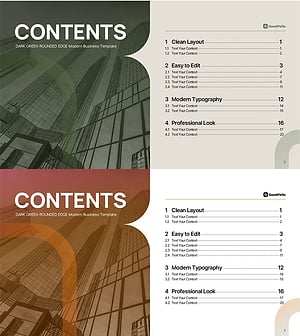
Table of Contents Slide – Rounded Edge Business PowerPoint
#Slide Type #Table of Contents
