



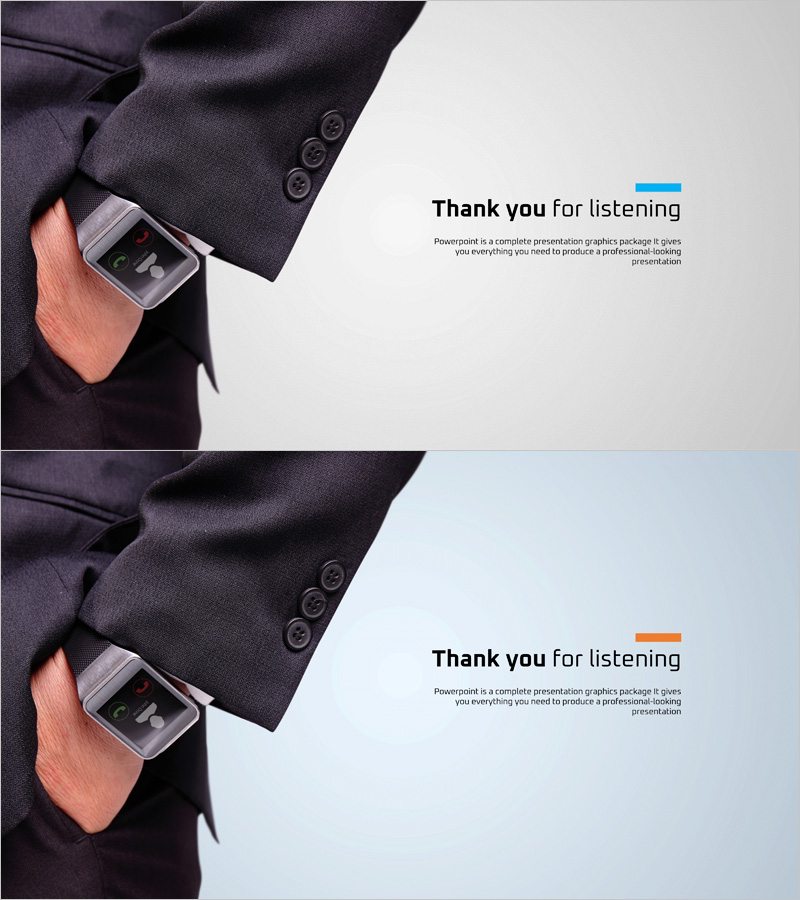
Smartwatch Product Introduction Presentation Ending Cover
RJ0400021_35
- Last Update 05/23/2025
- File Size 3.2MB
- # of Slides 2
- File Format PPTX
- Slide Ratio 16:9
- Color
Keywords
About the Product
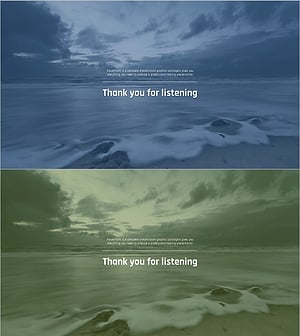
A professional closing slide designed to conclude presentations with impact. This PowerPoint slide features an asymmetrical layout with a product image on the left and a 'Thank you for listening' message on the right, accented by blue and orange color blocks. The 2-slide set in 16:9 widescreen format is ready to use for product launches, technical presentations, and business pitches. Clear text input areas allow you to add company name, contact information, and website details. The dual-tone color scheme creates visual hierarchy while maintaining professional appearance across all presentation types.
Usage Points
-
Main Usage
This closing slide concludes your presentation while reinforcing brand impression through product imagery and contact information. It provides a graceful ending that thanks the audience and leaves them with clear next steps for engagement or follow-up communication.
-
How to Use
Display this slide at the end of your presentation. Edit the right-side text area to include your company name, email, phone number, and website. You can replace the product image with your own photo or graphic, and adjust the blue and orange accent colors to match your corporate brand guidelines.
-
Recommended For
Ideal for product launch presentations, technical seminars, investor pitches, sales presentations, and conference talks. Recommended for marketing, sales, product, and engineering teams who need a professional closing slide that reinforces brand identity and provides contact information.
-
Slide Structure
The 2-slide set features a fixed product image area on the left and an editable text section on the right. The text area includes a headline ('Thank you for listening'), descriptive text (1-2 lines), and contact information fields (company name, email, phone, website). Color accent bars in blue and orange at the top create visual emphasis and guide viewer attention.
Related Products
-
Healthy Living Exercise Template Ending
#Slide Type #Ending Cover
-
Green Eco-friendly Energy Template – End Page for a Sustainable Future
#Slide Type #Ending Cover
-
Football Game Template Ending – Capturing the Spirit of Sports
#Slide Type #Ending Cover
-
Wave Wide Template – End Page
#Slide Type #Ending Cover
