



Network Firewall Service Features – Security and Trust
RJ0400020_7
- Last Update 05/23/2025
- File Size 0.2MB
- # of Slides 2
- File Format PPTX
- Slide Ratio 16:9
- Color
Keywords
About the Product
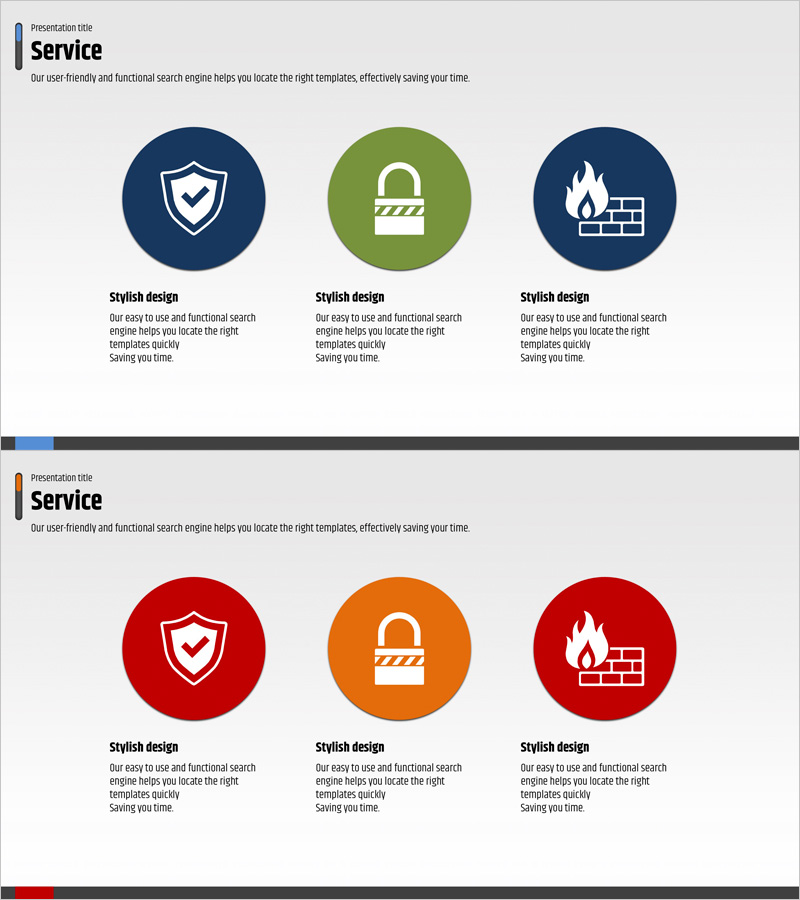
A PowerPoint slide that visualizes the core features of network firewall services through three circular icons in dark blue, green, and navy tones. The layout presents security (shield), protection (lock), and firewall (fire-wall) functions with clear visual hierarchy. The 2-slide set includes color variations in dark blue, red, and orange tones, allowing immediate customization to match corporate brand colors. Each icon features title and description text fields below for flexible content input such as service features, technical specifications, or customer benefits. This PPT design is optimized for service introduction sections in presentations, proposals, and company profiles.
Usage Points
-
Main Usage
This slide structures core service features, functions, or benefits into three distinct items for clear audience communication. Abstract concepts like security, trust, and technology are visualized through icons to enhance comprehension and retention.
-
How to Use
Enter service feature names (e.g., Security, Trust, Technology) in the title field below each circular icon, then add detailed descriptions in the text area. Select the color-variant slide that best matches your corporate brand identity and use accordingly.
-
Recommended For
Ideal for IT, network, and cybersecurity solution companies presenting to clients, investors, or partners. Recommended for sales teams, marketing professionals, and technical leads preparing pitch decks, proposals, and company overview presentations.
-
Slide Structure
2-slide set with each slide featuring 3 circular icons (approximately 120px diameter) arranged horizontally. Each icon includes a title field (1 line) and description area (2-3 lines) below, providing 6 total input fields per slide. One section title field at the top completes the layout.
Related Products
-
Portfolio PPT Template for Camera Product Introduction
#Product/Service Introduction #Product/Service Introduction #Features
-
Visualization of Necessary Vegetables – The Perfect Choice for Your Table
#Product/Service Introduction #Other #Product/Service Introduction
-
Product Introduction Template Featuring Korean Traditional Masks
#Product/Service Introduction #Diagram #Product/Service Introduction
-
Analyzing the Interconnectedness of Molecular Frameworks PowerPoint Template - Cluster and Connection Elements
#Product/Service Introduction #Diagram #Product/Service Introduction
