



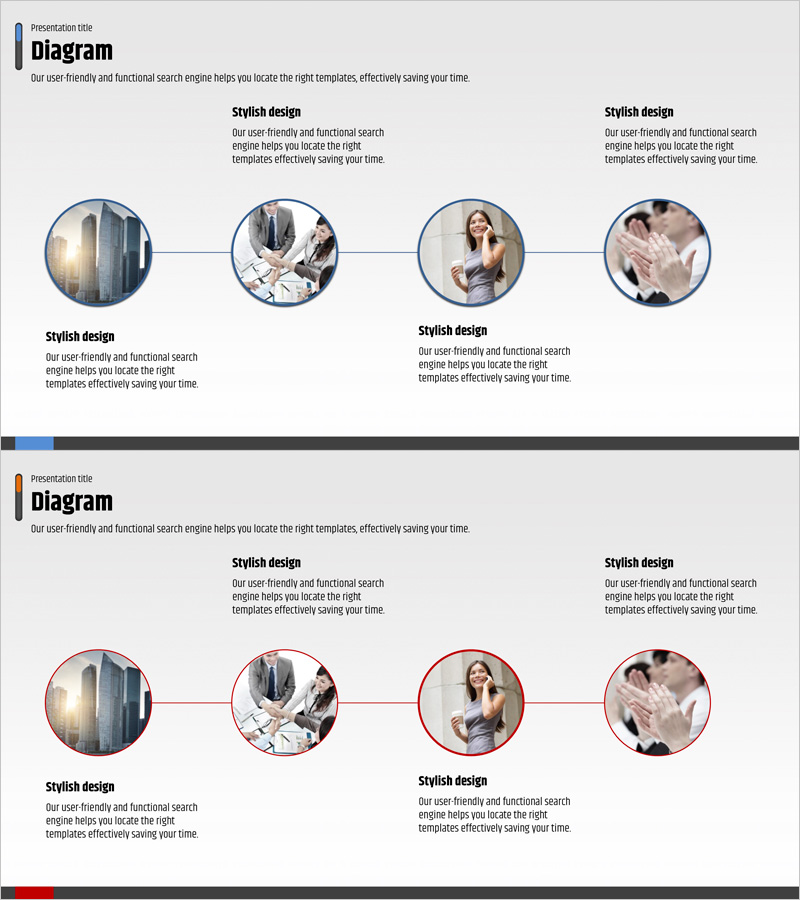
Business Background and Progress Diagram - Blue and Red
RJ0400020_4
- Last Update 05/23/2025
- File Size 0.8MB
- # of Slides 2
- File Format PPTX
- Slide Ratio 16:9
- Color
Keywords
- #Content-Based Slides
- #Design-Based Slides
- #Business Vision and Strategy
- #Business Strategy
- #Diagram
- #Business Background and Necessity
- #Cluster
- #Chain Diagram
- #Project Progress
- #16:9
- #linear flow diagram PowerPoint
- #4-stage process diagram
- #business progress slide template
- #timeline PowerPoint slide
- #how to create process flow in PowerPoint
About the Product
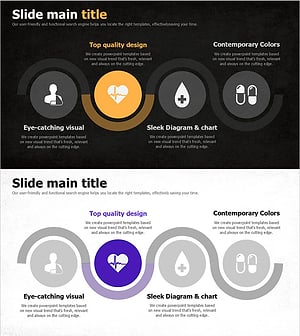
A linear flow diagram PowerPoint slide that visually communicates business background and project progress. Four circular nodes are connected horizontally with linking lines, clearly representing each stage of advancement. The blue and red dual-tone color scheme creates strong visual contrast and emphasis, with text areas below each node for stage-specific descriptions. Composed of 2 slides in 16:9 widescreen format, this template is ready to use for business progress reports, project timelines, organizational change processes, and various presentation scenarios.
Usage Points
-
Main Usage
Designed to express business progression stages in chronological order with text and visual descriptions for each phase. The contrasting blue and red colors provide clear stage differentiation, making it ideal for executive reports, business proposals, and project status presentations.
-
How to Use
Enter stage titles in each circular node and add descriptions, achievements, and timelines in the text areas below. Insert icons or images inside nodes for visual enhancement, and customize colors and text styles to match your organization's branding guidelines.
-
Recommended For
Executives, project managers, business planners, and marketing professionals presenting business progress, project timelines, organizational changes, product development stages, and marketing campaign status updates.
-
Slide Structure
Consists of 2 slides with identical 4-node horizontal flow structure. The first slide features blue tones while the second uses red tones for color differentiation. Each node includes a text input area below for adding stage-specific descriptions and details.
Related Products
-
Modern Business Background and Necessity – Slide Illustrating Business Strategy Flow
#Business Vision and Strategy #Business Strategy #Diagram
-
Diagram Slide Connecting Business Strategy
#Business Strategy #Diagram #Implementation Framework
-
Business Background and Need – Vision and Strategy
#Business Vision and Strategy #Diagram #Business Background and Necessity
-
Treatment Process Diagram – Essential for Business Management
#Business Strategy #Business Management #Diagram
