



Network Firewall Presentation Index
RJ0400020_2
- Last Update 05/23/2025
- File Size 1MB
- # of Slides 2
- File Format PPTX
- Slide Ratio 16:9
- Color
Keywords
About the Product
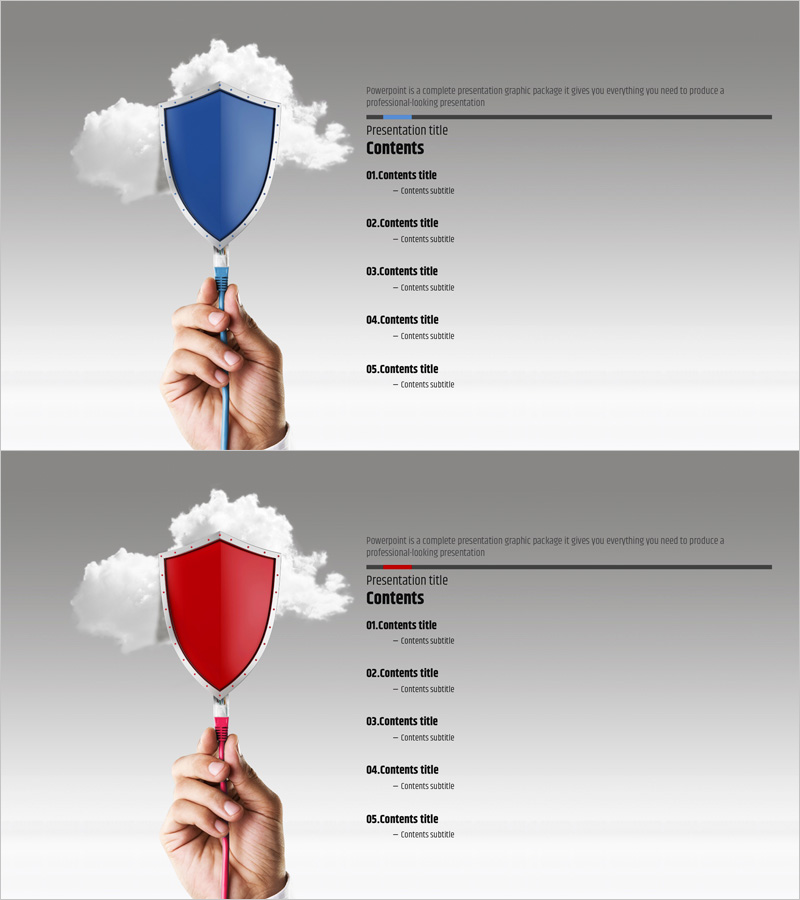
A professional contents slide for PowerPoint presentations that clearly outlines your presentation structure at a glance. The design features a shield icon held in hand, symbolizing trust, security, and protection—ideal for technology, network, and business presentations. Two color versions (blue and red) are provided to match your presentation theme. The layout displays five content items in a hierarchical text-based structure, setting audience expectations and establishing a clear flow from the start. This slide template works seamlessly in business proposals, technical reports, educational materials, and corporate presentations.
Usage Points
-
Main Usage
Introduce your presentation structure and content flow to the audience at the beginning of your talk. The five-item hierarchical layout emphasizes the sequence and importance of each section, while the shield icon reinforces messages of trust, security, and stability—essential for technology and business presentations.
-
How to Use
Place this slide immediately after your title slide to help the audience understand the overall presentation scope. Highlight or click on each content item as you progress through your talk to maintain audience engagement and reinforce the logical flow. Choose the blue version for trust and technology themes, or the red version to emphasize urgency and importance.
-
Recommended For
Network and security technology presentations, corporate reports, business proposals, project plans, educational seminars, consulting pitches, and executive briefings. Particularly effective when explaining complex topics step-by-step or presenting to decision-makers who need a clear roadmap.
-
Slide Structure
The slide layout features a shield icon held in hand (blue or red version) on the left side, with a 'Contents' title and five numbered items (01–05) listed vertically on the right. Each item includes a title and subtitle area, set against a gray background with strong text contrast for optimal readability.
Related Products
-
Luxury Hotel Marketing Plan Template Contents
#Slide Type #Table of Contents
-
Concrete Theme Company Profile Contents
#Slide Type #Table of Contents
-
Painting Theme Company Profile Template Contents
#Slide Type #Table of Contents
-
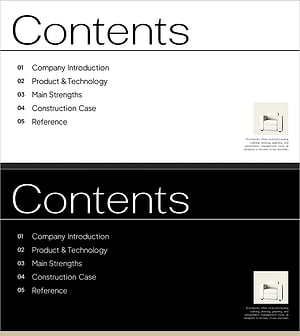
Interior Product Introduction Template Contents – Essential Structure Provided
#Slide Type #Table of Contents
