



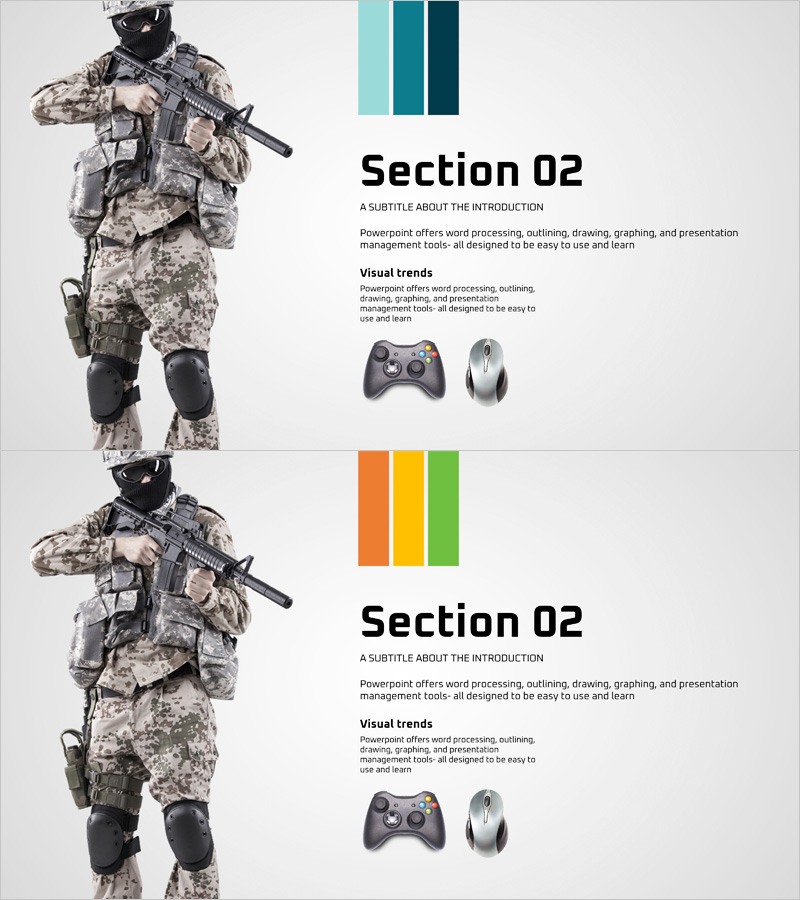
Game Introduction Presentation Index – Section Dividing Slide
RJ0400017_23
- Last Update 05/22/2025
- File Size 1.8MB
- # of Slides 2
- File Format PPTX
- Slide Ratio 16:9
- Color
Keywords
About the Product
A 2-slide section dividing presentation for game introductions featuring full-screen image placement on the left and text-icon layout on the right. Dual-tone color bars (teal, dark teal, orange, yellow, green) clearly distinguish sections and create visual impact. In 16:9 widescreen PPTX format, this PowerPoint slide is ready to use for game industry pitches, game design presentations, and game marketing decks. Position this index slide at section transitions to focus audience attention and clarify presentation structure. The layout accommodates game screenshots, character visuals, and gameplay scenes while maintaining professional information hierarchy.
Usage Points
-
Main Usage
This index slide visually separates sections in game presentations and directs audience focus at transition points. Dual-tone color bars distinguish each section by color, while the full-screen left image area accommodates game screenshots, character visuals, or gameplay scenes to maximize visual impact and engagement.
-
How to Use
Place this slide at the beginning of each section in game design documents, game pitches, or marketing presentations. Insert game screenshots or character images in the left image area, and add section titles, subtitles, and key descriptions in the right text area to clearly communicate each section's theme and content.
-
Recommended For
Ideal for game development studios, game publishers, and marketing teams presenting to investors or at industry conferences. Suitable for game investment pitches, game technology presentations, game conference talks, industry reports, and any game-related presentation requiring clear section division and visual storytelling.
-
Slide Structure
Two-slide layout with each slide divided into a full-screen left image area (for game visuals) and right text area (for section titles, subtitles, and descriptions). Dual-tone color bars at the top (teal, dark teal, orange, yellow, green) provide color-coded section identification. Game-related icons (controller, mouse) on the right reinforce the gaming industry context and add visual interest.
Related Products
-
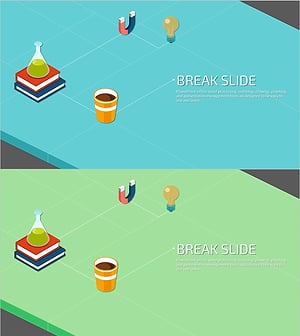
Creative Science Experiment Illustration Break Slide – Enjoyable Break Time Template
#Slide Type #Section Cover
-
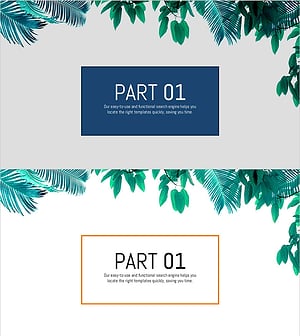
Stylish PowerPoint with a Botanical Garden Theme
#Slide Type #Section Cover
-
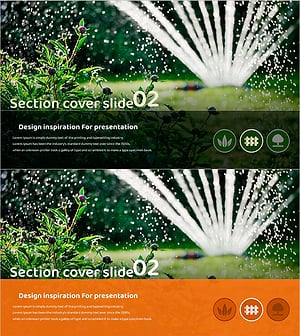
Gardening Wide Template Section Cover02 – Harmony with Nature
#Slide Type #Section Cover
-
Advanced Robot Template Section Slide – Innovative Presentation
#Slide Type #Section Cover
