



Game Introduction Presentation Index – Capturing Visual Trends
RJ0400017_20
- Last Update 05/22/2025
- File Size 1.5MB
- # of Slides 2
- File Format PPTX
- Slide Ratio 16:9
- Color
Keywords
About the Product
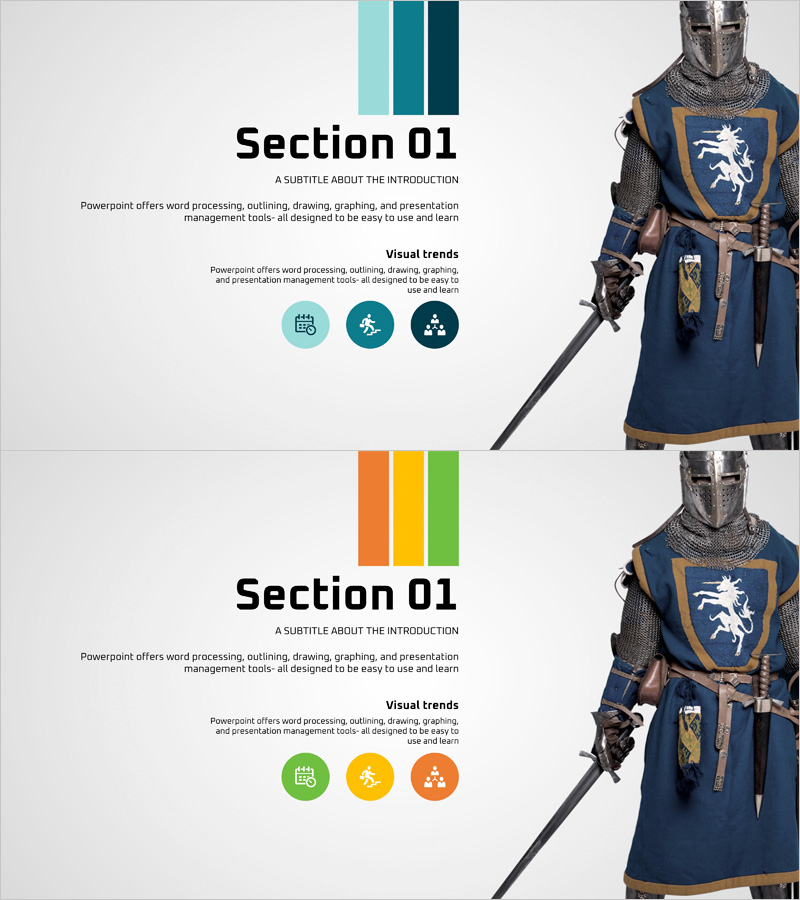
A 2-slide index template designed to make a strong first impression for game introduction presentations. The template features a color bar at the top (teal, dark teal, dark green or orange, yellow, green) paired with three circular icons that emphasize visual trends, while a game character image on the right side creates maximum visual impact. Clear sections for title, subtitle, and descriptive text enable effective communication of game overview, service features, and core mechanics. This PowerPoint slide deck is provided in 16:9 widescreen format with fully editable colors, text, and icons, making it immediately applicable to diverse game presentations.
Usage Points
-
Main Usage
This index slide serves as the opening section of a game introduction presentation, using a color bar and circular icons to communicate the game's core visual trends at a glance. The character image immediately conveys the game's world and atmosphere, making it highly effective for creating a strong first impression with investors, partners, and potential users.
-
How to Use
Slide 1 functions as a section opener for the game title, subtitle, and key description. Slide 2 can be used to explain visual trends or highlight the game's main features. The color bar is easily customizable to match your game's brand colors, and icons can be edited to represent core gameplay elements such as graphics, storytelling, or community features.
-
Recommended For
Ideal for game developers and publishers introducing new titles, game investment pitching, game marketing presentations, and gaming community introductions. Recommended for game designers, marketers, and sales teams who need to quickly communicate a game's visual identity and core value proposition.
-
Slide Structure
The 2-slide layout features a color bar at the top (3 colors arranged vertically), a central text area with title, subtitle, and description (left side), and a character image space (right side). With 3–4 text input areas, 3 icons, and 1 image space, the information hierarchy is clear and follows a comparative, emphasis-based layout.
Related Products
-
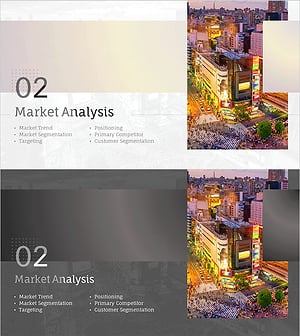
Advertising Marketing Plan Slide – Emphasizing Market Analysis
#Slide Type #Section Cover
-
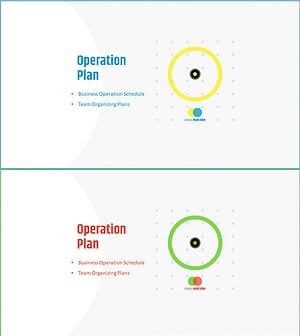
Business Business Plan PowerPoint Template Section Slide
#Slide Type #Section Cover
-
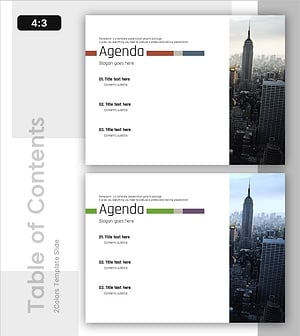
Urban Skyline Business PowerPoint Outline Template - Emphasizing Professionalism
#Slide Type #Section Cover
-
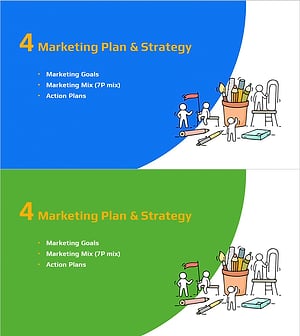
Idea Marketing Plan Template Section Slide
#Slide Type #Section Cover
