



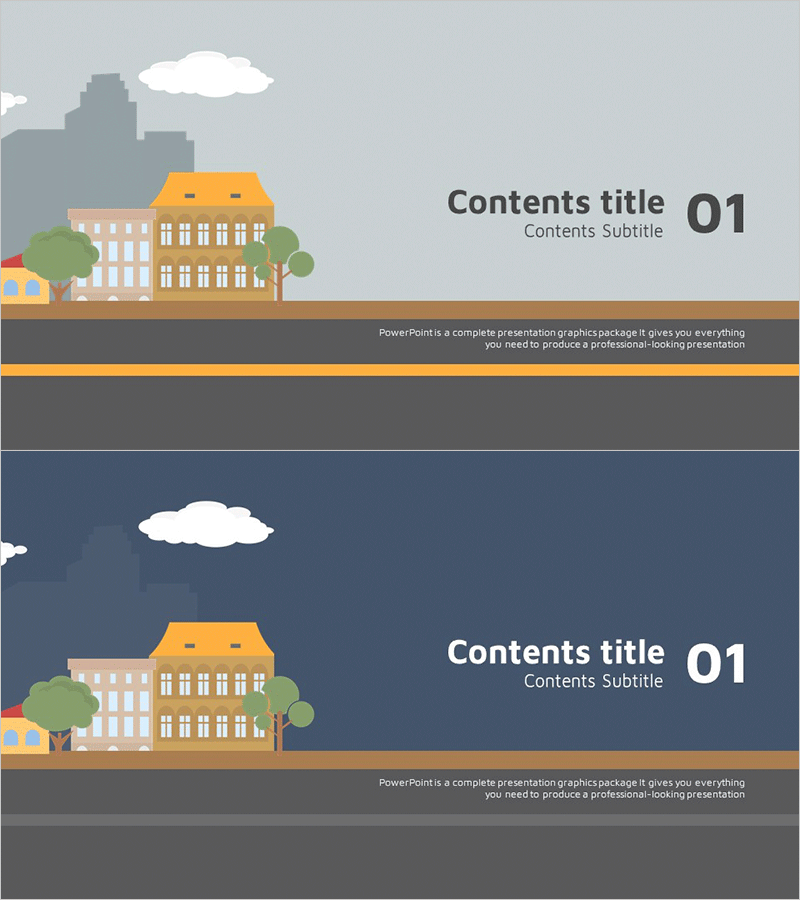
Ambulance Wide Template Chapter Cover Slide 1 - Unique Design
RJ0400011_3
- Last Update 05/20/2025
- File Size 0.4MB
- # of Slides 2
- File Format PPTX
- Slide Ratio 16:9
- Color
Keywords
About the Product
A 2-slide chapter divider set designed to mark section transitions in your presentation. Features a light gray background and dark navy background variant, each with an ambulance illustration, building, trees, and cloud icons positioned on the left side. The right side provides dedicated text areas for title and subtitle input, allowing clear expression of each section's theme. Delivered in 16:9 widescreen PPTX format, this PowerPoint slide set is ready for immediate use in healthcare, education, business, and other professional presentations.
Usage Points
-
Main Usage
Marks section and chapter breaks in presentations while refocusing audience attention. The two-tone background variants (light gray and dark navy) create visual rhythm throughout your document, while the ambulance motif effectively communicates healthcare, medical, and emergency-related topics.
-
How to Use
Insert this slide at the beginning of each section to introduce your topic. Edit the text areas with section names and subtitles, and adjust background and icon colors as needed to maintain consistency with your overall template design. Ideal for medical facility presentations, health education seminars, and emergency response project proposals.
-
Recommended For
Recommended for healthcare institutions, medical centers, emergency services, educational seminars, and business project proposals requiring professional section breaks. Particularly suited for hospitals, medical consulting firms, health departments, and organizations presenting emergency response or healthcare initiatives.
-
Slide Structure
Two-slide set with identical layout structure: left side features ambulance illustration with supporting icons, right side contains title and subtitle text input areas. First slide uses light gray background; second slide uses dark navy background to provide visual variety while maintaining design consistency.
Related Products
-
Tobacco PPT Section Slides – Stylish Cover Slide
#Slide Type #Section Cover
-
Business Overview Text Box – Concise Slide for Business Introduction
#Slide Type #Section Cover
-
Healthy Food Section Cover - Infusing Taste and Nutrition
#Slide Type #Section Cover
-
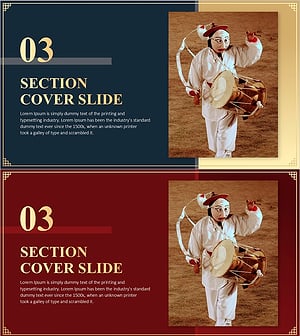
Korea Traditional Section Cover 03 – Harmony of Tradition and Modernity
#Slide Type #Section Cover
