



Application Service Introduction and Outlook – Innovation and Expectation
RJ0400010_24
- Last Update 05/19/2025
- File Size 0.7MB
- # of Slides 2
- File Format PPTX
- Slide Ratio 16:9
- Color
Keywords
- #Content-Based Slides
- #Product/Service Introduction
- #Product/Service Introduction
- #Product and Service Overview
- #16:9
- #app service introduction PowerPoint slide
- #application overview presentation
- #mobile app PowerPoint template
- #service introduction slide deck
- #how to present app features in PowerPoint
About the Product
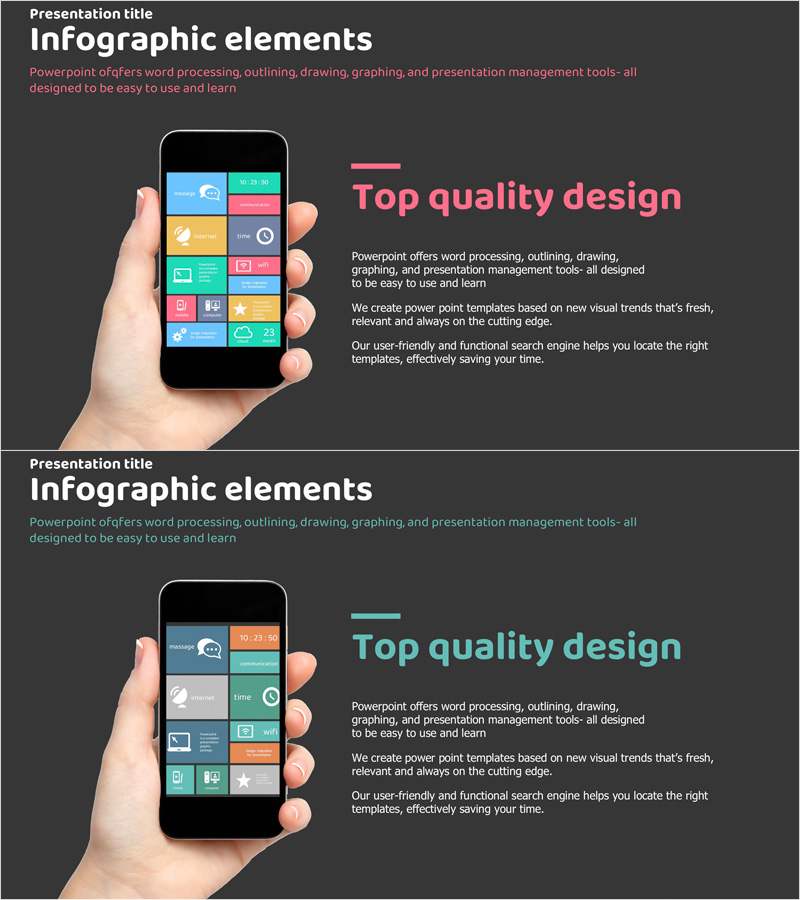
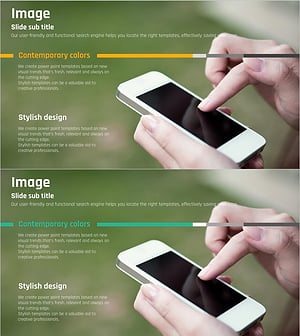
A 2-slide PowerPoint presentation set designed to introduce mobile application services. The slides feature a dark gray background with a vibrant mobile phone interface displaying colorful function blocks in pink, teal, orange, and lime. The first slide showcases a hand-held smartphone screen with various app feature icons, while the second slide uses the same layout for additional information. Clear separation between text input areas and image spaces makes this template immediately applicable to company profiles, product introductions, and investment pitch decks. The visual hierarchy effectively communicates app functionality and innovation potential to stakeholders.
Usage Points
-
Main Usage
Clearly communicate the key features and value proposition of a new mobile application to investors, partners, and customers. The intuitive visualization of the app user interface highlights service innovation and expected benefits, making it ideal for pitching new digital products.
-
How to Use
Insert into the service overview section of company presentations, product introductions, or investment materials. Enter service name, key features, and differentiators in the text areas, then place actual app screenshots or feature icons in the image spaces. The 2-slide format allows you to present additional information or comparative content.
-
Recommended For
Perfect for startups, IT companies, fintech platforms, e-commerce businesses, and SaaS enterprises presenting to executives and investors. Suitable for new service launch briefings, partnership proposals, and funding pitch presentations. The design is accessible to technical teams, marketing departments, and executive leadership alike.
-
Slide Structure
Both slides follow an identical layout with a hand-held smartphone image on the left displaying the app interface, and a text area on the right containing title, body text, and description space. Each slide can independently present different service features or supplementary information, providing flexibility for multi-feature app presentations.
Related Products
-
Introducing Startup Business Services – Stand Out with Contemporary Colors
#Product/Service Introduction #Other #Product/Service Introduction
-
Mobile Market Service Introduction and Outlook – User-Friendly Solution
#Product/Service Introduction #Other #Product/Service Introduction
-
Mobile Network Service Introduction Slide – Emphasizing Functionality and Efficiency
#Product/Service Introduction #Other #Product/Service Introduction
-
Product and Service Overview Slide – Harmony of Yellow and Bluegreen
#Product/Service Introduction #Product/Service Introduction #Product and Service Overview
