



Structural Diagram – Folder Classification
RJ0400007_4
- Last Update 05/18/2025
- File Size 0.6MB
- # of Slides 2
- File Format PPTX
- Slide Ratio 16:9
- Color
Keywords
- #Content-Based Slides
- #Design-Based Slides
- #Product/Service Introduction
- #Diagram
- #Product/Service Introduction
- #Composition
- #Structure
- #Tree Diagram
- #16:9
- #tree diagram PowerPoint
- #folder hierarchy slide
- #organizational structure diagram
- #how to create tree diagram in PowerPoint
- #folder classification PowerPoint template
About the Product
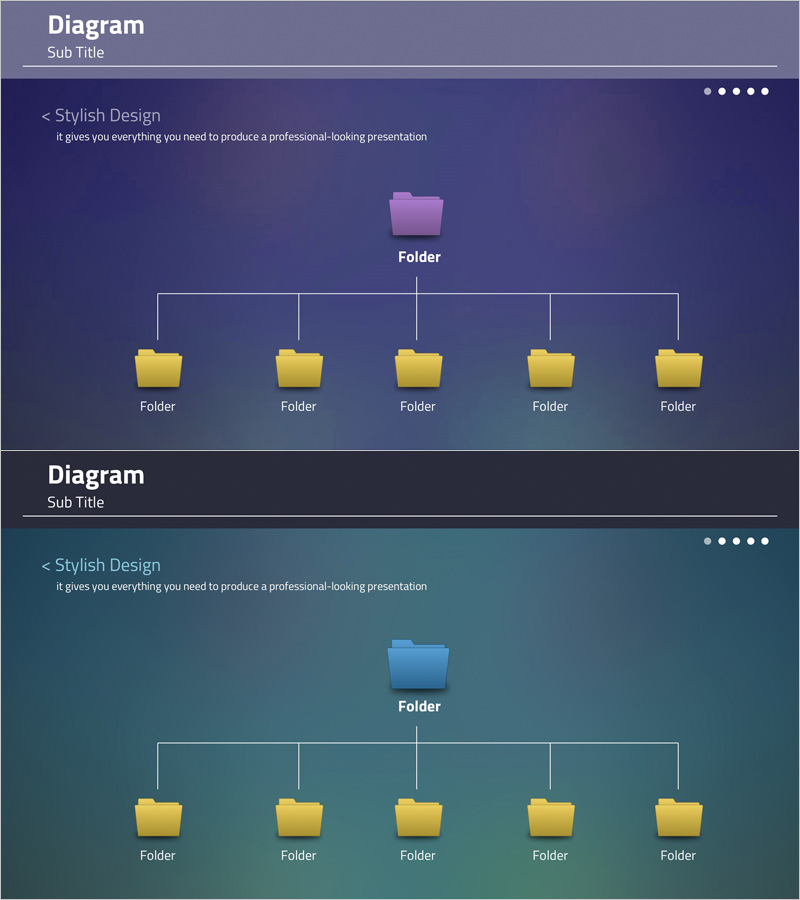
A tree diagram PowerPoint slide that visualizes organizational structures, folder classifications, and hierarchical systems. This slide features a parent folder branching into five child folders, displayed against purple and teal backgrounds with yellow folder icons for clear information hierarchy representation. Comprising 2 slides optimized for 16:9 widescreen format in PPTX, this presentation template is ready to use for company organization charts, project structures, data classification systems, and various business presentations.
Usage Points
-
Main Usage
Displays organizational hierarchies, folder classification systems, and project structures in a hierarchical format. The tree structure clearly visualizes information layers, enabling audiences to understand the complete structure at a glance and grasp relationships between parent and child elements.
-
How to Use
Apply this slide when explaining company organization charts, departmental roles, project team composition, data classification systems, or folder structures. Edit folder labels by clicking on icons, and customize the number of folders by adding or removing nodes to match your specific organizational needs.
-
Recommended For
IT departments, project managers, organizational restructuring specialists, data management professionals, and educators explaining organizational structures or classification systems. Particularly effective for presentations requiring visual communication of file systems, folder structures, and organizational hierarchies.
-
Slide Structure
Title area at the top with one parent folder node in the center connected by vertical lines to five child folder nodes at the bottom. Two slides included: the first with purple background and the second with teal background, both displaying the same tree structure in different color schemes.
Related Products
-
Effective Presentation Delivery with Thoughtful Design – Strong Visual Appeal
#Product/Service Introduction #Diagram #Product/Service Introduction
-
Introduction to Food Trucks – Modern Diagram Utilization
#Product/Service Introduction #Diagram #Product/Service Introduction
-
Interior Tree Structure Diagram - Product/Service Structure Introduction
#Product/Service Introduction #Diagram #Product/Service Introduction
-
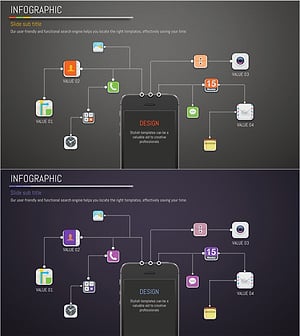
Application Composition and Service Introduction Slide – Clearly Delivering Service
#Product/Service Introduction #Diagram #Product/Service Introduction
