



Business Marketing Strategy Diagram – Effective Cluster and Connection Representation
RJ0300078_6
- Last Update 05/10/2025
- File Size 2.9MB
- # of Slides 2
- File Format PPTX
- Slide Ratio 16:9
- Color
Keywords
- #Content-Based Slides
- #Design-Based Slides
- #Business Vision and Strategy
- #Marketing Plan and Strategy
- #Diagram
- #Business Strategy
- #Marketing Strategy
- #Cluster
- #Chain Diagram
- #16:9
- #cluster diagram PowerPoint
- #connection diagram slide
- #marketing strategy template
- #business relationship diagram PPT
- #node connection PowerPoint slide
About the Product
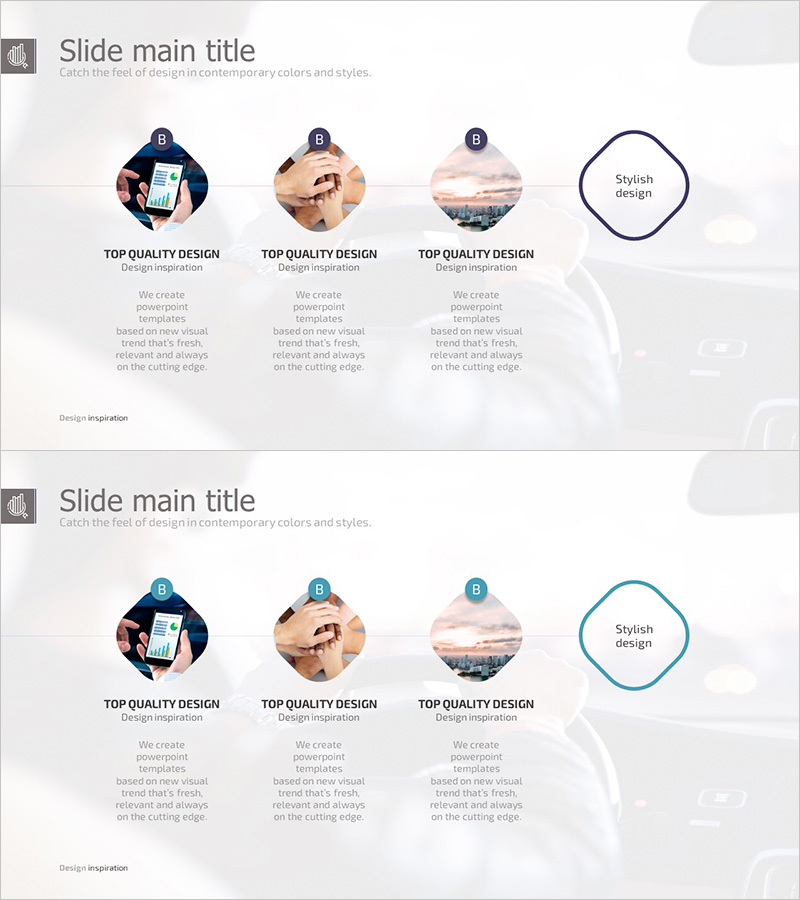
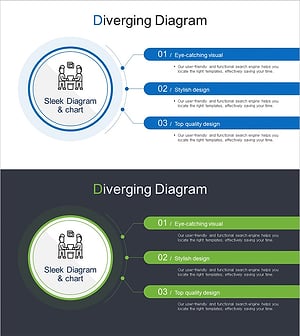
A 3-node cluster connection diagram PowerPoint slide designed to visualize business marketing strategy and relationships. This slide features circular image nodes connected to a central emphasis area, effectively representing the interaction and interdependence between key strategic elements. The warm color palette of navy, beige, and pink creates a professional yet approachable atmosphere. With 2 slides included, this template is ready to apply to various marketing strategy scenarios, and the clearly defined text input areas make editing straightforward. Perfect for the business vision and strategy section of marketing plans, business proposals, and investor presentations.
Usage Points
-
Main Usage
Visualize the interaction and connection between three key marketing strategy elements using a cluster diagram format. The circular image nodes and central emphasis area clearly communicate strategic influence and integrated direction.
-
How to Use
Place this diagram in the business vision and strategy section of marketing plans, business proposals, or strategic presentations. Input marketing channels, customer segments, or brand values in each node, and write the integrated strategy or core message in the central area to emphasize strategic consistency.
-
Recommended For
Recommended for marketing managers, business planning teams, and executives preparing strategic presentations. Particularly effective for explaining multi-channel marketing, integrated marketing communications, customer journey mapping, and brand positioning strategies.
-
Slide Structure
2-slide set. Each slide features 3 circular image nodes (top-left, top-right, bottom-right) connected to a navy-bordered emphasis box on the right. Text input areas are positioned below each node, with the emphasis box containing 'Stylish design' text that can be freely edited.
Related Products
-
Visualizing Business Strategy with Connection Circle Diagram – Cluster and Connection
#Business Vision and Strategy #Marketing Plan and Strategy #Diagram
-
Corporate Strategy Diagram Leading the Future – Visualizing Business Flow
#Business Vision and Strategy #Marketing Plan and Strategy #Diagram
-
Setting up your SEO Business Strategy – Maximizing Business Impact
#Business Vision and Strategy #Business Strategy #Marketing Plan and Strategy
-
Visualizing Successful Business Meeting Strategies with Diagram Slide
#Business Vision and Strategy #Marketing Plan and Strategy #Diagram
