Intuitive Free Poster Design Template
O0100004
- Last Update 01/13/2025
- File Size 0.2MB
- # of Slides 6
- File Format PPTX
- Slide Ratio 4:3
- Color
Slide Preview

Keywords
About the Product
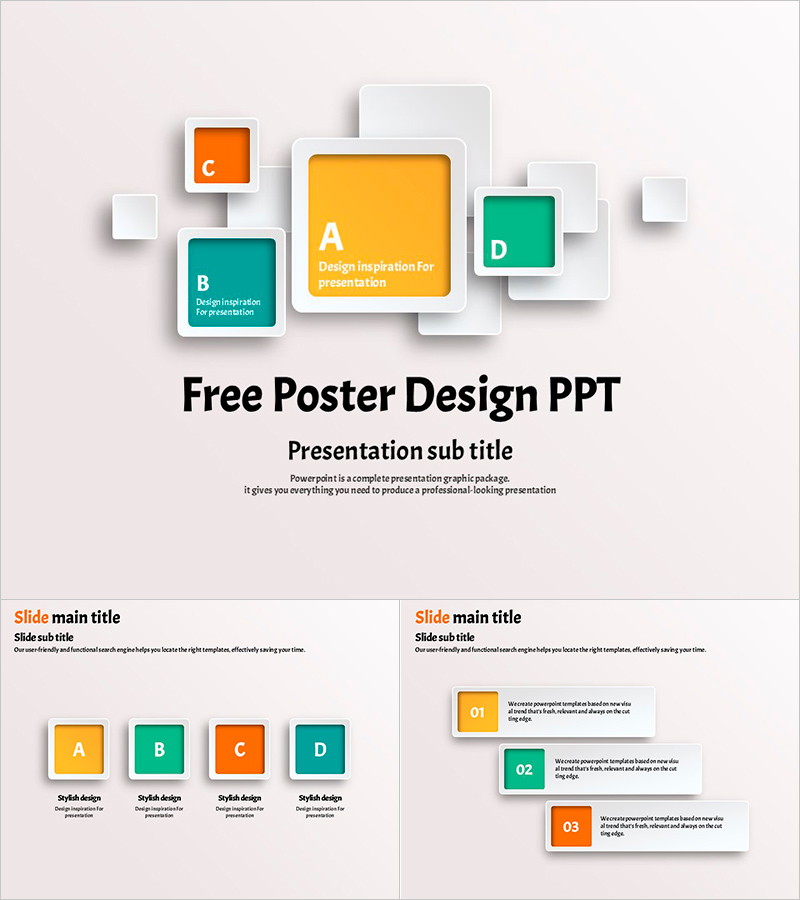
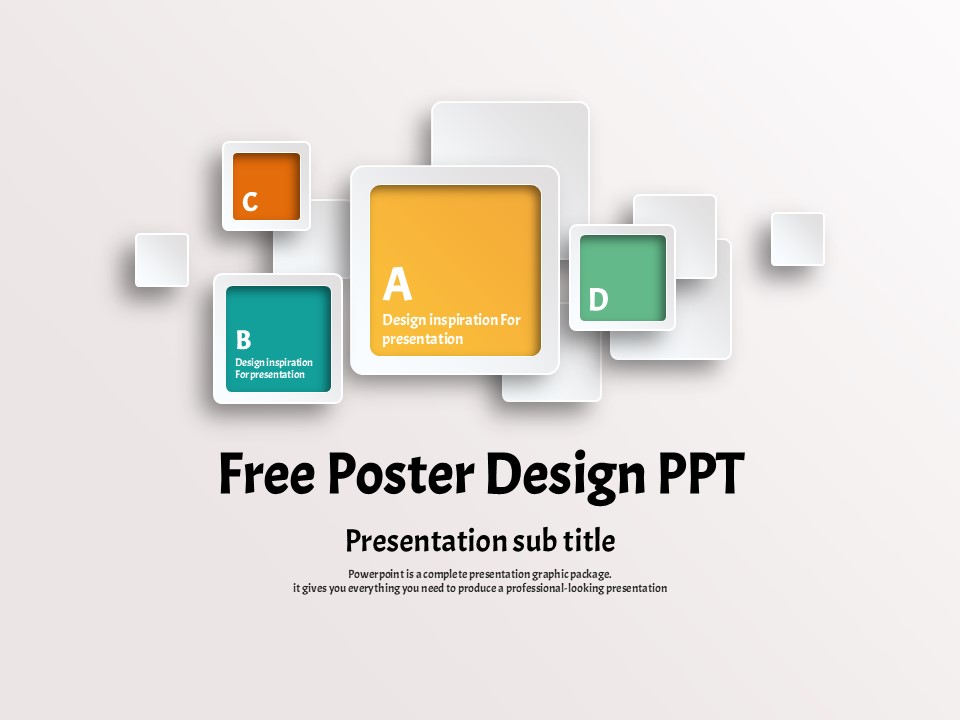
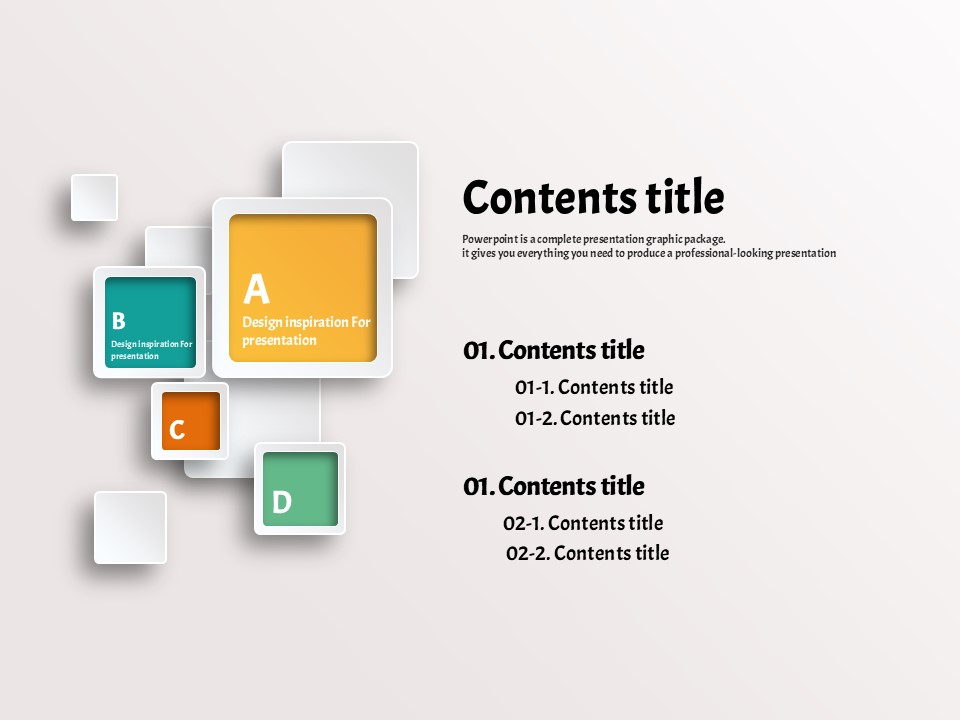
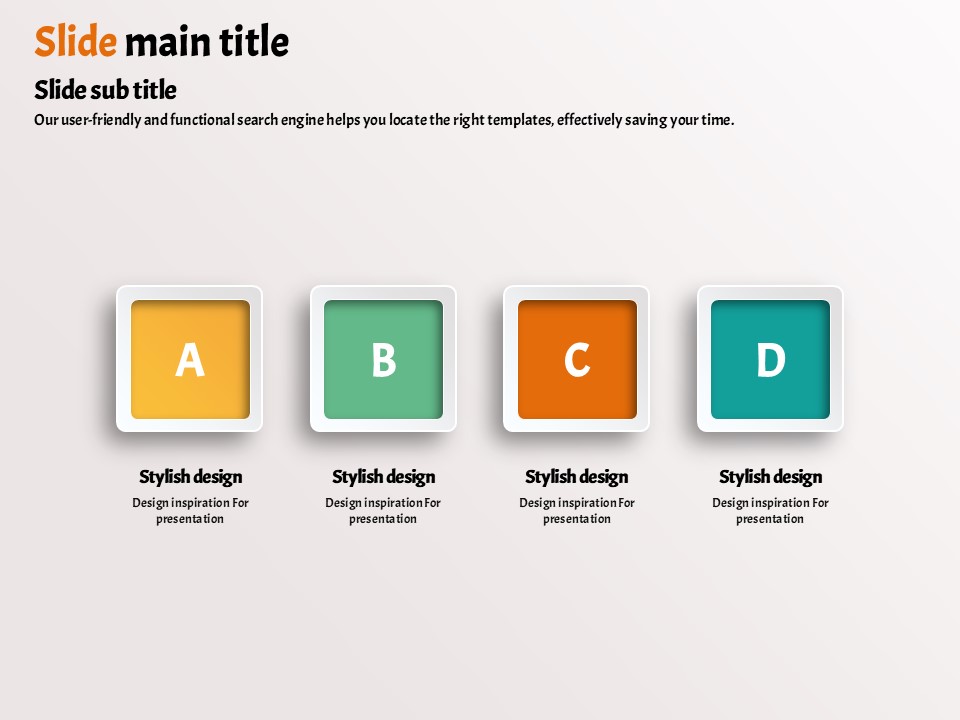
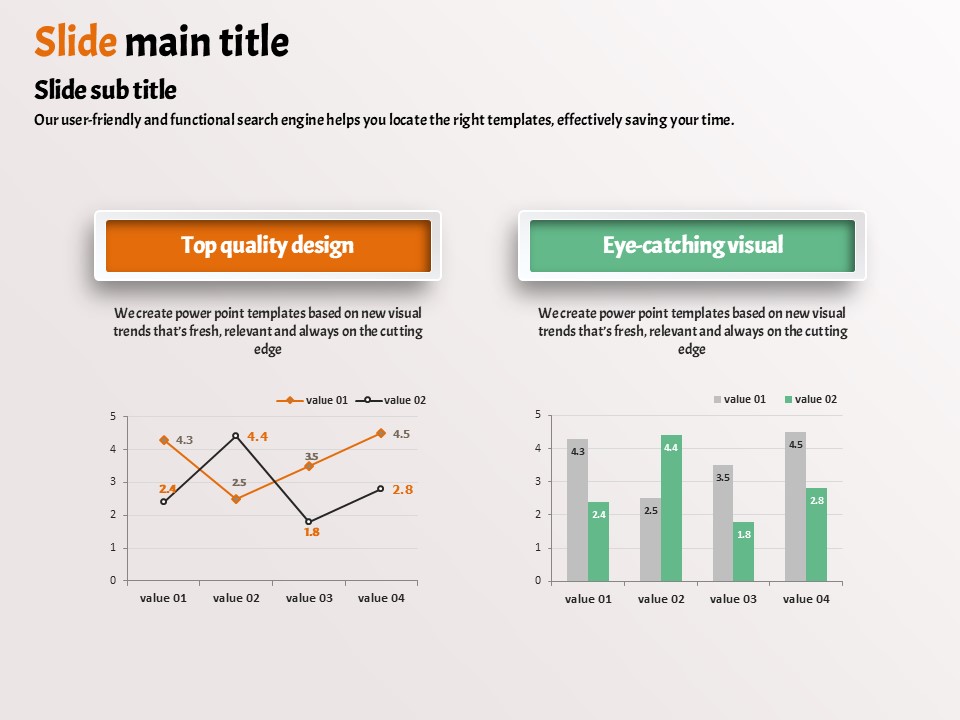
This free PowerPoint template features a clean light gray background with four vibrant color blocks — yellow, teal, orange, and mint — arranged in a layered cluster layout with rounded corners and subtle 3D depth. The design delivers strong visual focus while keeping the editing process straightforward: simply replace the placeholder text and adjust colors or shapes as needed. The 6-slide set covers all essential presentation types, including a title slide, a hierarchical contents slide, a four-category comparison slide, and a numbered list slide, making it versatile enough for business presentations, school projects, and general-purpose slide decks. Provided in PPTX format, the template is fully editable in PowerPoint, allowing you to customize text, colors, and layout with ease. Despite being a free presentation resource, the consistent four-color system and polished 3D block design deliver a professional look. For a wider range of designs and more comprehensive slide sets, explore GoodPello's premium PowerPoint templates.
Usage Points
-
Main Usage
A free, versatile PowerPoint template designed for general-purpose presentations across industries. The four-color cluster layout helps visually organize and communicate information in a clear, structured way.
-
How to Use
Download the PPTX file, open it in PowerPoint, and replace the placeholder text on each slide. Adjust colors, font sizes, or shape dimensions as needed. Use the slides in sequence — from the title through to the list slide — to build a complete, polished presentation quickly.
-
Recommended For
Ideal for office workers, students, and freelancers who need to prepare a presentation quickly without industry restrictions. Especially useful for presentations that compare four items or organize content in a numbered, step-by-step format.
-
Slide Structure
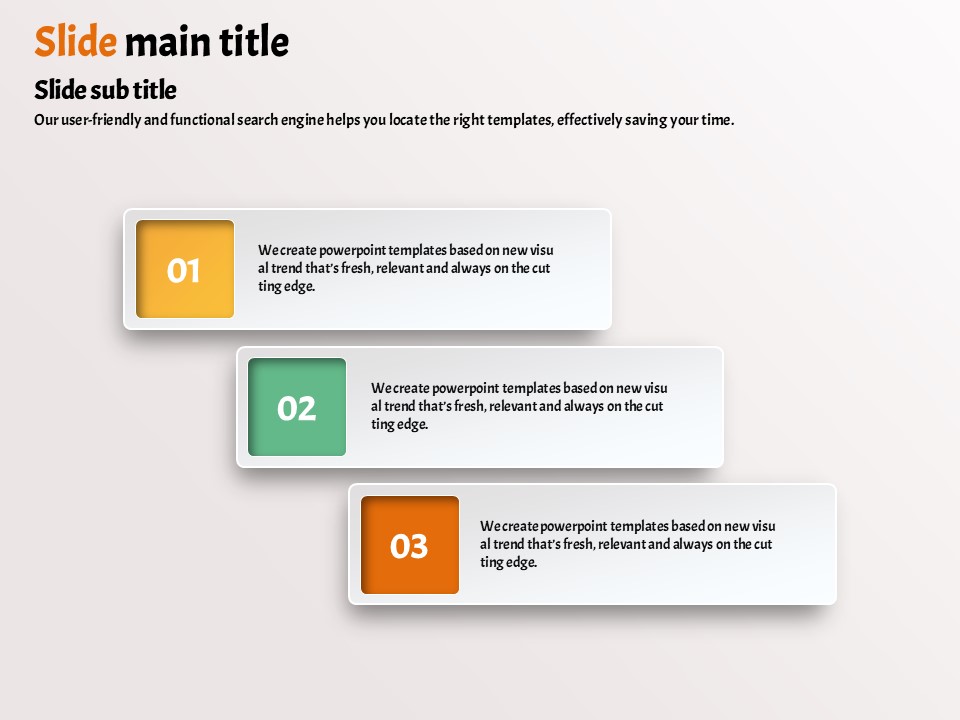
6 slides total: a title slide with main and sub-title, a hierarchical contents slide, a four-category comparison slide with A·B·C·D color blocks, and a numbered list slide with 01·02·03 sequence blocks — covering all core presentation flow types.