



Setting Business Goals – Efficient Business Strategy Development
RJ0300076_25
- Last Update 05/10/2025
- File Size 4.4MB
- # of Slides 2
- File Format PPTX
- Slide Ratio 16:9
- Color
Keywords
About the Product
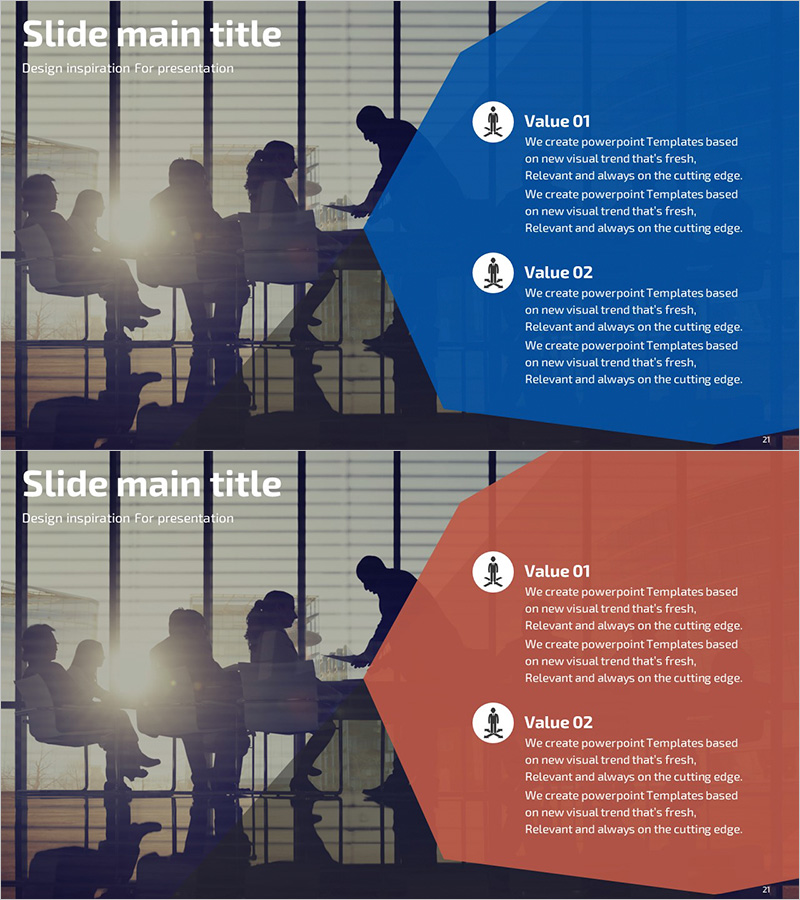
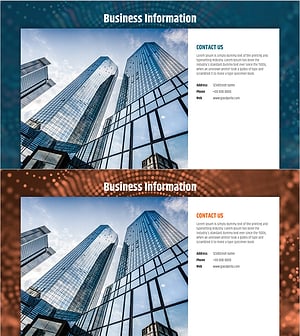
A 2-slide PowerPoint presentation designed for business overview and goal-setting sections. The asymmetrical layout features a full-bleed image area on the left and a structured text section on the right, with blue and coral dual-tone backgrounds providing visual emphasis. Each slide accommodates two key values with icon placeholders and descriptive text, enabling clear communication of corporate strategy and objectives. Ideal for company introductions, business overview sections, and investor presentations to establish credibility and convey organizational vision.
Usage Points
-
Main Usage
Effectively visualize corporate business objectives and core values to communicate organizational vision and strategy to investors, partners, and stakeholders. Establishes credible corporate image in business plans, company profiles, and investor pitch decks through clear value articulation.
-
How to Use
Insert corporate activity images (team meetings, collaboration scenes) in the left image area, and populate the right text section with 2-3 core values and business objectives. Select the blue slide to emphasize trust and stability, or the coral slide to highlight innovation and dynamism based on your messaging strategy.
-
Recommended For
Recommended for business plan presentations, company introductions, and investor relations materials. Ideal for marketing teams, executives, and business development professionals presenting organizational vision. Particularly effective for startups, SMEs, and corporate new business divisions seeking to communicate strategic direction.
-
Slide Structure
2-slide composition with asymmetrical layout: left side features full-bleed image area (approximately 40% width), right side contains structured text zone (approximately 60% width). Text area includes 1 title, 2 icon placeholders, and 4 descriptive text fields (2 per icon) enabling hierarchical value presentation.
Related Products
-
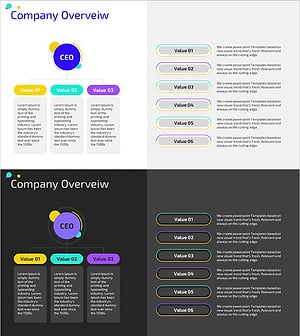
Colorful Company Organization Chart Diagram – Business Vision and Strategy
#Company Introduction #Business Introduction #Business Vision and Strategy
-
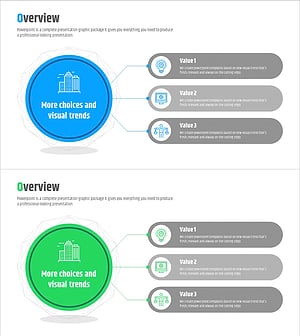
Business Overview Diffusion Diagram – A Visual Tool for Understanding Business
#Company Introduction #Business Introduction #Diagram
-
Global Social Network Business Overview
#Company Introduction #Business Introduction #Diagram
-
Big Data Analysis Company Overview – Innovation and Growth
#Company Introduction #Business Introduction #Company Overview
