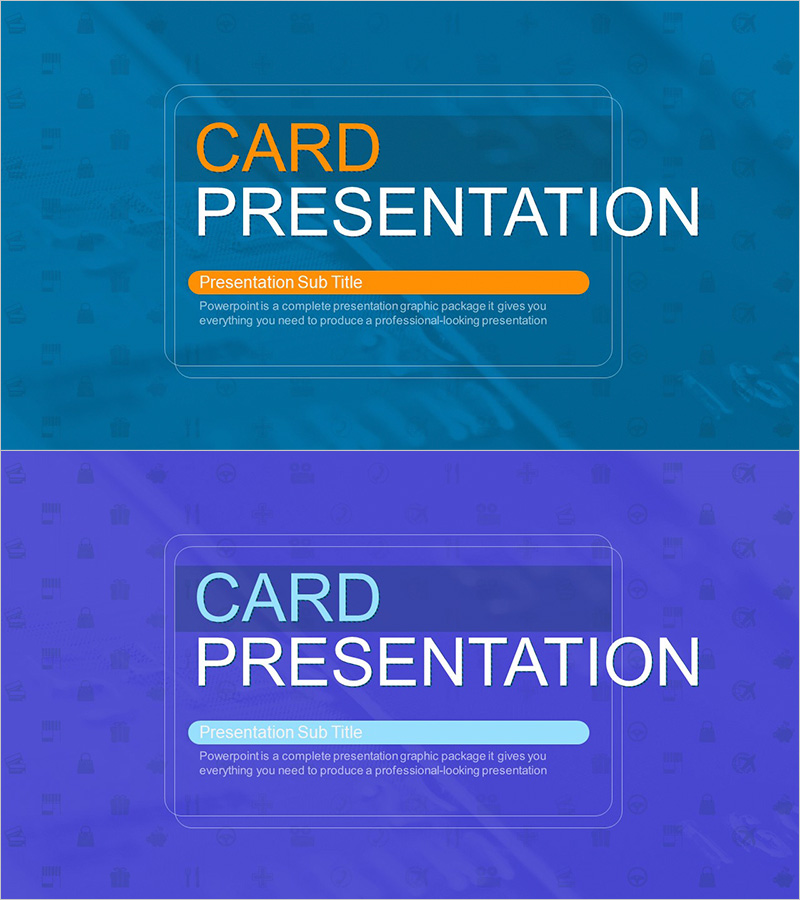
Card Payment Service Template Cover – Professional Impression
RJ0300074
- Last Update 05/09/2025
- File Size 4.5MB
- # of Slides 2
- File Format PPTX
- Slide Ratio 16:9
- Color
Keywords
About the Product
A professional cover slide for card payment service presentations featuring a modern card-based layout with deep blue background and orange accent color. The slide clearly separates title, subtitle, and description text areas to effectively communicate your service name and key message. This PowerPoint slide is designed in 16:9 widescreen format and includes two color variations (blue and purple) that can be customized to match your brand identity. The card-shaped design visually reinforces the payment service concept while conveying financial trust and innovation. Ideal for fintech, payment gateway, and financial service presentations to investors, partners, and customers.
Usage Points
-
Main Usage
Serves as the opening slide for card payment, fintech, and financial service presentations. Establishes first impression and communicates service name and core value proposition to investors, partners, and customers. The card-shaped design visually symbolizes the payment service offering.
-
How to Use
Place as the first slide to open your presentation. Enter your service name in the title area, key message (e.g., Secure Payment Solution) in the subtitle area, and one-sentence summary in the description section. Select the color variation that matches your brand guidelines to maintain visual consistency throughout the presentation.
-
Recommended For
Recommended for investment pitch decks, partner proposal presentations, and customer-facing service introductions by fintech companies, payment processors, digital wallet providers, and financial institutions. Suitable for banks, card companies, payment gateways, and financial service startups.
-
Slide Structure
Two-slide set featuring blue background version and purple background version. Each slide contains a card-shaped frame with three distinct sections: title (CARD PRESENTATION), subtitle (orange accent bar), and description text area, enabling intuitive content input.