



Healthcare Project Linear Diagram – Step-by-step Schedule Planning
RJ0300051_13
- Last Update 05/02/2025
- File Size 4.6MB
- # of Slides 2
- File Format PPTX
- Slide Ratio 16:9
- Color
Keywords
- #Content-Based Slides
- #Design-Based Slides
- #Business Strategy
- #Business Management
- #Diagram
- #Step-by-Step Schedule Plan
- #Implementation Plan
- #Structure
- #Pyramid Chart
- #16:9
- #arrow diagram PowerPoint
- #linear process slide template
- #3-step diagram presentation
- #healthcare project PPT
- #step-by-step timeline slide
About the Product
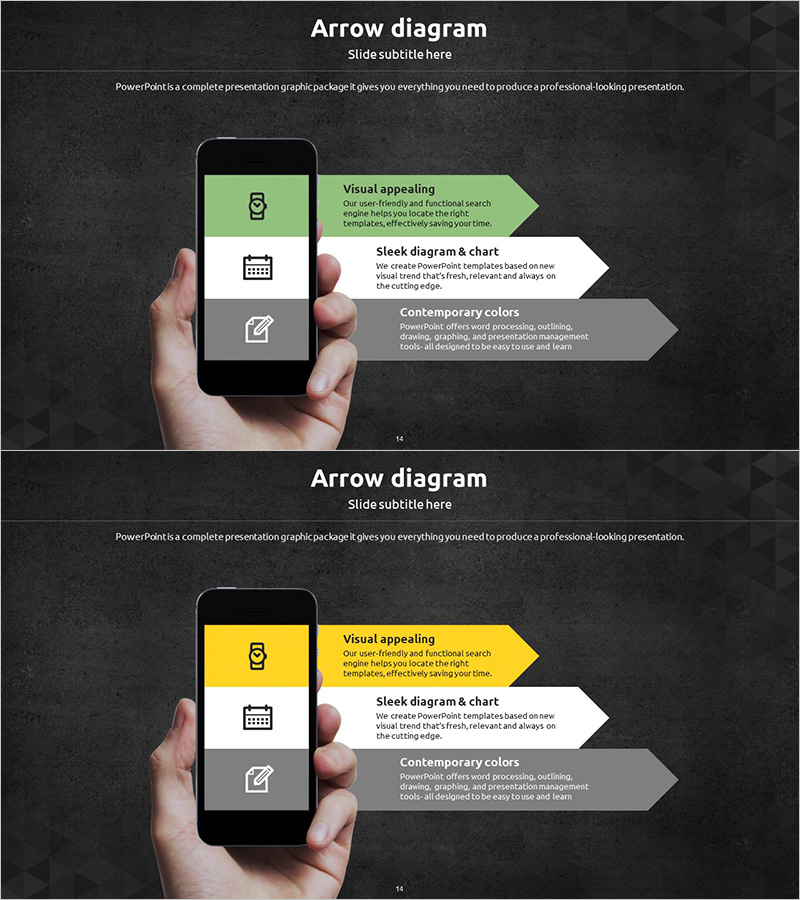
An arrow diagram PowerPoint slide designed for healthcare project management and business planning. The layout features a smartphone mockup on the left with three horizontal arrow boxes extending to the right, each containing an icon and descriptive text. The green accent color contrasted with gray tones creates clear information hierarchy, making it ideal for visualizing project timelines, implementation strategies, and business phases. The 2-slide set provides the same layout with different color variations (green, yellow, and gray) allowing you to select the best option for your presentation context.
Usage Points
-
Main Usage
Visualizes project timelines, implementation phases, and business strategies as a clear 3-step linear flow to present a transparent roadmap to your audience. Particularly effective for healthcare institutions, hospitals, and healthcare companies explaining new business initiatives, organizational restructuring, or system implementations.
-
How to Use
Replace the icon and text in each arrow box with your project phase names, responsible departments, and expected timelines. The smartphone mockup is useful when emphasizing technology-related content such as mobile app adoption or digital transformation. Color combinations can be modified to represent different scenarios or project variations.
-
Recommended For
Ideal for healthcare executives, project managers, and business planning teams presenting to boards, investors, or internal meetings. Recommended for healthcare industry-specific projects such as hospital construction, medical equipment procurement, or clinical process improvements.
-
Slide Structure
Both slides feature identical layouts with a smartphone mockup on the left displaying three icons, and three horizontal arrow boxes arranged on the right. The first slide uses green accent color while the second uses yellow, providing color variations. Each box contains independently editable text areas for customization.
Related Products
-
Internet of Things Step-by-Step Schedule Plan – Effective Business Strategy
#Business Strategy #Business Management #Diagram
-
Entertainment Business Schedule – Efficient Implementation Strategy
#Business Strategy #Business Management #Diagram
-
Modern Wide PowerPoint Template Step Diagram
#Business Strategy #Business Management #Diagram
-
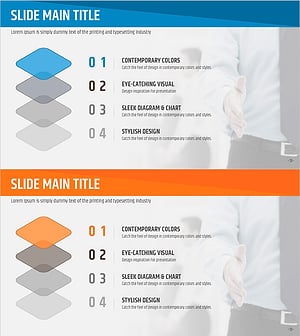
Origami Presentation Template Flow Sequence Diagram – Business Strategy
#Business Strategy #Business Management #Diagram
