



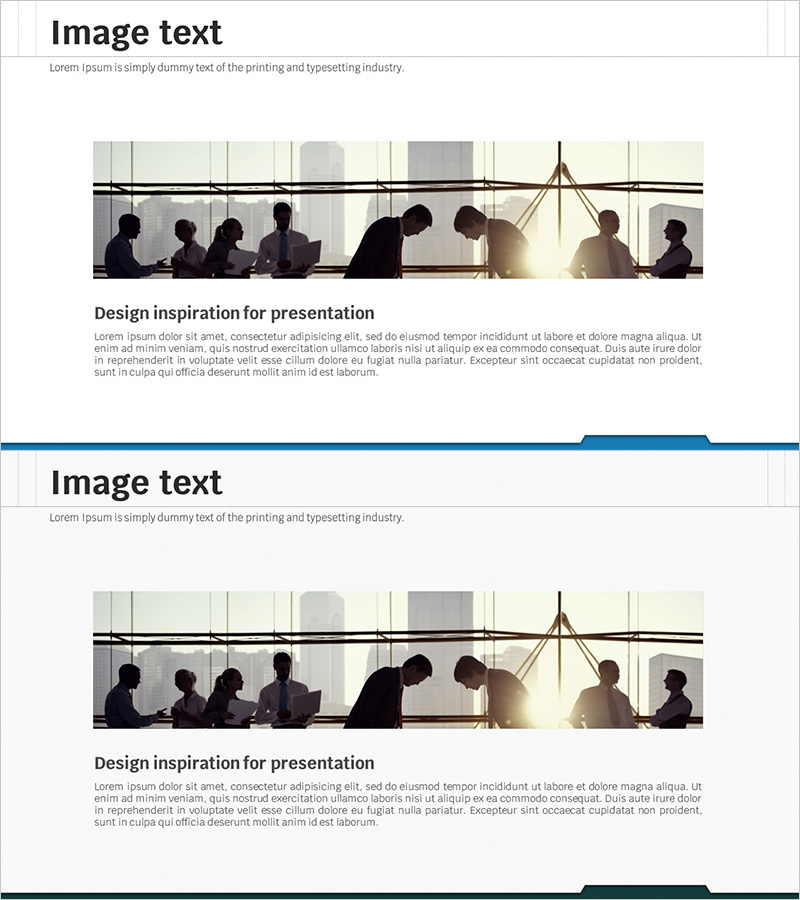
Business Background and Need Presentation Slide – Clear Direction for Business Strategy
RJ0300046_7
- Last Update 05/01/2025
- File Size 3.8MB
- # of Slides 2
- File Format PPTX
- Slide Ratio 16:9
- Color
Keywords
About the Product
A 2-slide PowerPoint presentation designed to clearly communicate business background and necessity. The layout features a light beige background with black typography and blue accent lines that define information hierarchy, optimized for text-focused business presentations. Each slide includes a title area and body text input space for systematically organizing business overview, market conditions, problem analysis, and solutions. Available in 16:9 widescreen PPTX format for immediate editing, this presentation resource is suitable for business plans, investment proposals, management reports, and various corporate documents.
Usage Points
-
Main Usage
This slide set is designed to clearly persuade investors, executives, and stakeholders about the business background and necessity. It establishes logical flow through market analysis, problem identification, and solution presentation to demonstrate business viability and justify investment.
-
How to Use
Use the first slide to present business background including market conditions, industry trends, and customer needs. On the second slide, detail business necessity covering problems, opportunities, and solutions. Organize each point as bullet items to enhance audience comprehension during presentation.
-
Recommended For
Ideal for business plans, investment proposals, management reports, new business pitches, and executive briefings. Particularly effective for startup fundraising, internal new business reviews, and consulting proposals where business justification is critical.
-
Slide Structure
Two-slide format with each slide containing a title area (approximately 1 line) and body text input space (approximately 5-6 lines). Blue accent lines separate information hierarchy, creating a text-optimized structure for clear information delivery.
Related Products
-
Introduction to Company Background and History – Vision and Growth
#Company Introduction #Business Vision and Strategy #Company Overview
-
Business Background for Achieving Ultimate Goals
#Company Introduction #Business Vision and Strategy #Company Overview
-
Global Business PowerPoint Template – Company Overview
#Company Introduction #Business Vision and Strategy #Company Overview
-
Description of Business Background Slide – Cluster Structure for Business Strategy
#Company Introduction #Business Vision and Strategy #Diagram
