



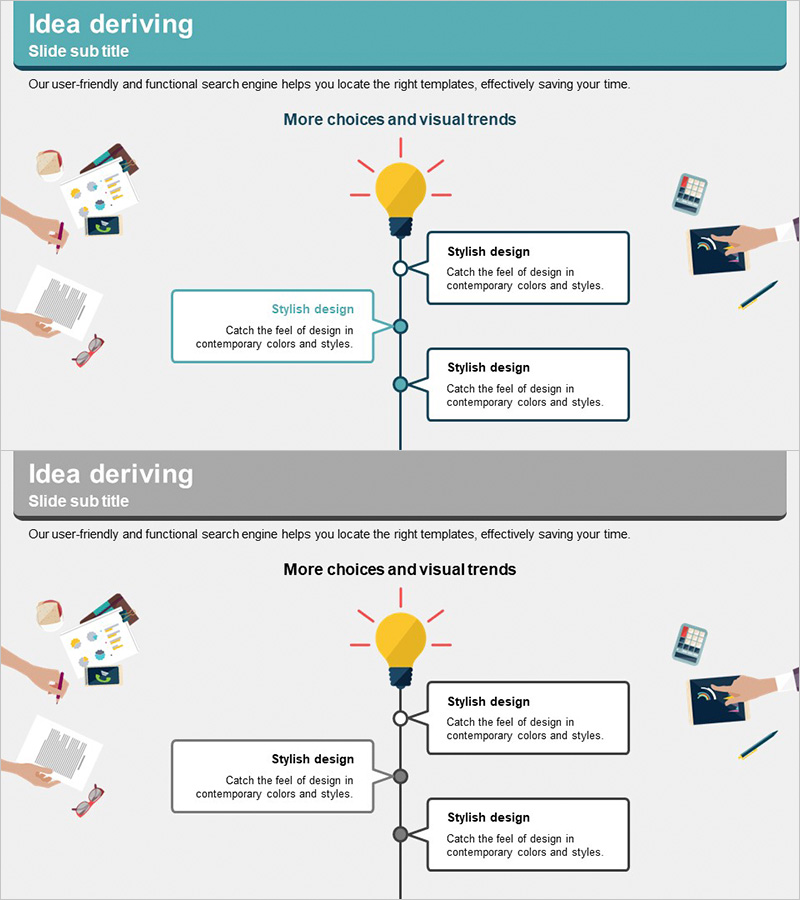
Light Bulb Illustration Wiring Diagram – Efficient Operational Planning
RJ0300045_9
- Last Update 04/30/2025
- File Size 0.6MB
- # of Slides 2
- File Format PPTX
- Slide Ratio 16:9
- Color
Keywords
- #Content-Based Slides
- #Design-Based Slides
- #Operational Plan
- #Marketing Plan and Strategy
- #Diagram
- #Text Box
- #Business Processes
- #Marketing Strategy
- #Cluster
- #Chain Diagram
- #Speech Bubble
- #16:9
- #radial diagram PowerPoint
- #light bulb icon slide
- #idea expansion presentation
- #3-branch process diagram
- #marketing strategy PowerPoint slide
About the Product
A radial diagram PowerPoint slide featuring a central yellow light bulb icon with three branches extending outward, visualizing the expansion of a core idea into strategic initiatives and outcomes. The design uses a teal header and gray background to establish clear information hierarchy, with three editable text boxes positioned along each branch for detailed descriptions. The 2-slide deck (16:9 aspect ratio) is ready to use for marketing strategy presentations, operational planning pitches, and business proposal discussions. Each text box supports custom formatting and color adjustments to match your brand guidelines.
Usage Points
-
Main Usage
Illustrates how a central concept (represented by the light bulb) branches into multiple strategic directions, implementation methods, and expected outcomes. Ideal for presenting new product launches, marketing campaign frameworks, operational efficiency initiatives, and strategic planning where you need to show the relationship between a core idea and its various execution paths.
-
How to Use
The central light bulb icon represents your main theme or concept (e.g., product innovation, market expansion, process improvement). Replace the three text boxes with specific strategies, action plans, or expected results. Present each branch sequentially during your talk, or display the complete structure to show how all elements connect to the central idea.
-
Recommended For
Marketing professionals, product managers, strategy teams, and executives presenting new initiatives, strategic frameworks, or brainstorming outcomes. Works well in board presentations, client pitches, internal strategy workshops, and training sessions where idea divergence and multi-path execution need clear visualization.
-
Slide Structure
2-slide deck. Slide 1: Teal header + central yellow light bulb icon + three connecting lines radiating outward + three editable text boxes (upper left, upper right, lower right). Slide 2: Identical layout with gray header variant. All text boxes are independently editable; colors, borders, and icon styling can be customized without affecting the diagram structure.
Related Products
-
Increasing Sales through Marketing Strategy – Effective Process Description
#Operational Plan #Marketing Plan and Strategy #Diagram
-
Introducing the Template Site PC Mockup
#Business Vision and Strategy #Marketing Plan and Strategy #Diagram
-
International Trade Business Strategy Diagram – Global Business Growth
#Business Vision and Strategy #Marketing Plan and Strategy #Diagram
-
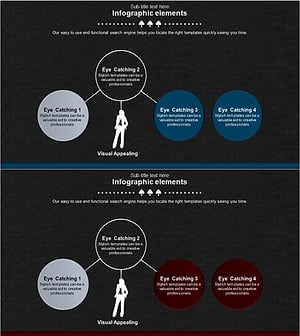
Business Strategy Silhouette Diagram – Visualizing Business Strategy
#Business Vision and Strategy #Marketing Plan and Strategy #Diagram
